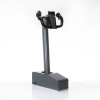
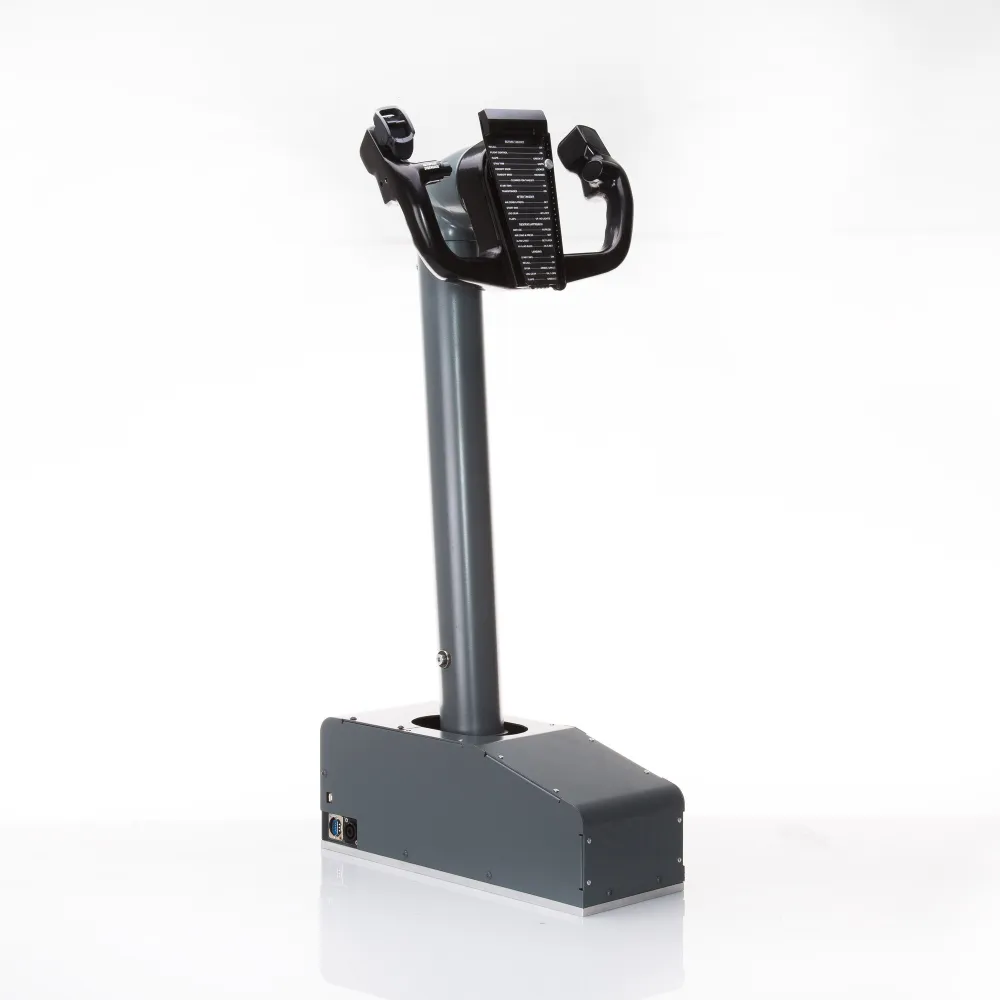
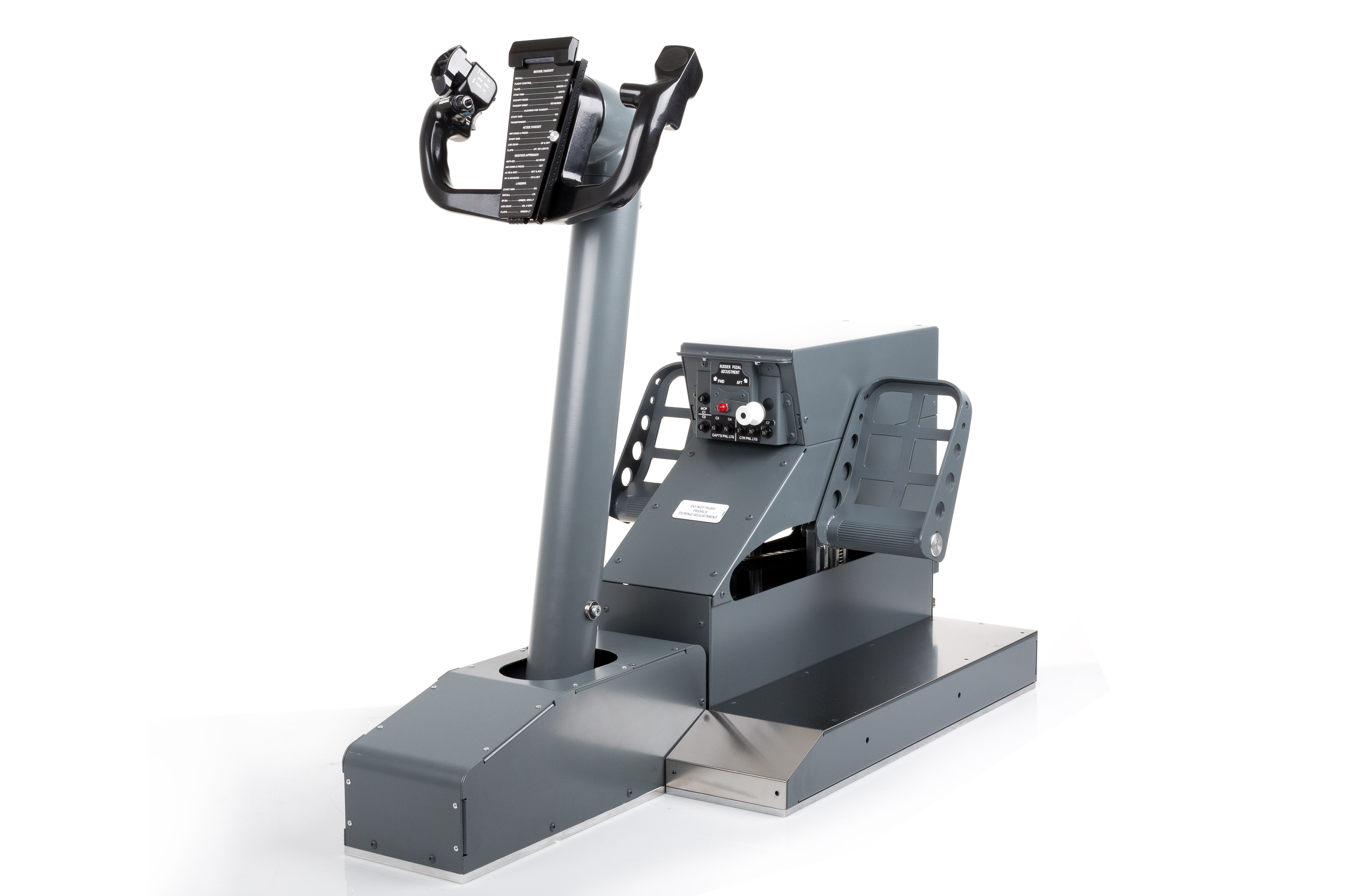
B737 Single Yoke with Control Loading

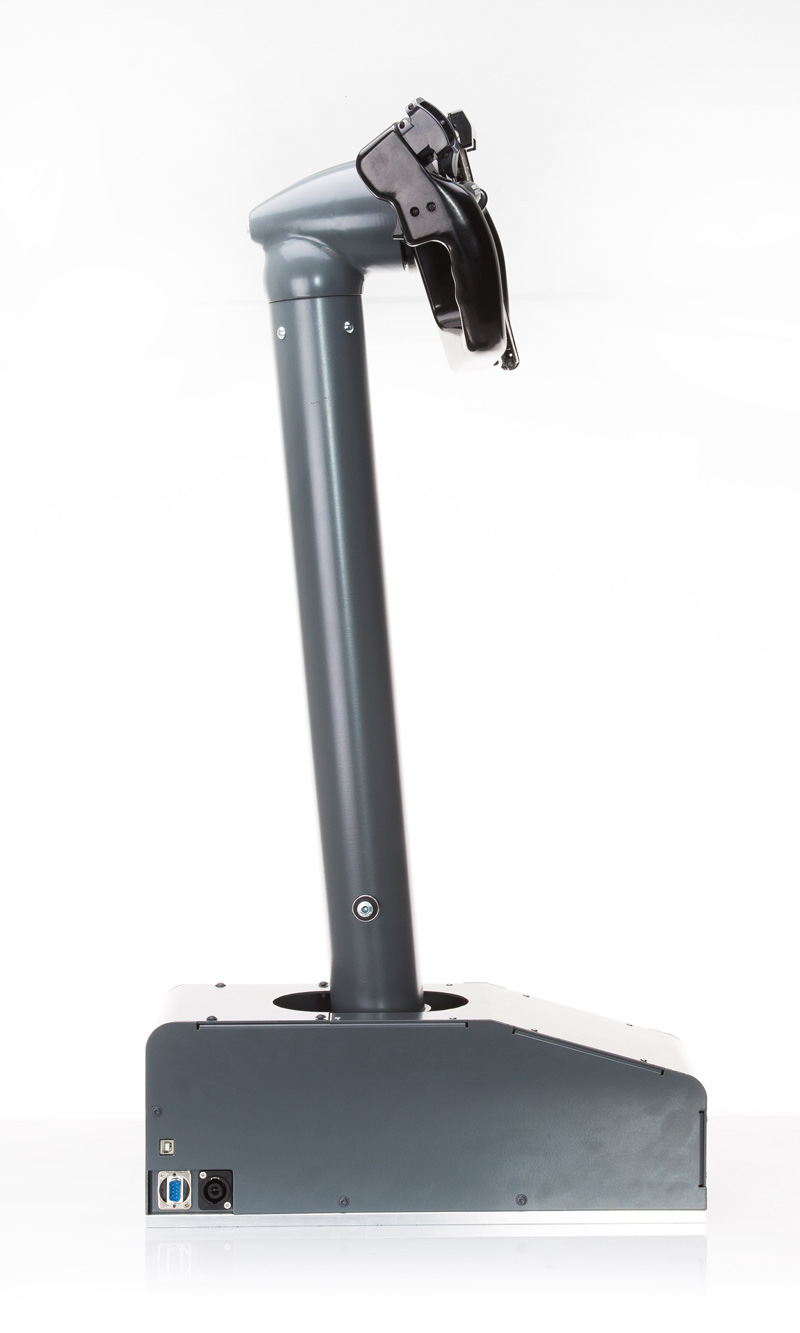
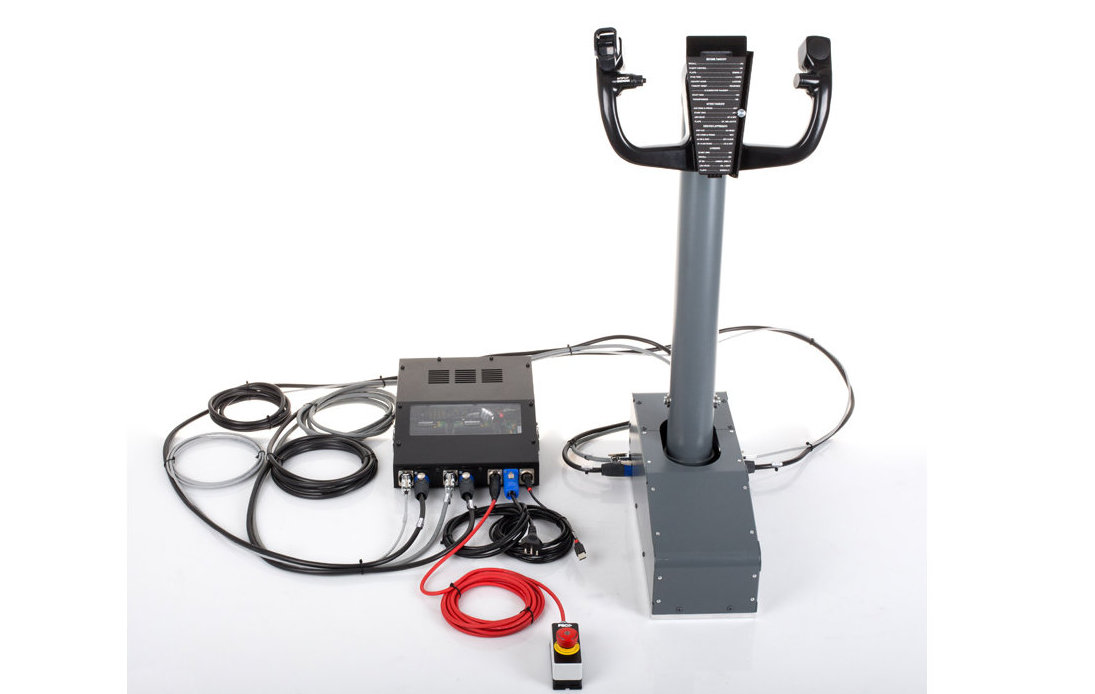
Single Yoke Column with active control loading on both axes for Boeing 737 style Flight Simulators.

Main Features

  • Force and vibration feedback loading system

    Vibrations and force variation depending on wing loading

  • Two axis control loading

    Active control loading with brushless motors, two axes: Elevator and Aileron (The Rudder channel can be integrated into the pedals, sold separately)

  • All functions and commands work

    Every single button, switch, lever and mechanism works to simulate the original

  • Electronic synchronization with double Yoke

    Real-time synchronization logic for dual-pilot cockpit with automatic pilot/co-pilot take-over (MCC) (2 sets are needed)

  • Completely metal, built to last

    Made of aluminum using high quality electrical/electronic materials

  • Dedicated FSC software

    Software engineered by FSC to drive the simulator with all the necessary functions

B737 Single Yoke with Control Loading
Discover the
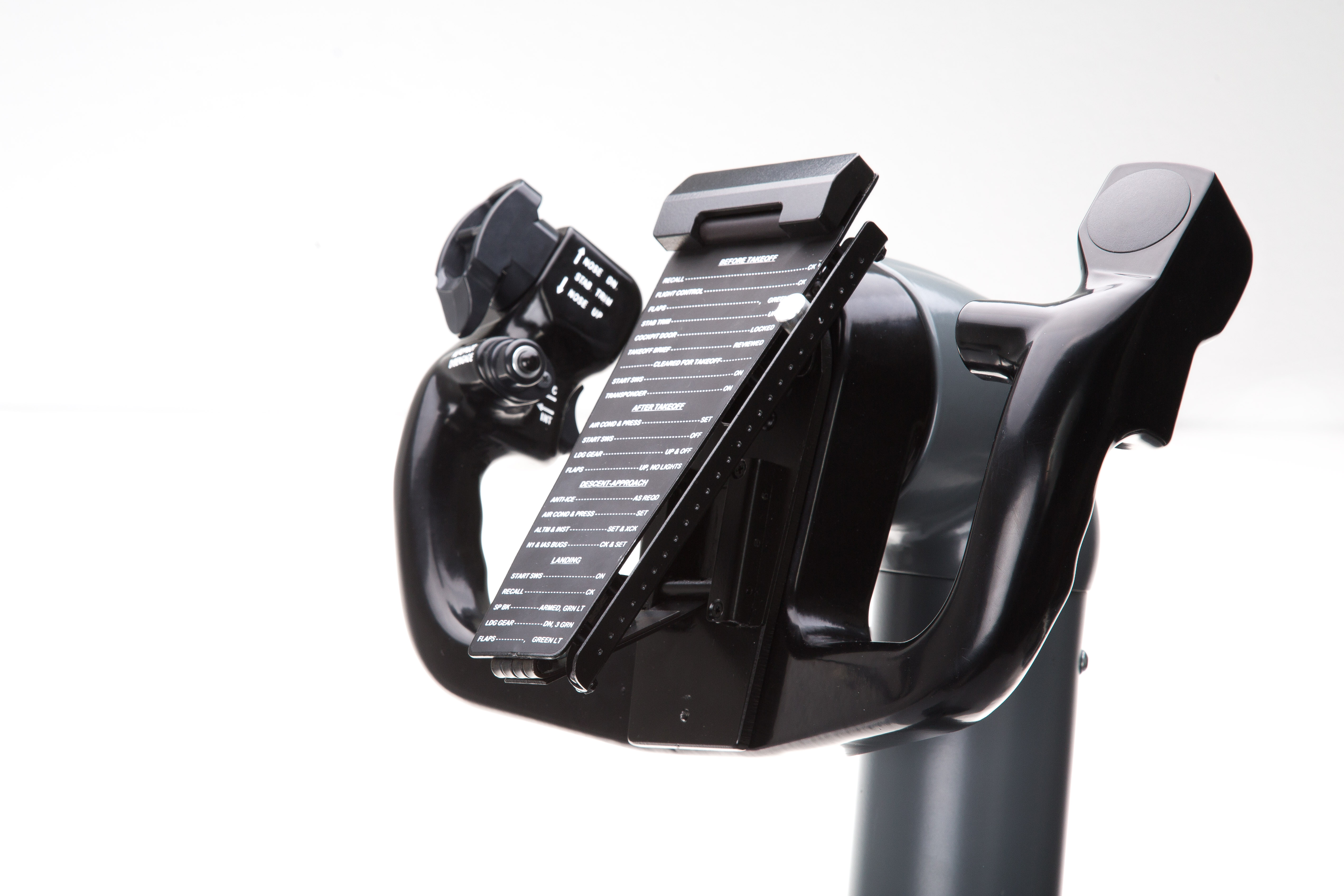
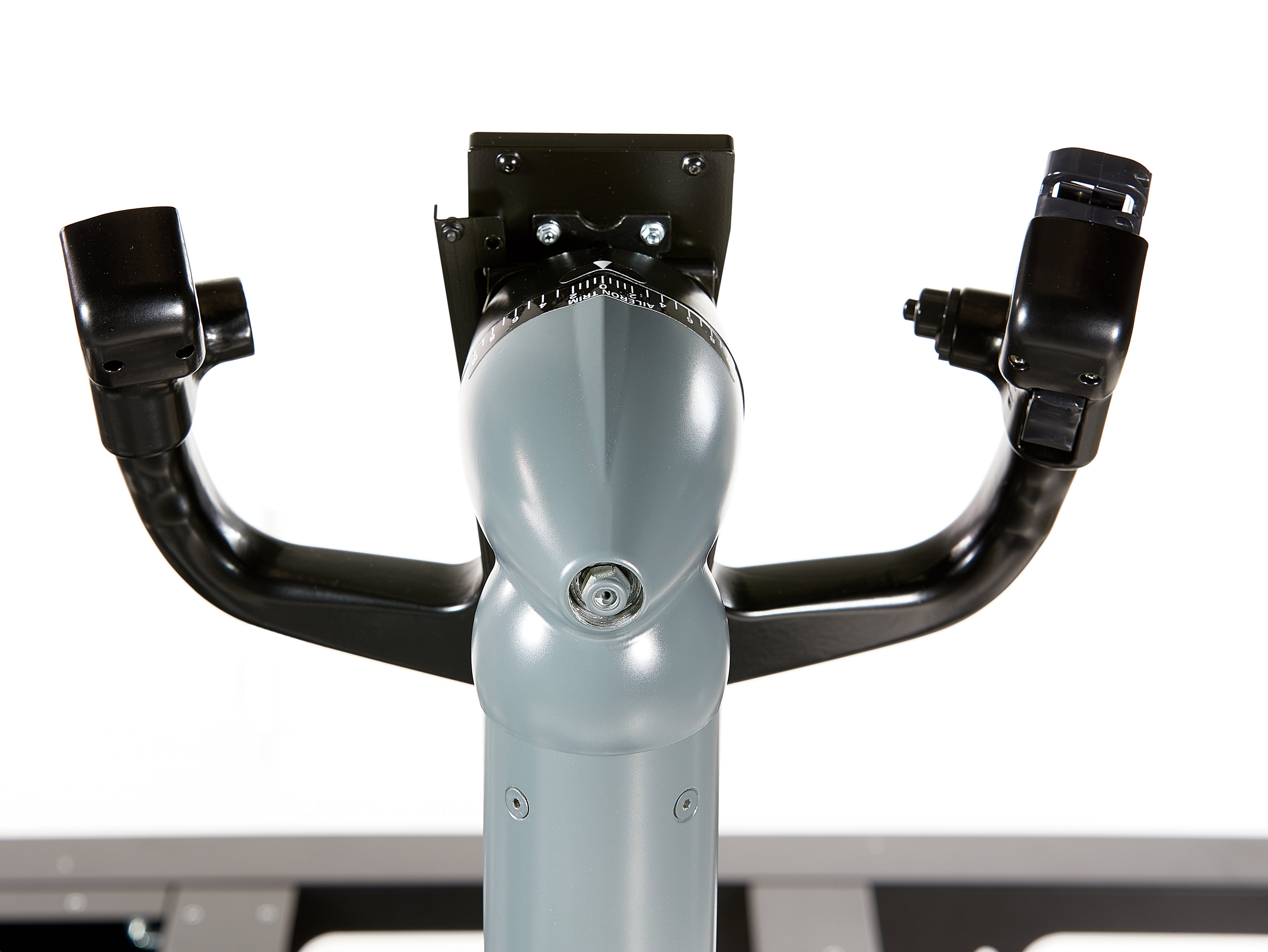
Double acting trim switches

Split dual safety switch as found in the actual aircraft

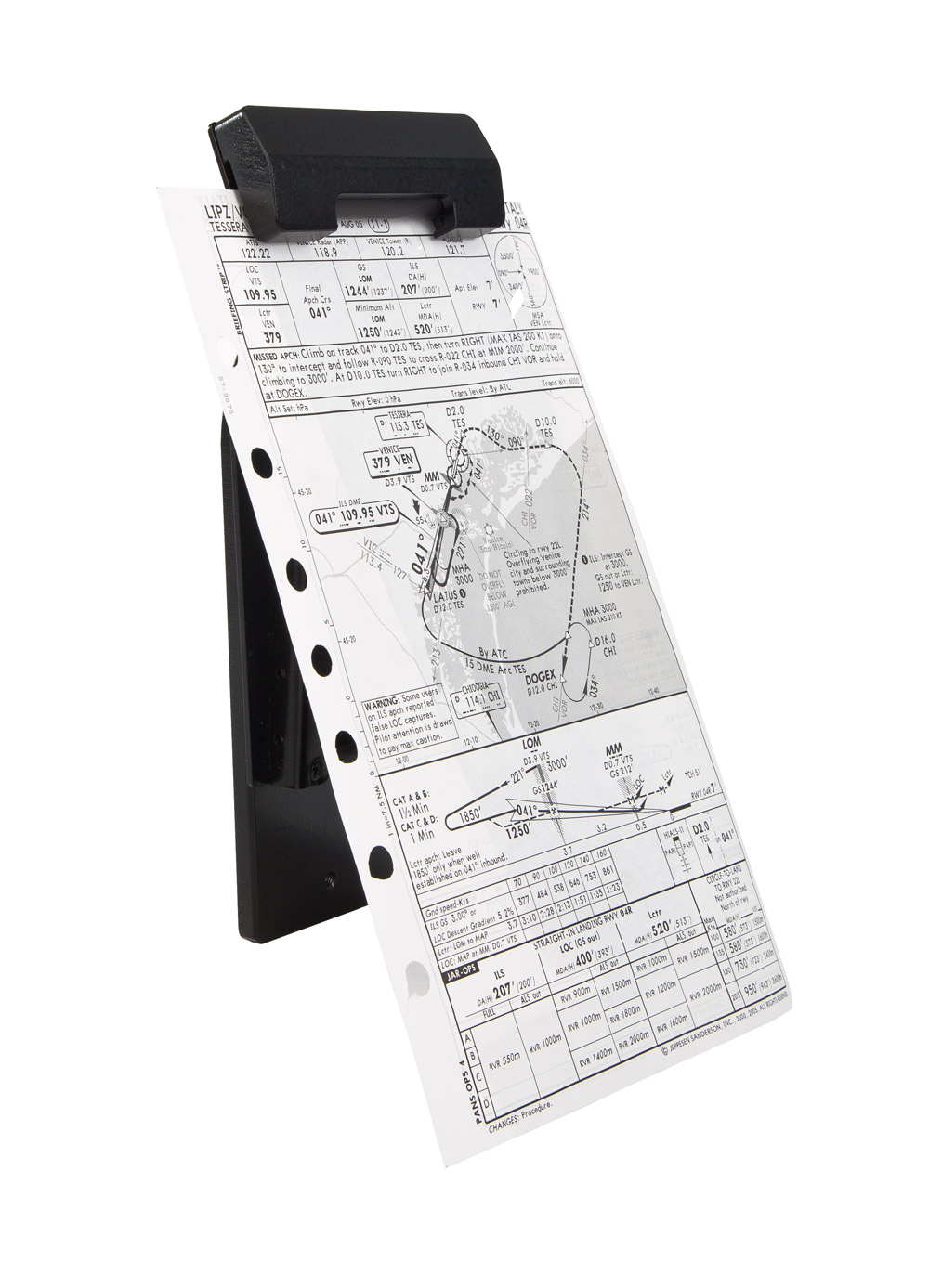
FSC B737 Yoke Wheel Chart Holder

Included in the product

Joystick board included

USB connection, Standard Joystick

Wheel axis with spiral gears

Maximum precision, no mechanical play, maximum fluidity

APEM Toggles

The APEM toggle series offers the reliability of worldwide recognized certifications such as: CECC, UL, CSA, VDE, NF

Auto Pilot Following

The Yoke moves the controls by itself in Autopilot mode engaged

Laser engraved labels, no adhesive labels

All writings are laser engraved and painted white, they are not stickers

Power AC 110-240V required

Multi-voltage power supply (no change necessary) from 110 to 240V AC

Control Wheel with +90° - 90° moviment

The extension of the yoke wheel reflects the actual inclination angle

Stick Shaker function embedded

Vibration effects included: Stick Shaker, Buffett, Gain and Frequency, Runway vibration

Accurate center position adjustment

Ability to accurately adjust the center position of the column as in reality (7° forward) and the forward contact limits on the lower edge of the MIP

High quality OTTO switches

Aviation quality buttons allow 1000000 actuations

High precision position sensors

High precision industrial grade linear potentiometers

Wheels with 7 buttons

Stab switch UP 1

Stab switch UP 2

Stab switch DOWN 1

Stab switch DOWN 2

AP disconnect pushbutton

MIC pushbutton

INT pushbutton

Multiple realistic effects
  1. Control Surface Lift Effectiveness
  2. Angle of Attack Sensitivity
  3. Elevator Effect on Pitch Rate
  4. Control Surface Inertia Effects
  5. Aircraft Mass Effect
  6. Load Factor Sensitivity


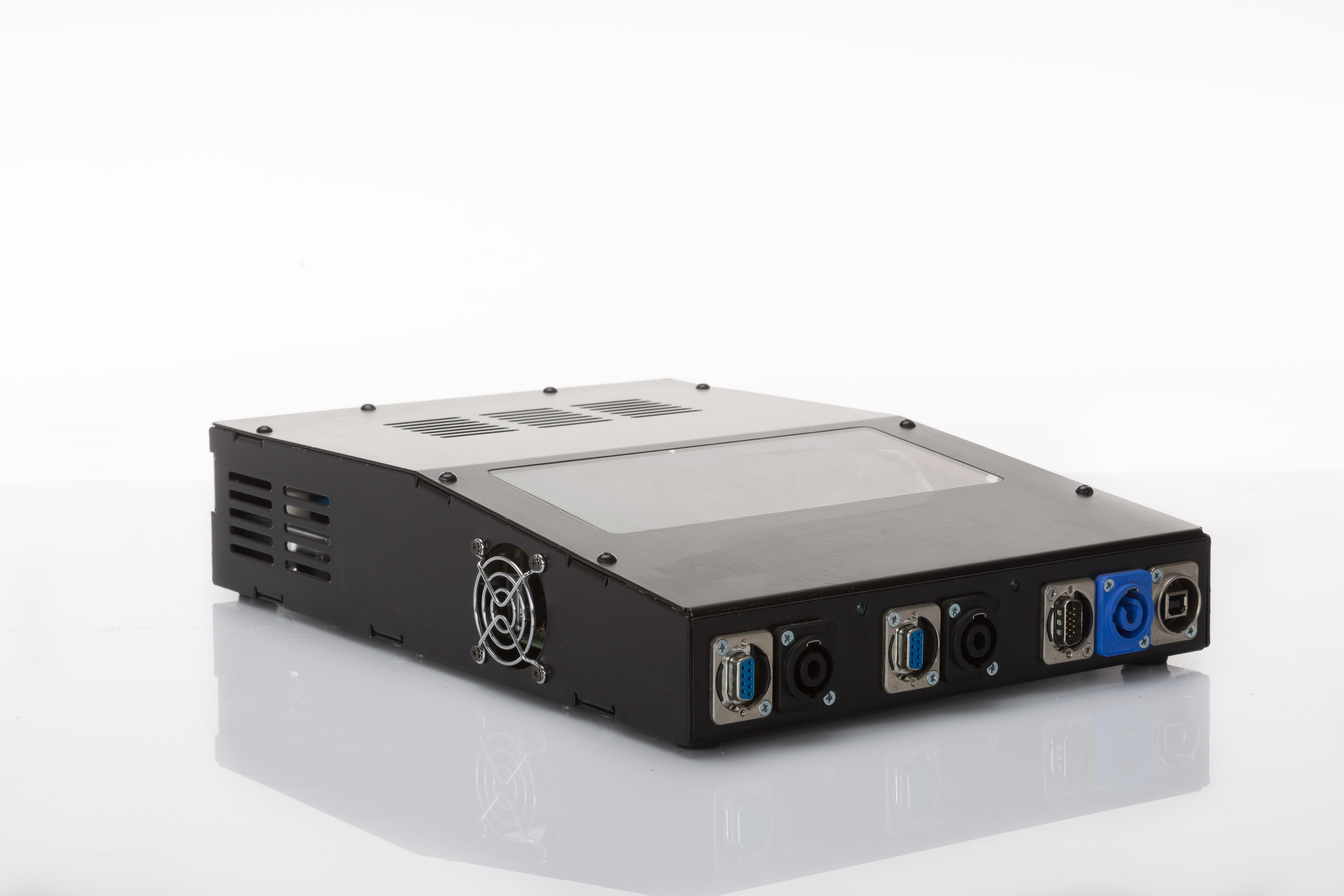
USB Connection

All USB types are supported

Boeing style gray painted

RAL 7011, Professional anti-corrosion coating

15mm Wheel axle

15 mm axis for greater reliability, with locking device for precise alignment of both wheels

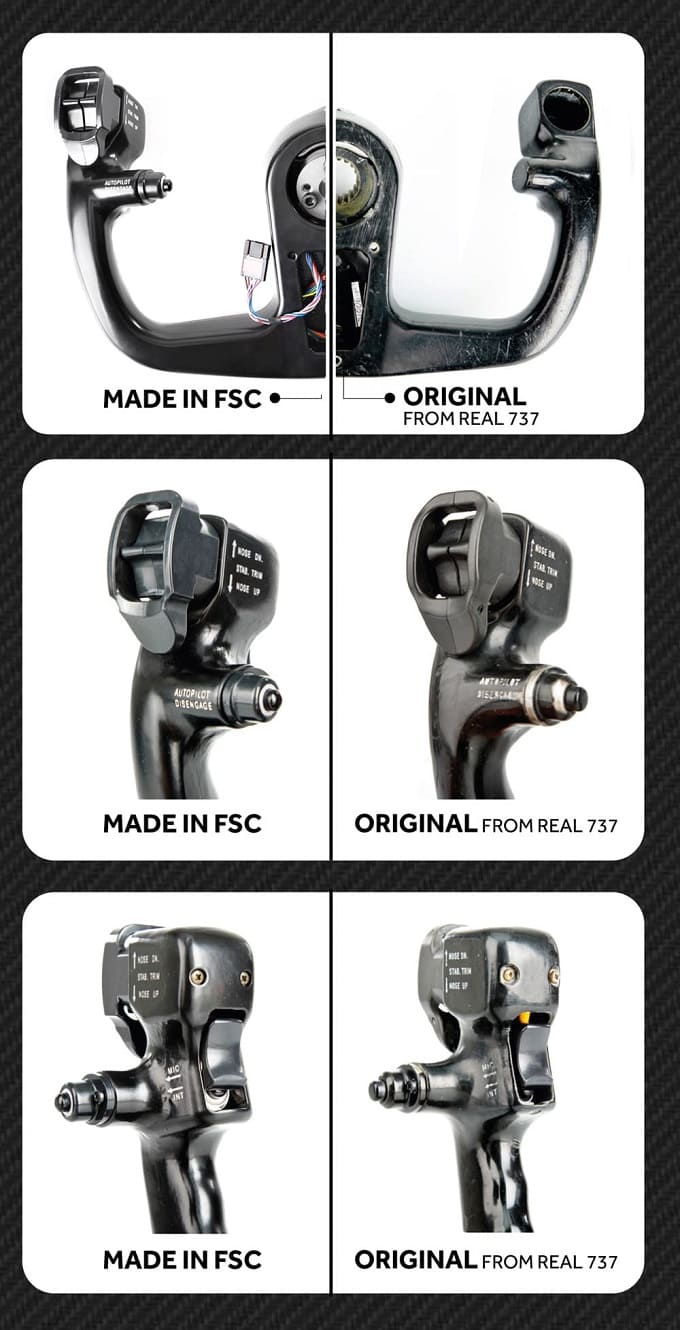
1:1 real scale

Designed by studying the dimensions of the original components

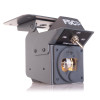
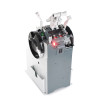
Control Box
Material
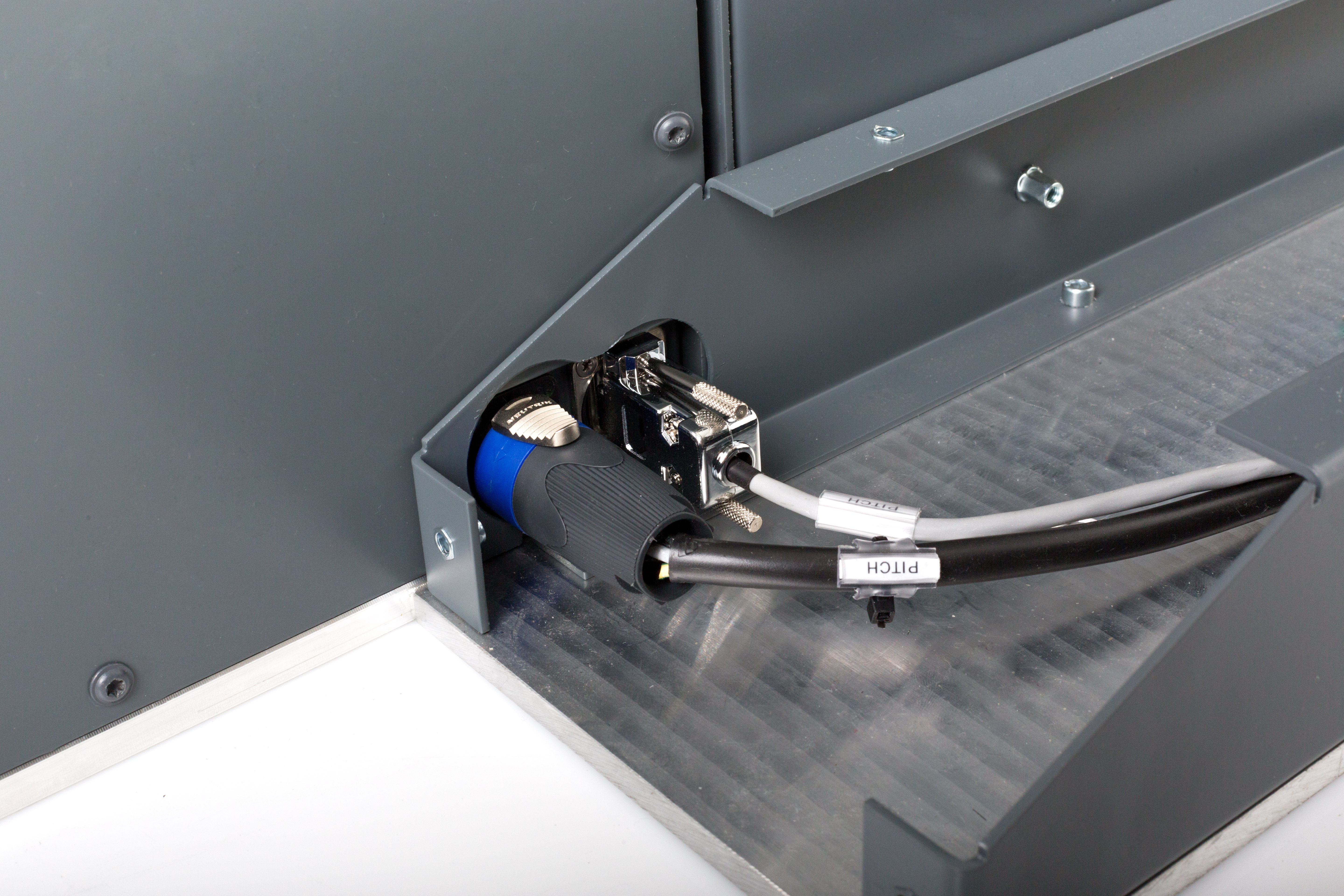
Cabling
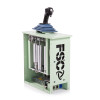
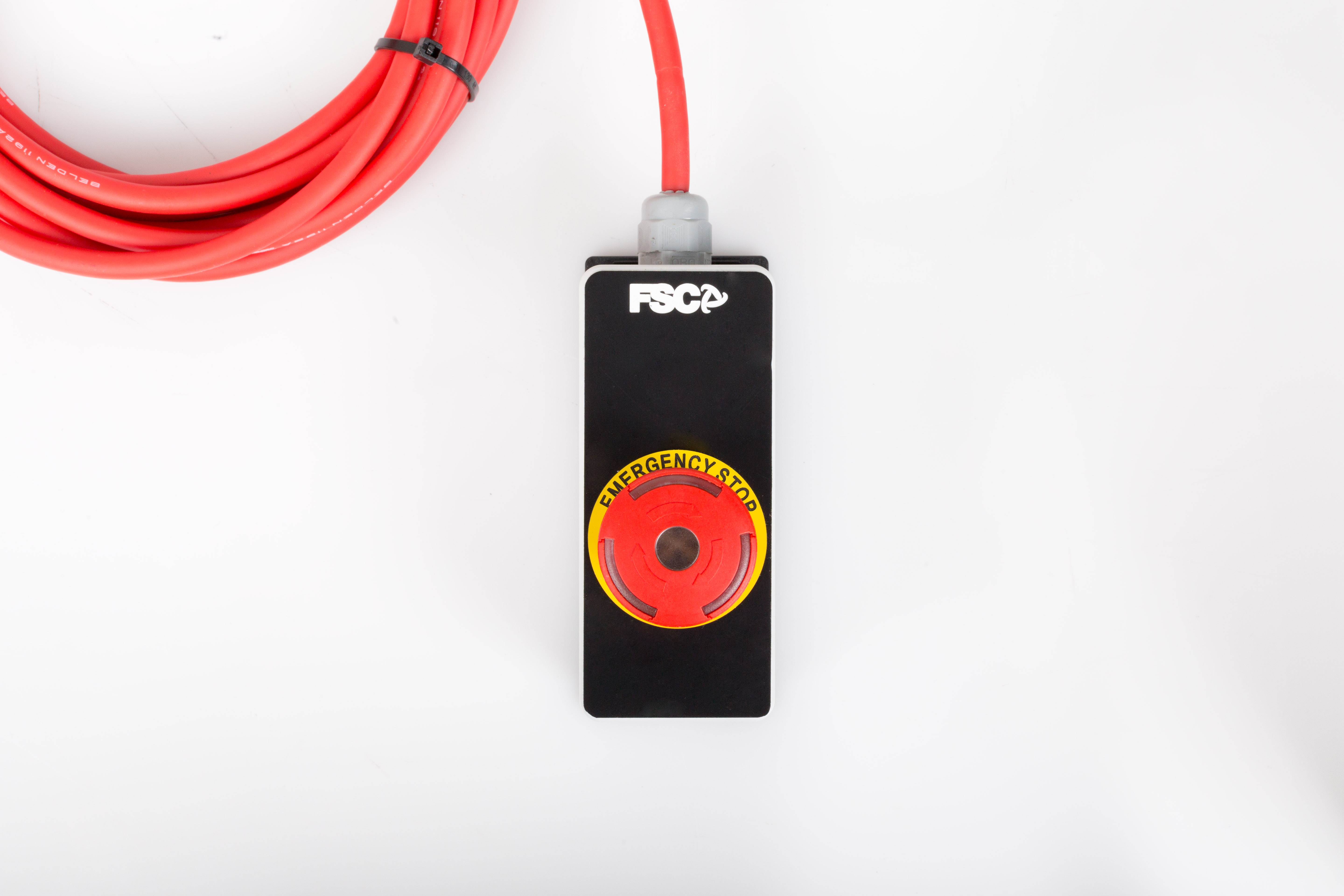
Emergency / On-Off pushbutton Box
USB Cable

FAQ

I've read on various forums that the USB connection for peripherals is old and unstable. Why are some of your peripherals still connected via USB?

A USB connection can serve various purposes: in fact, USB is the acronym for "Universal Serial Bus."

Some of these connections are used to create virtual COM ports to allow serial communication.

The disadvantage of this solution is related to the fact that there are two connections on the PC: one to the peripheral and one to the operating system.

In fact, in Device Manager, you can see both the USB device and its corresponding COM port.

If software is using the COM port and the USB connection is lost, communication is interrupted, but the software continues to occupy the port.

When communication resumes, because the original port is still occupied, the driver will assign a new port with a different number, effectively preventing reconnection.

A solution could be a LAN TCP/IP connection.

Not all of our peripherals have dual ports (USB and LAN), but where they are solely USB, it is a design choice to simplify circuitry or for reasons strictly related to speed (such as the Control Loading system).

For HID peripherals (joysticks), these problems do not occur because the peripheral is always recognized even if it was previously disconnected.

What sort of packaging do you use?

We prepare our products for dispatch with care, to ensure they reach our customers in exactly the same condition as when they leave our premises.

We avoid generic packaging and work with specialist partners who create bespoke solutions for us for each product, using extremely robust, high-quality packaging materials.

Where necessary, we provide additional protection for individual components using heat-sealed, multi-layer internal barriers to ensure complete protection against moisture, temperature fluctuations and any extreme weather conditions.


You might also like

Product added to compare.
group_work Cookie consent