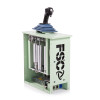
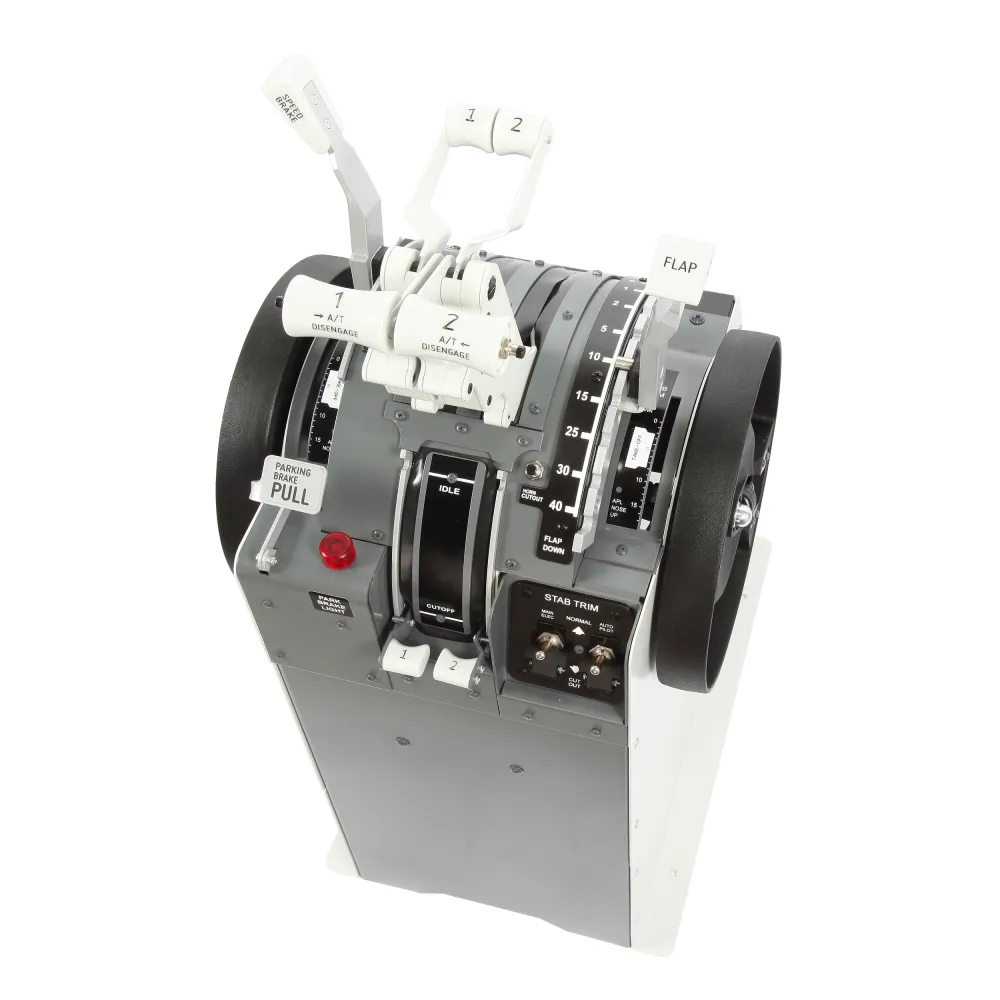
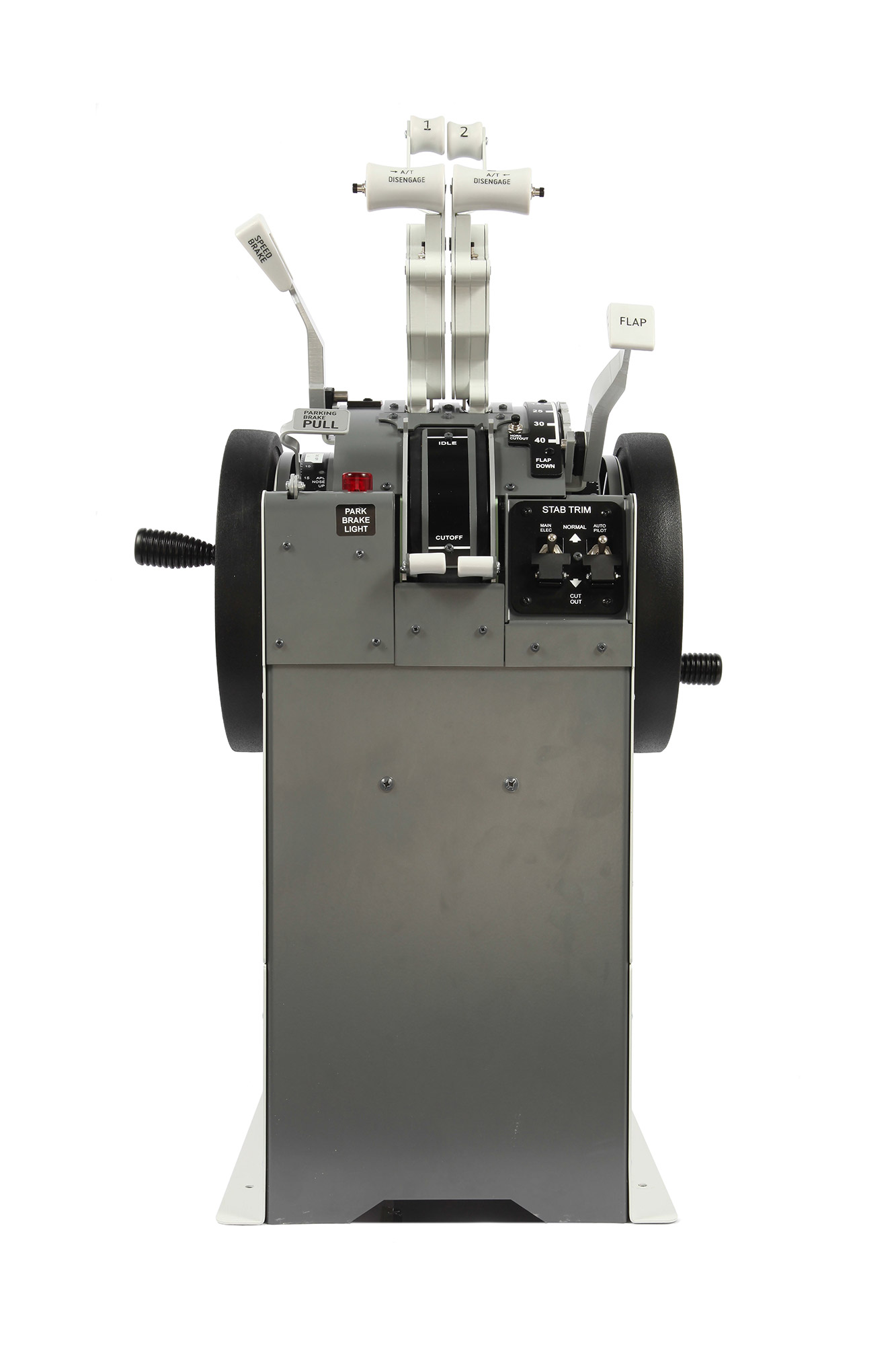
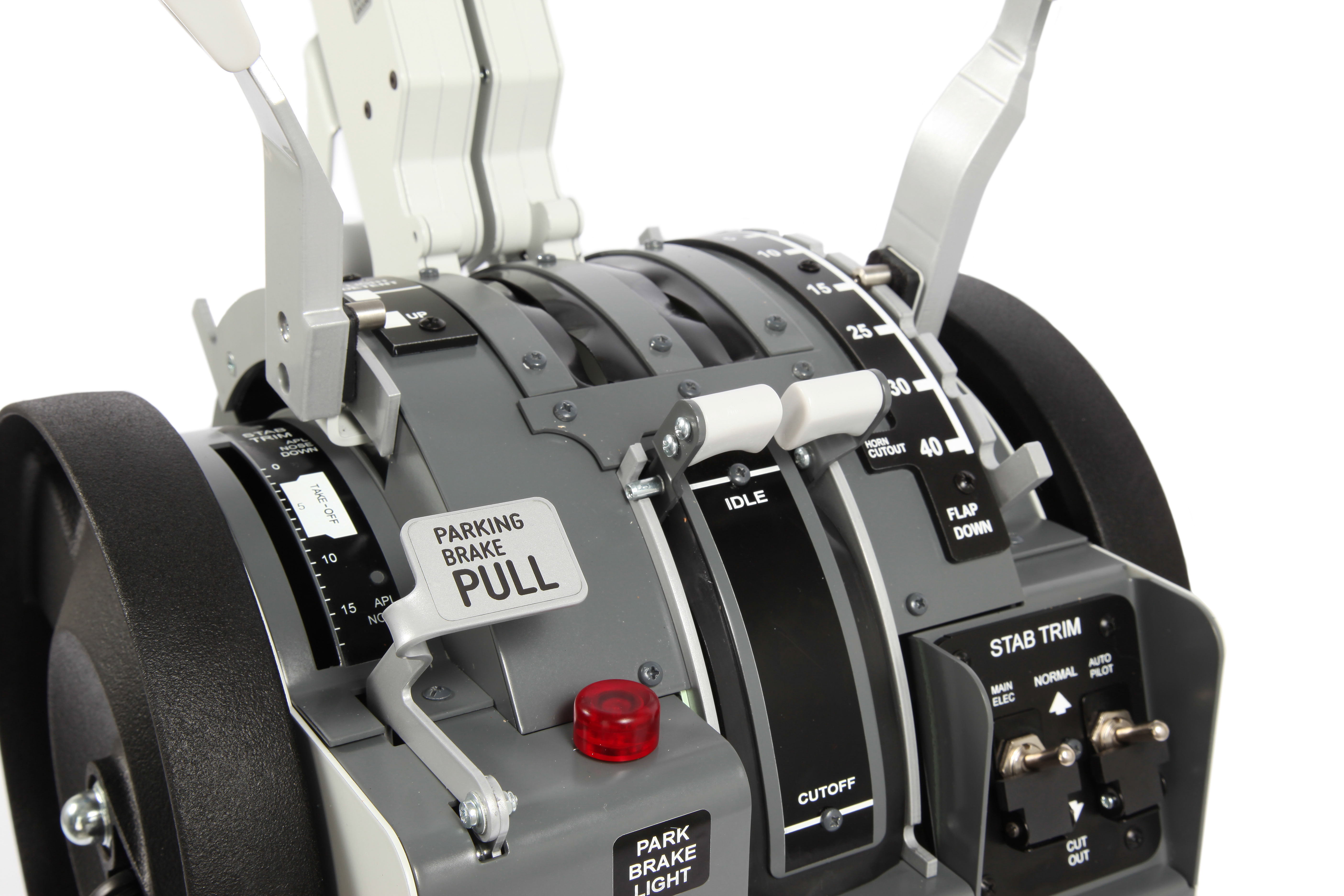
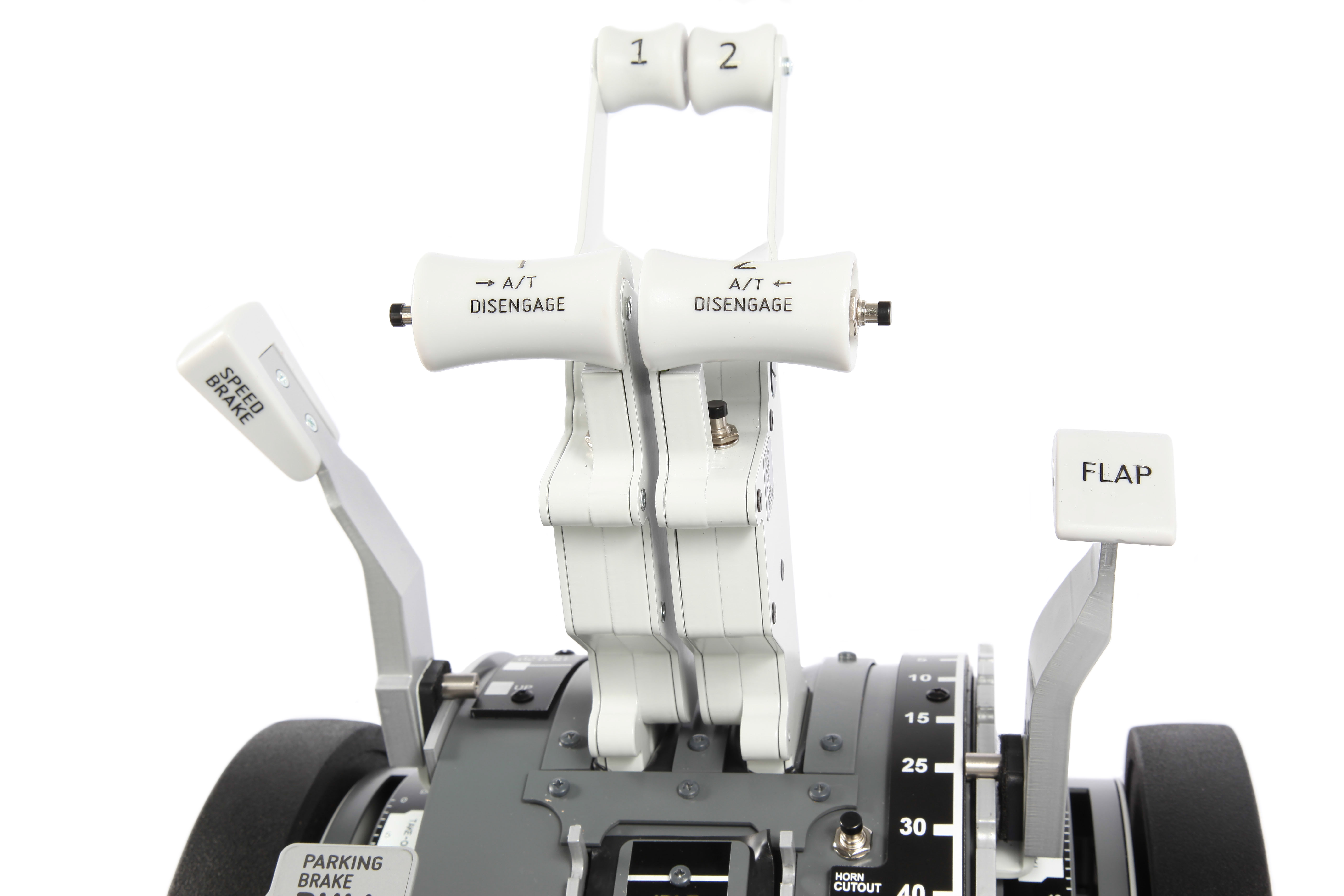
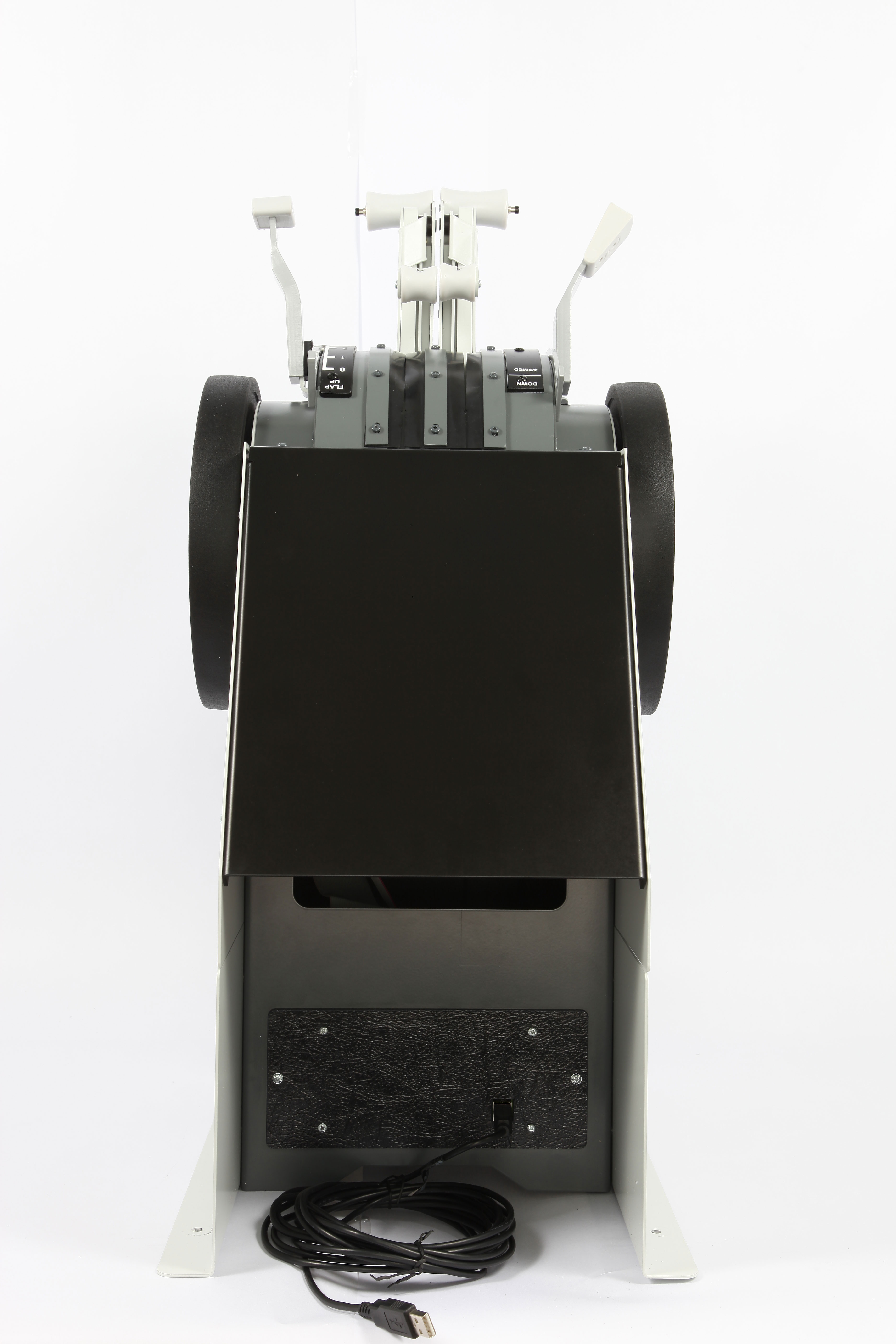
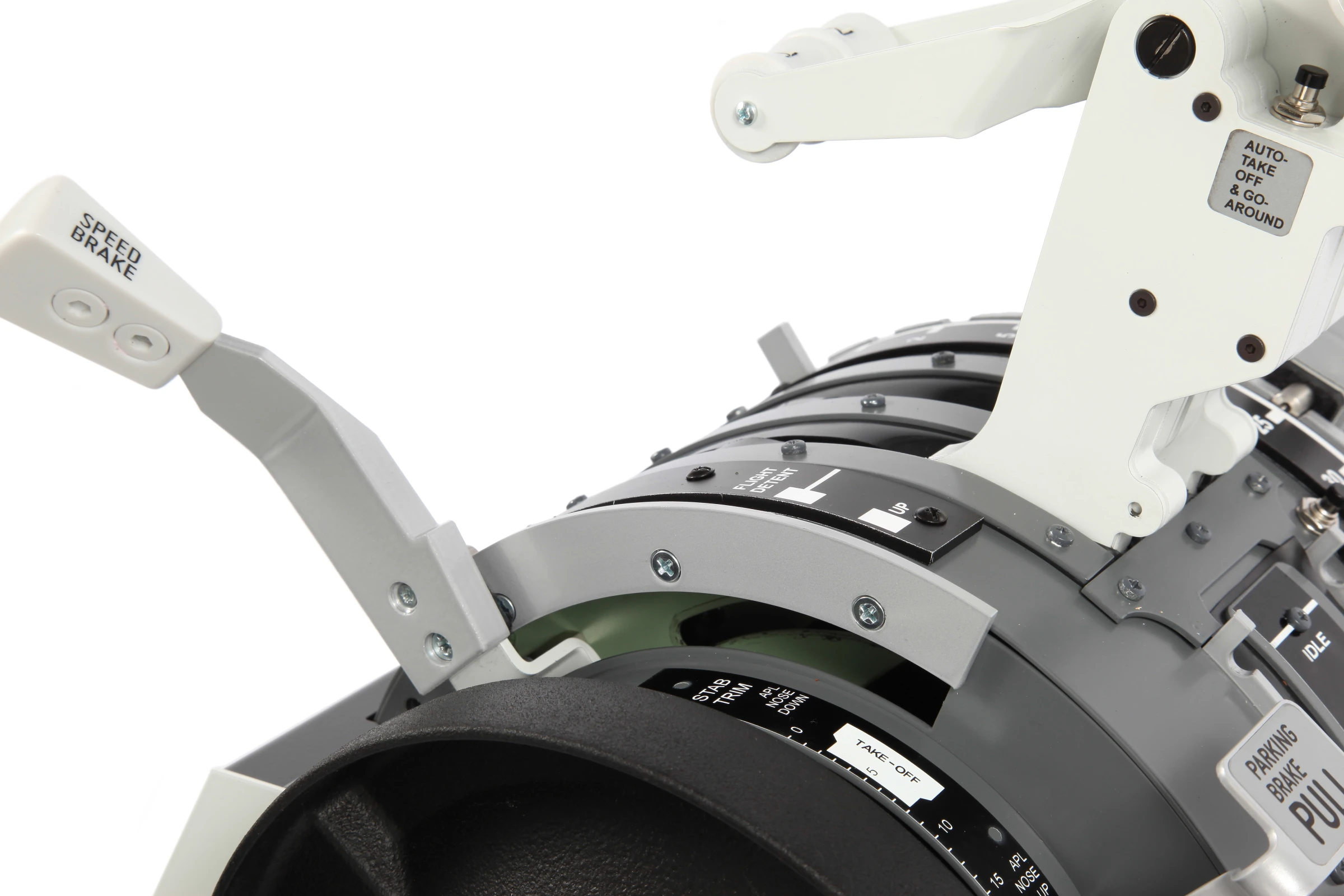
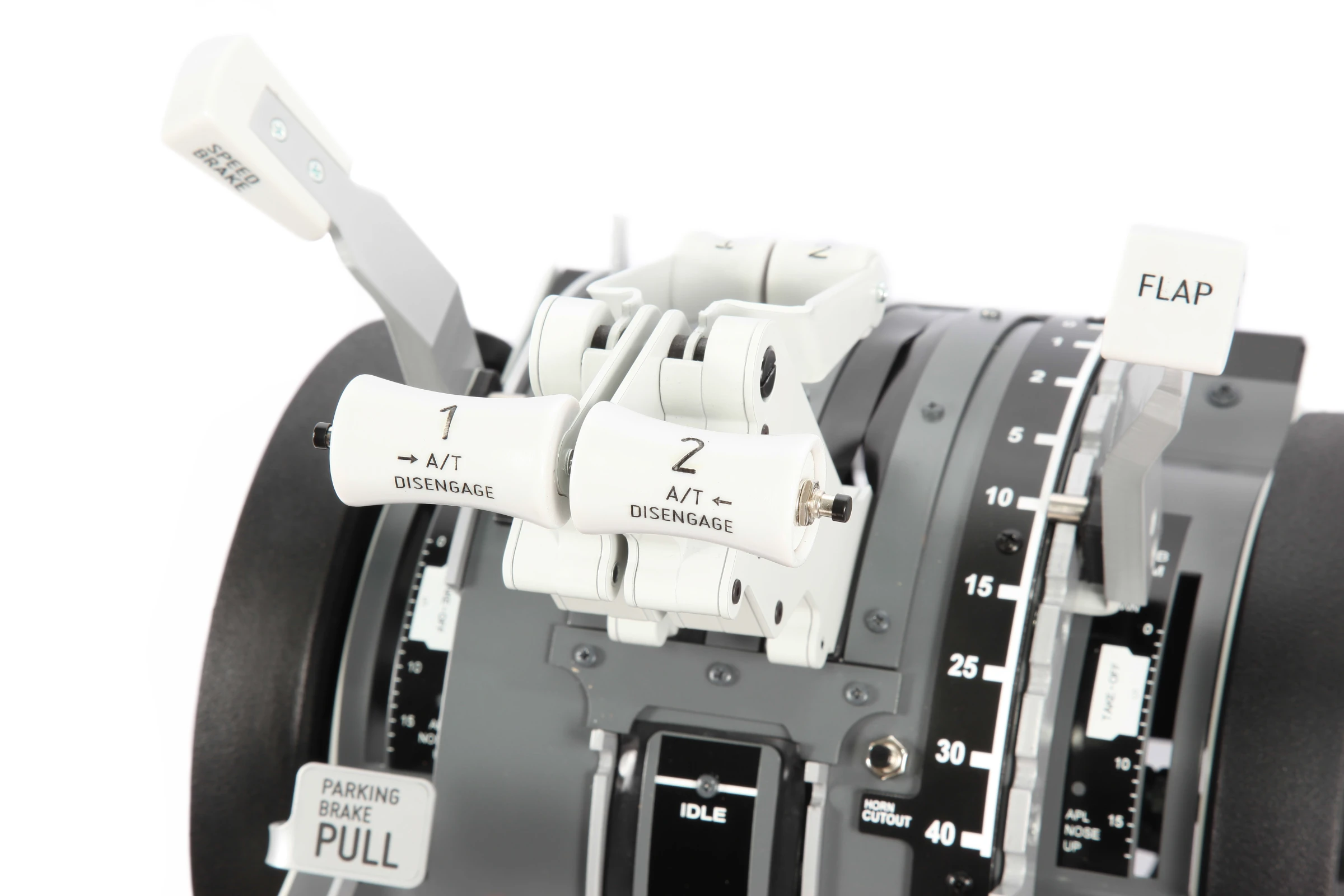
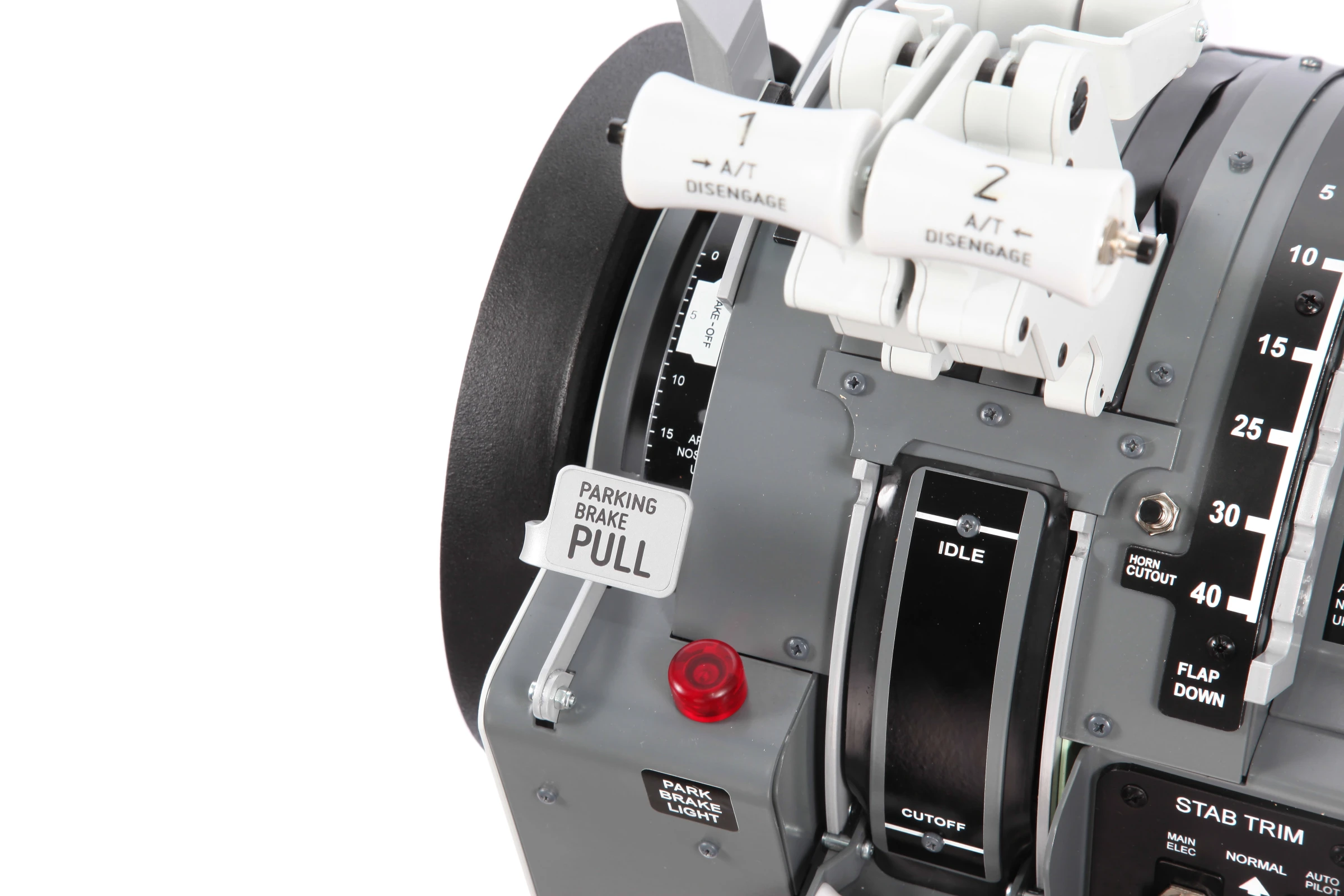
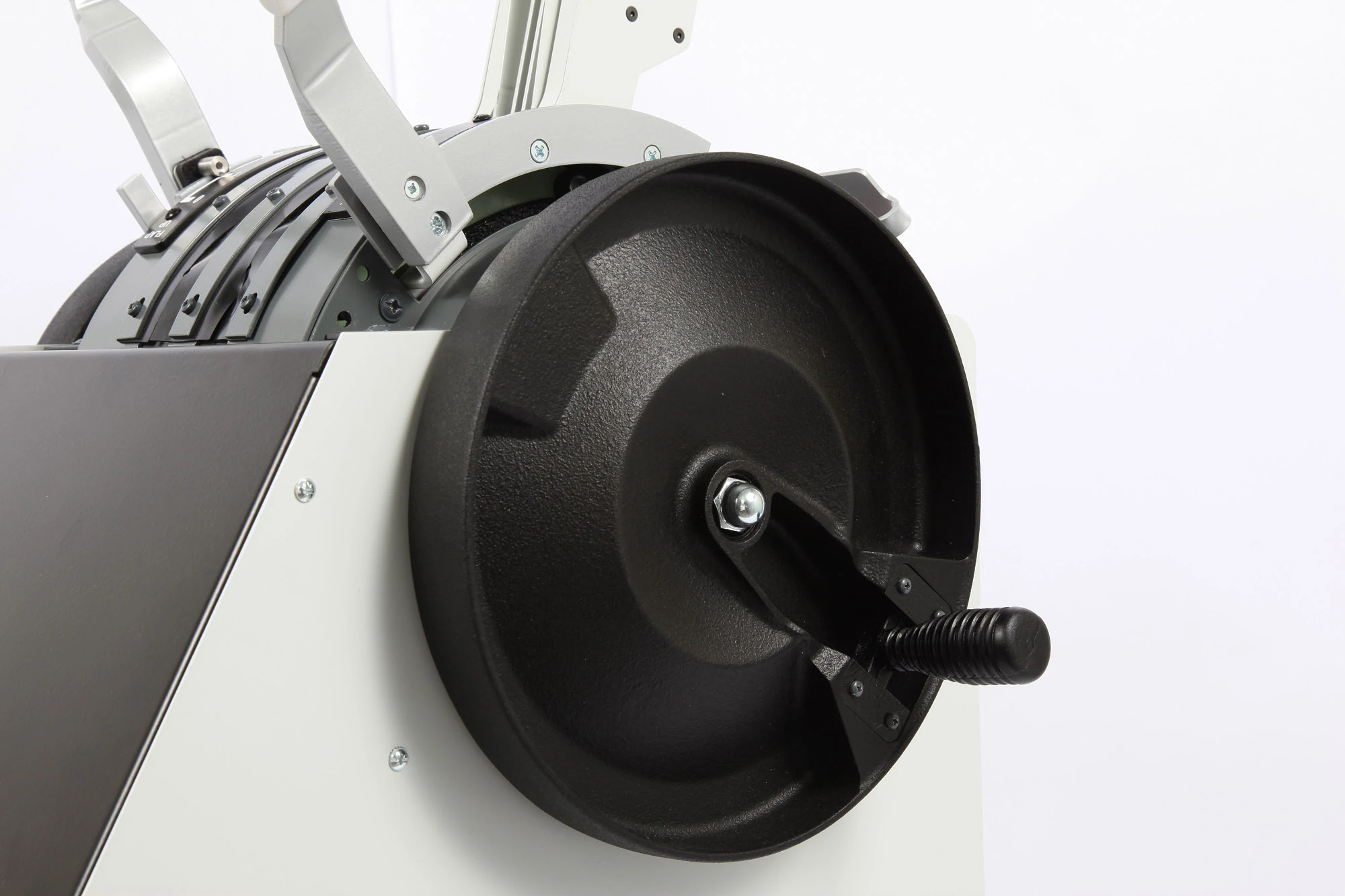
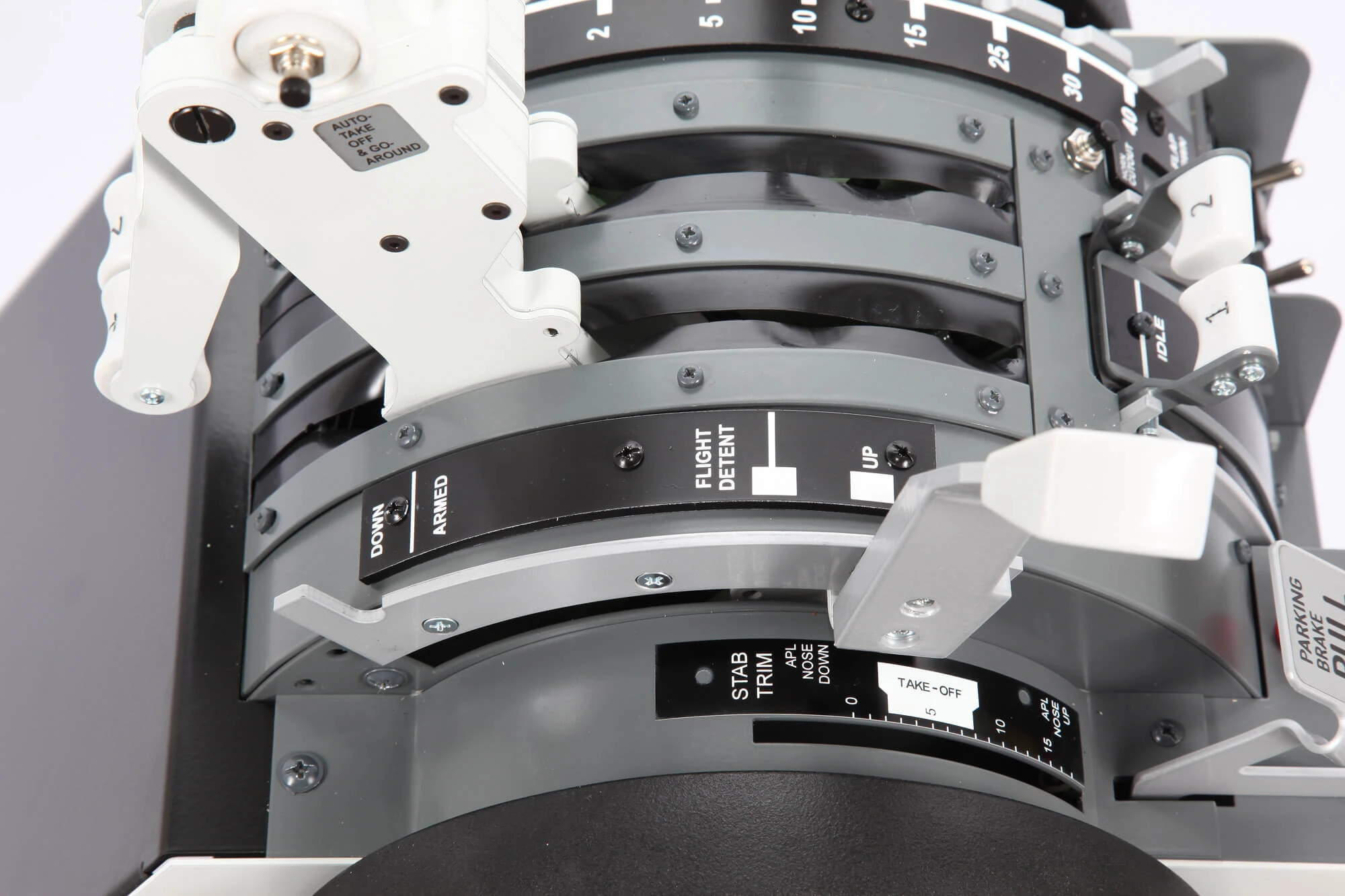
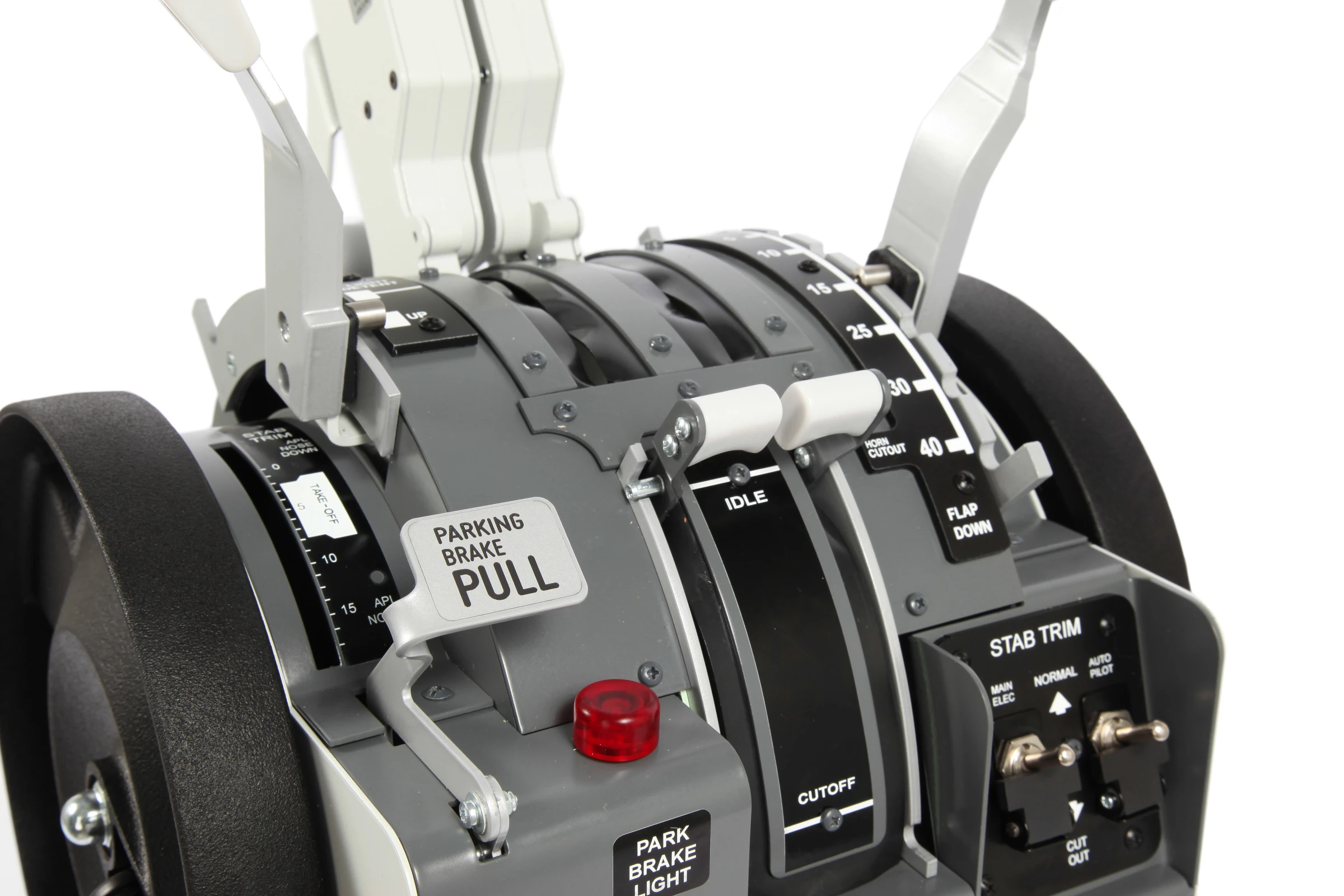
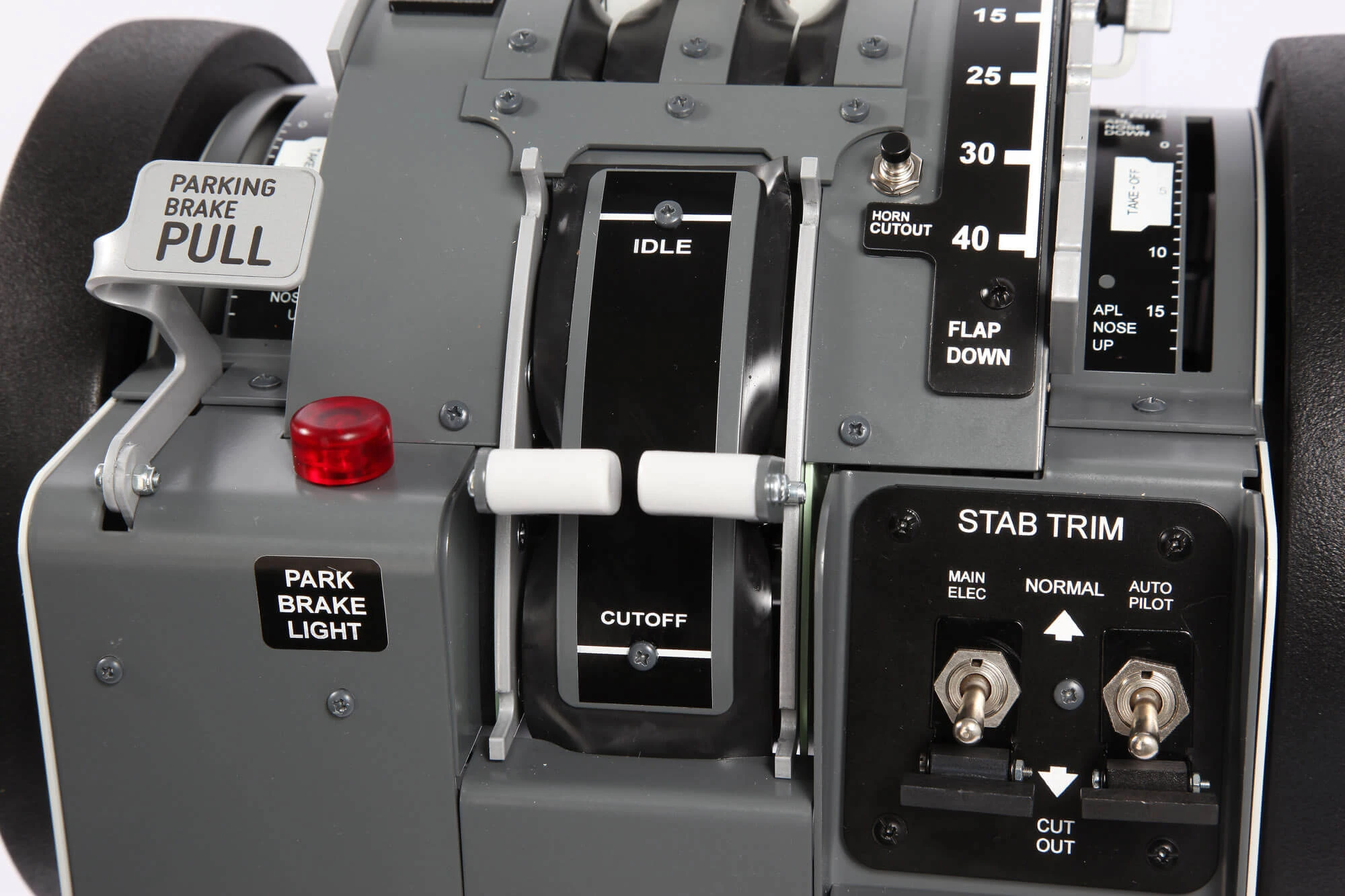
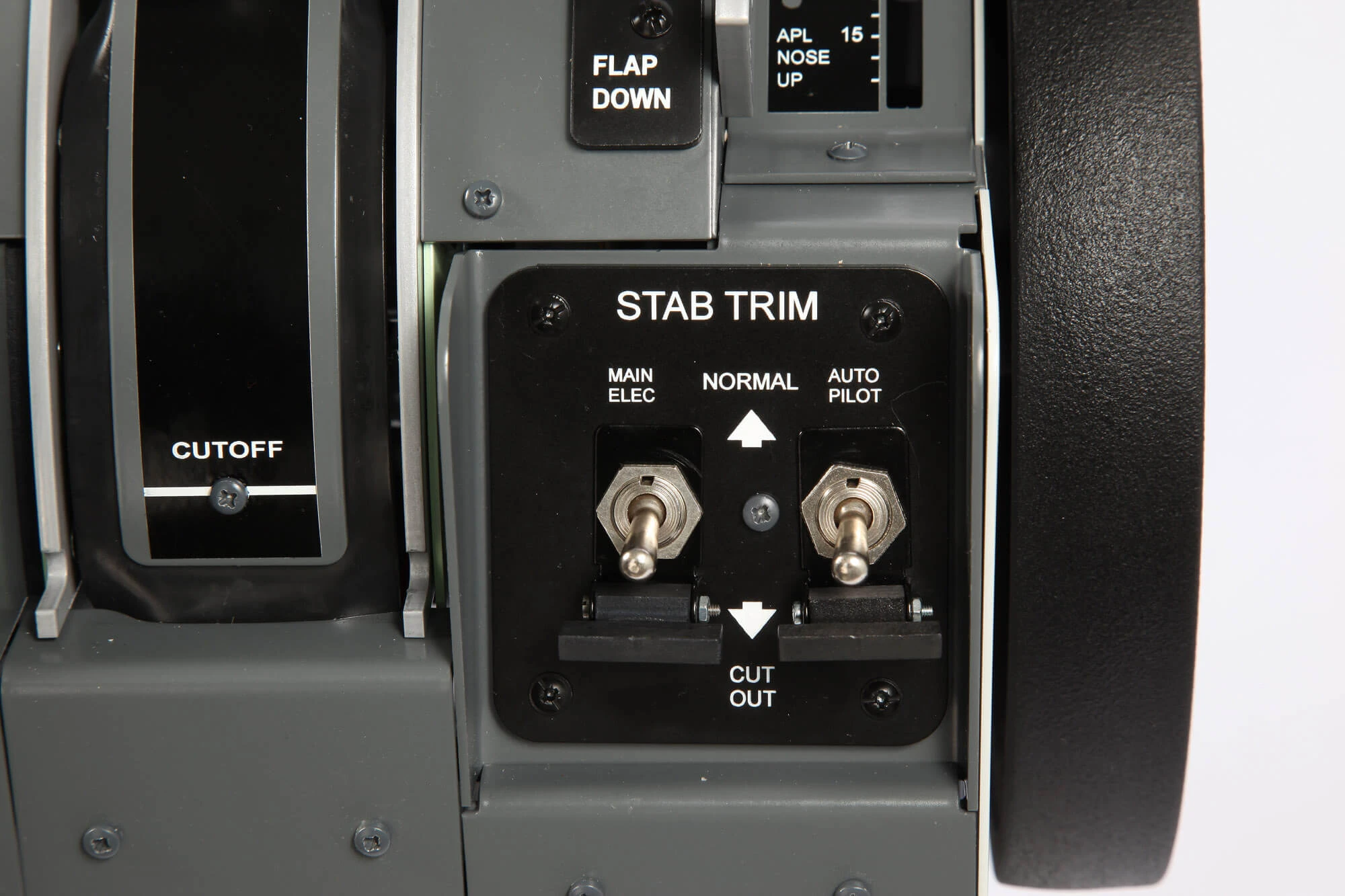
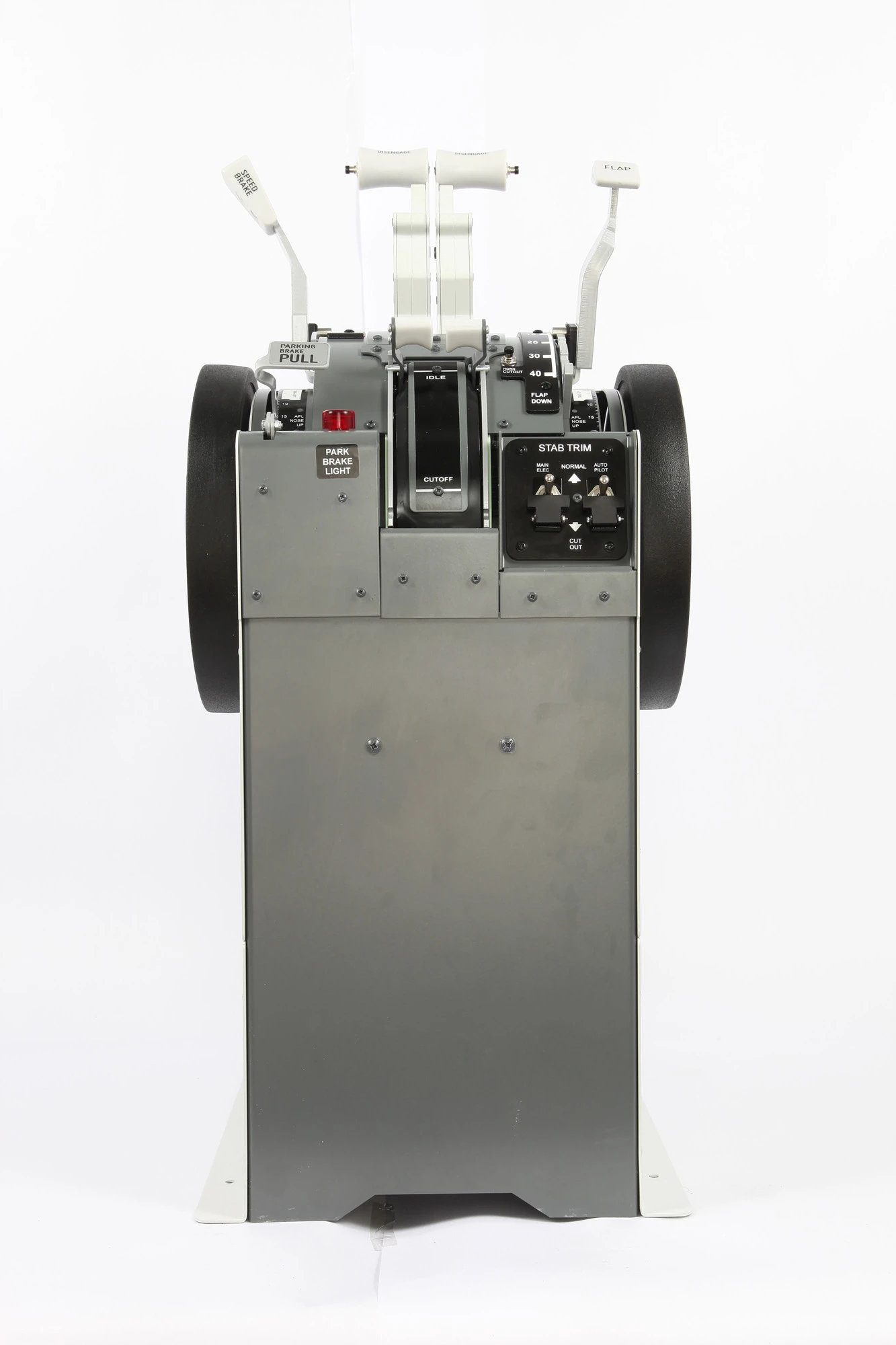
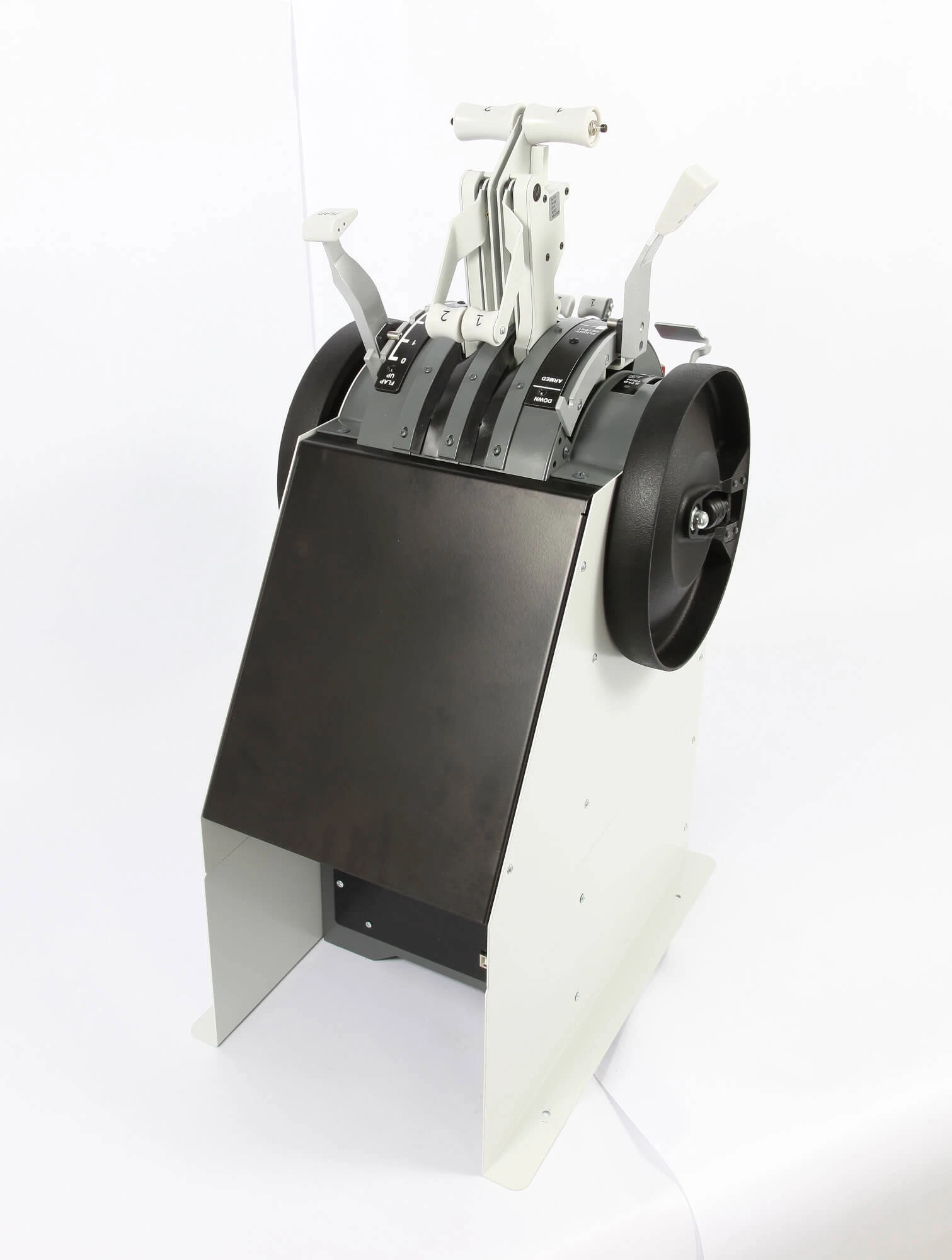
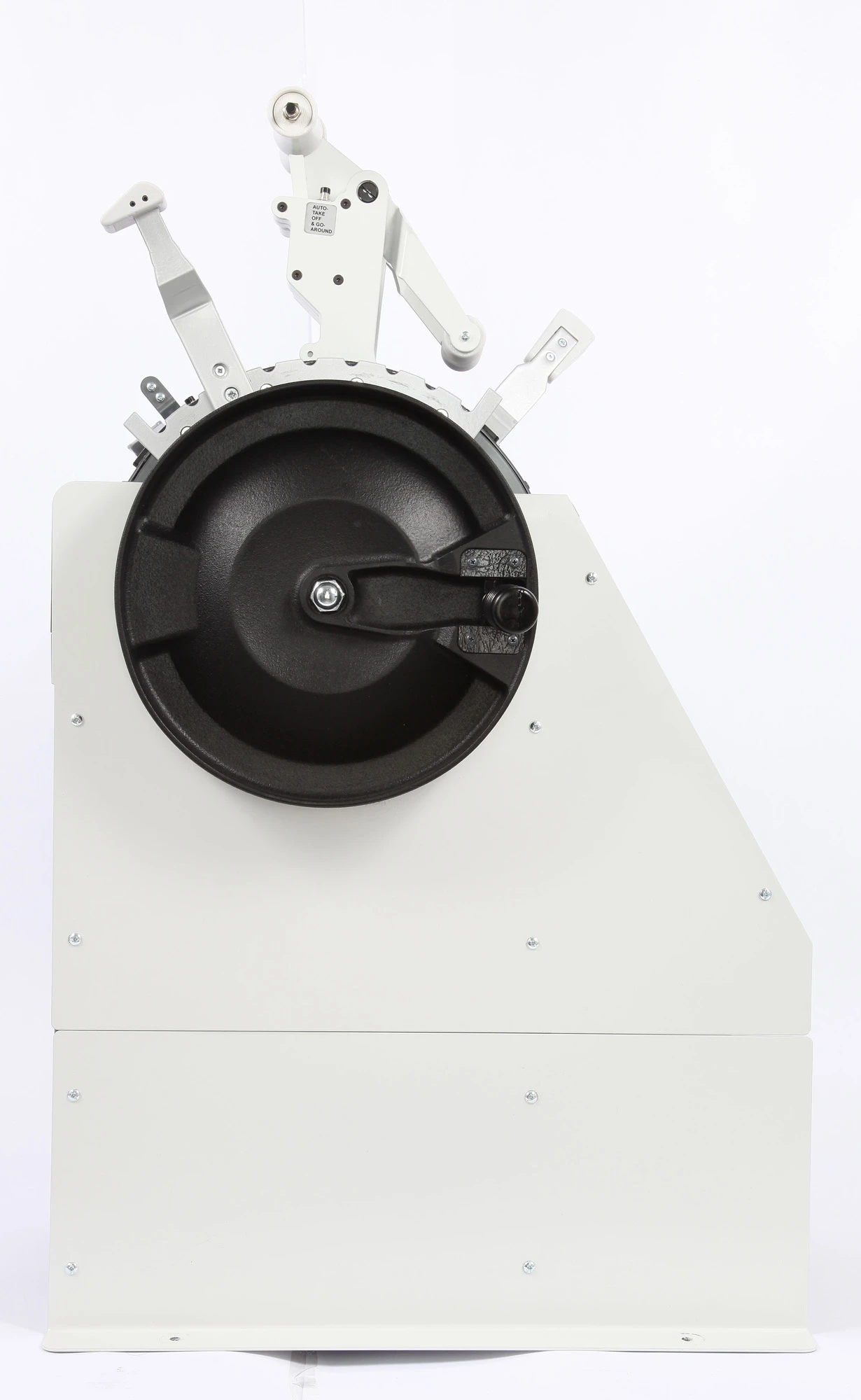
B737NG Throttle Quadrant metal PRO

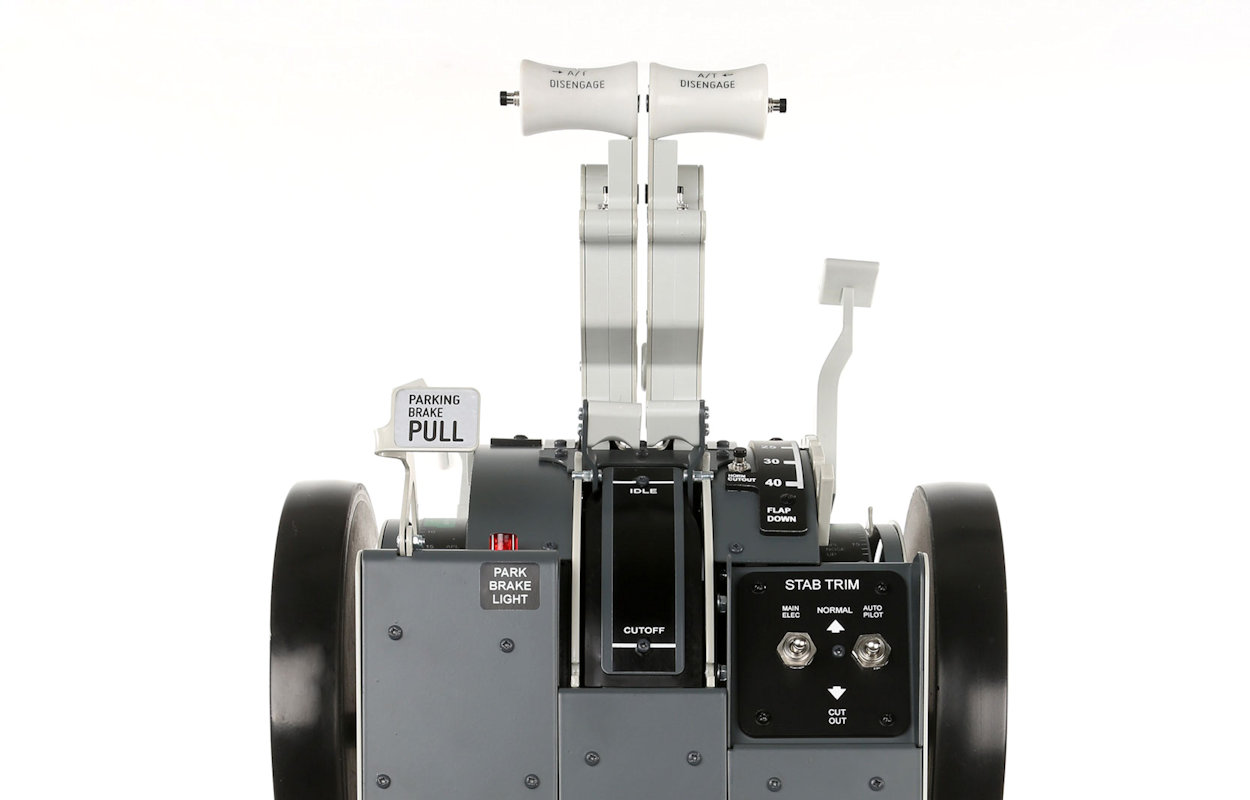
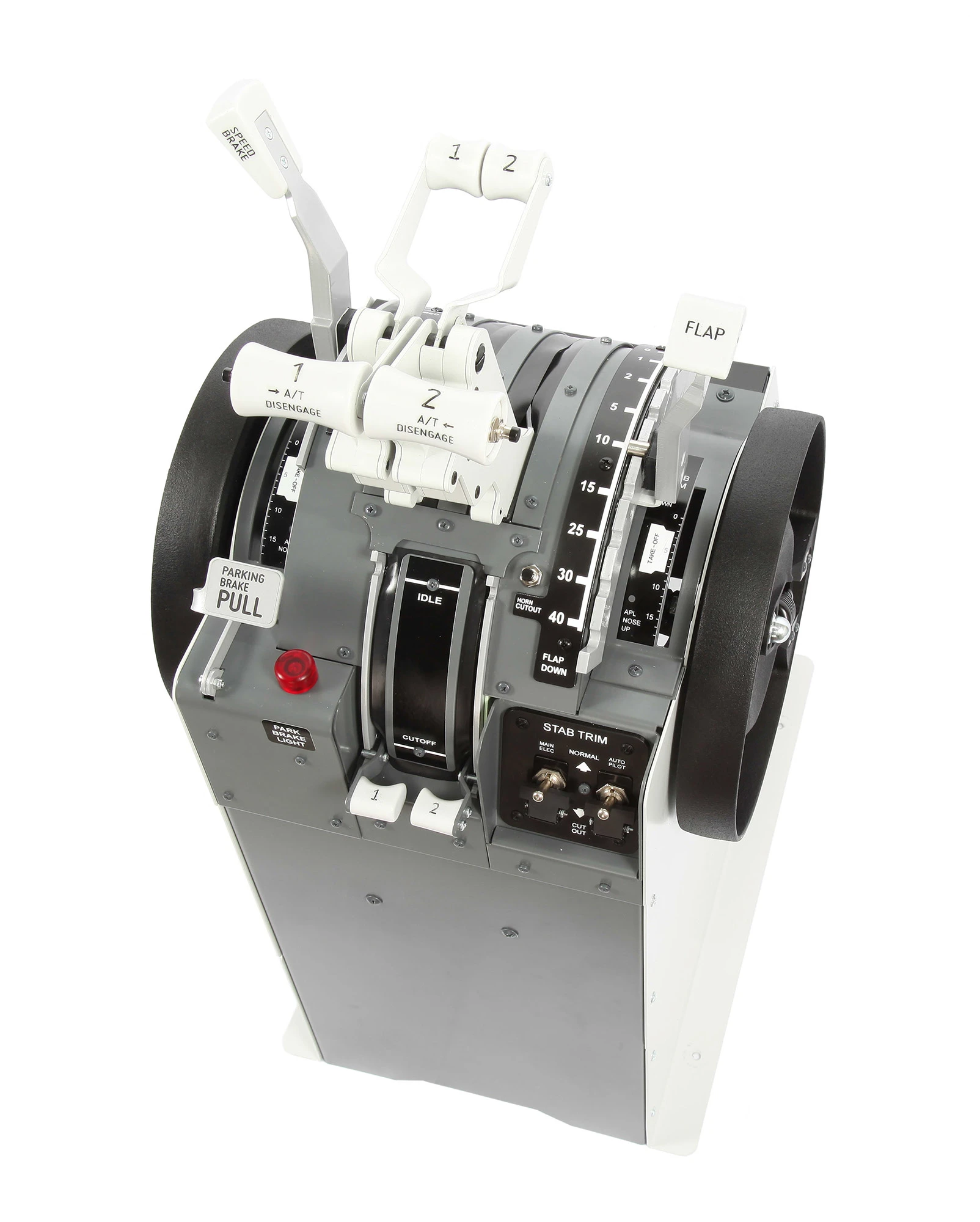
Throttle Quadrant not-motorized for Boeing 737NG style Flight Simulators.

Main Features

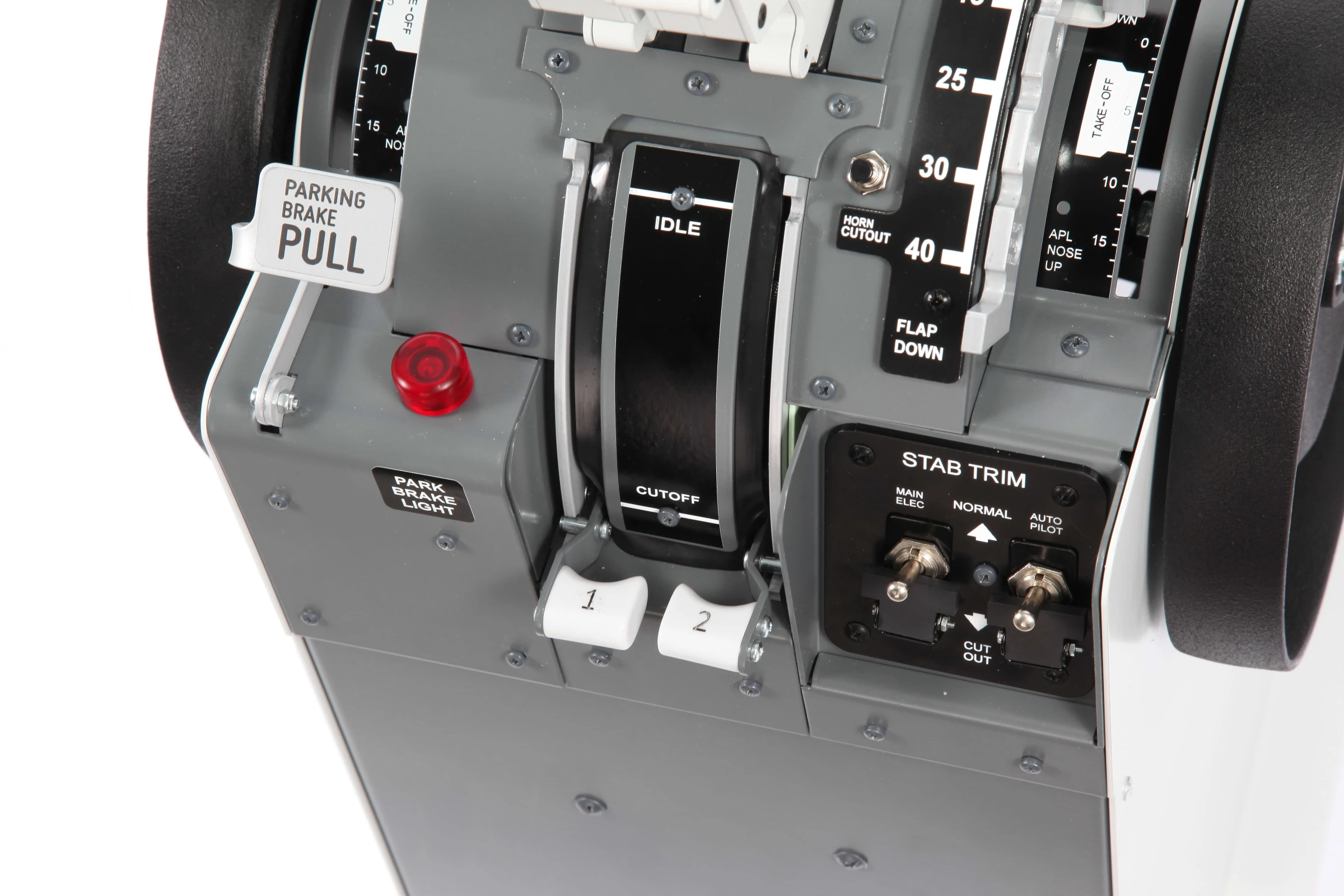
  • Mechanical Lock system for reverse and fuel cutoff

    System that locks thrust reverse levers if the throttles are not in idle

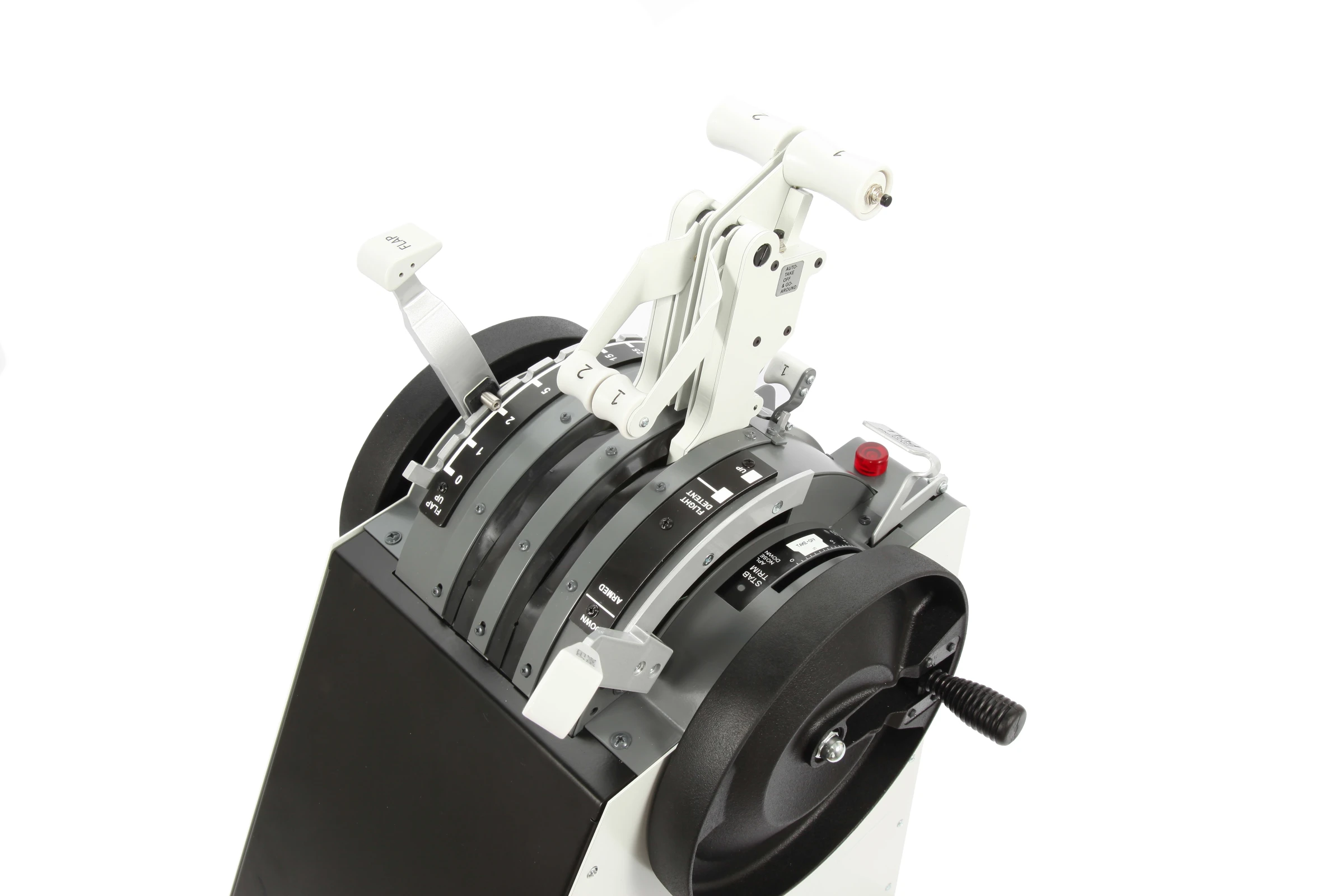
  • Optical encoder flap lever

    Optical sensor for flap lever detents

  • All functions and commands work

    Every single button, switch, lever and mechanism works to simulate the original

  • Completely metal, built to last

    Made of aluminum using high quality electrical/electronic materials

  • Dedicated FSC software

    Software engineered by FSC to drive the simulator with all the necessary functions

  • 1:1 real scale

    Designed by studying the dimensions of the original components

B737NG Throttle Quadrant metal PRO
€2,500.00
Tax excluded

875793

10 Items

Compatibility

Discover the
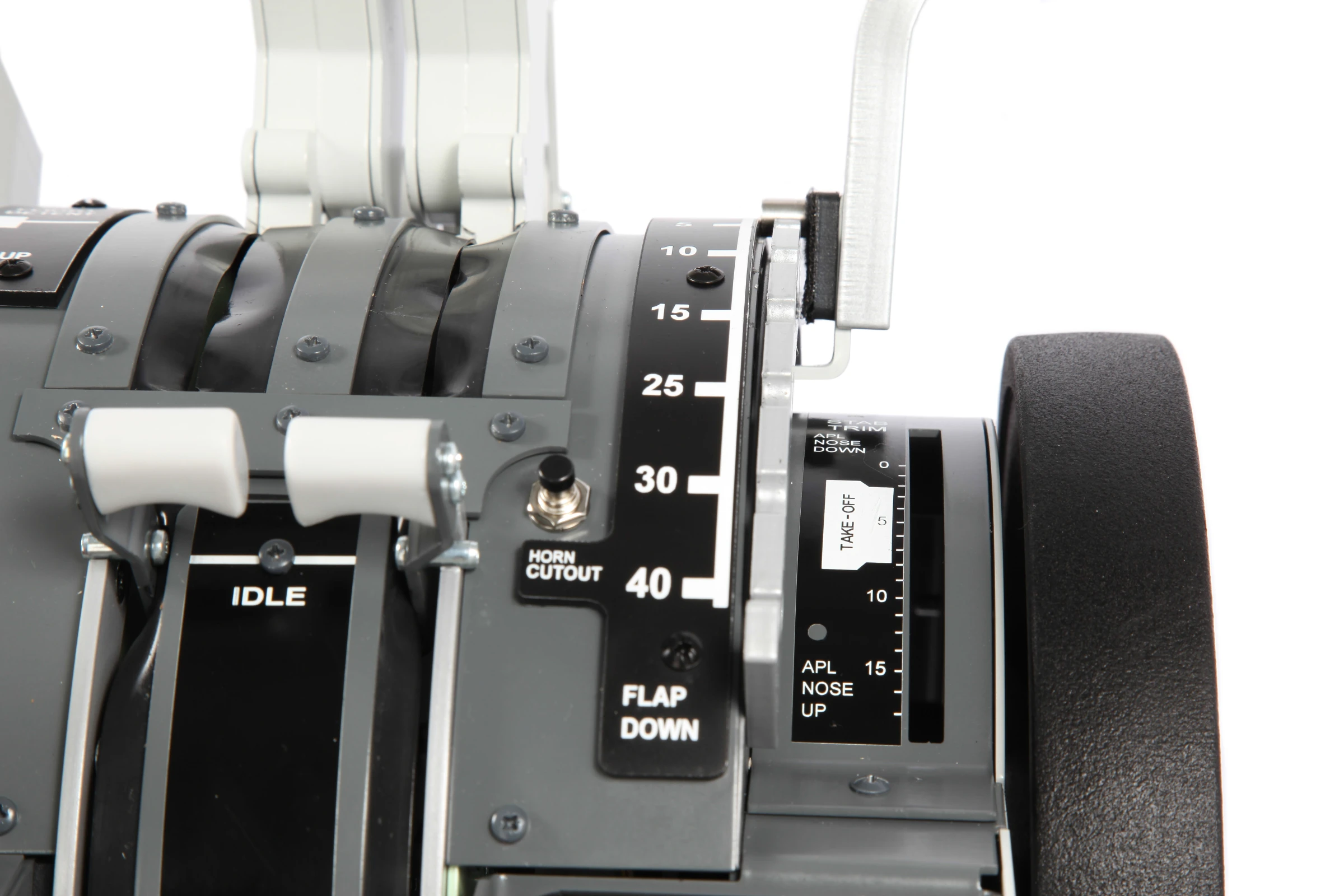
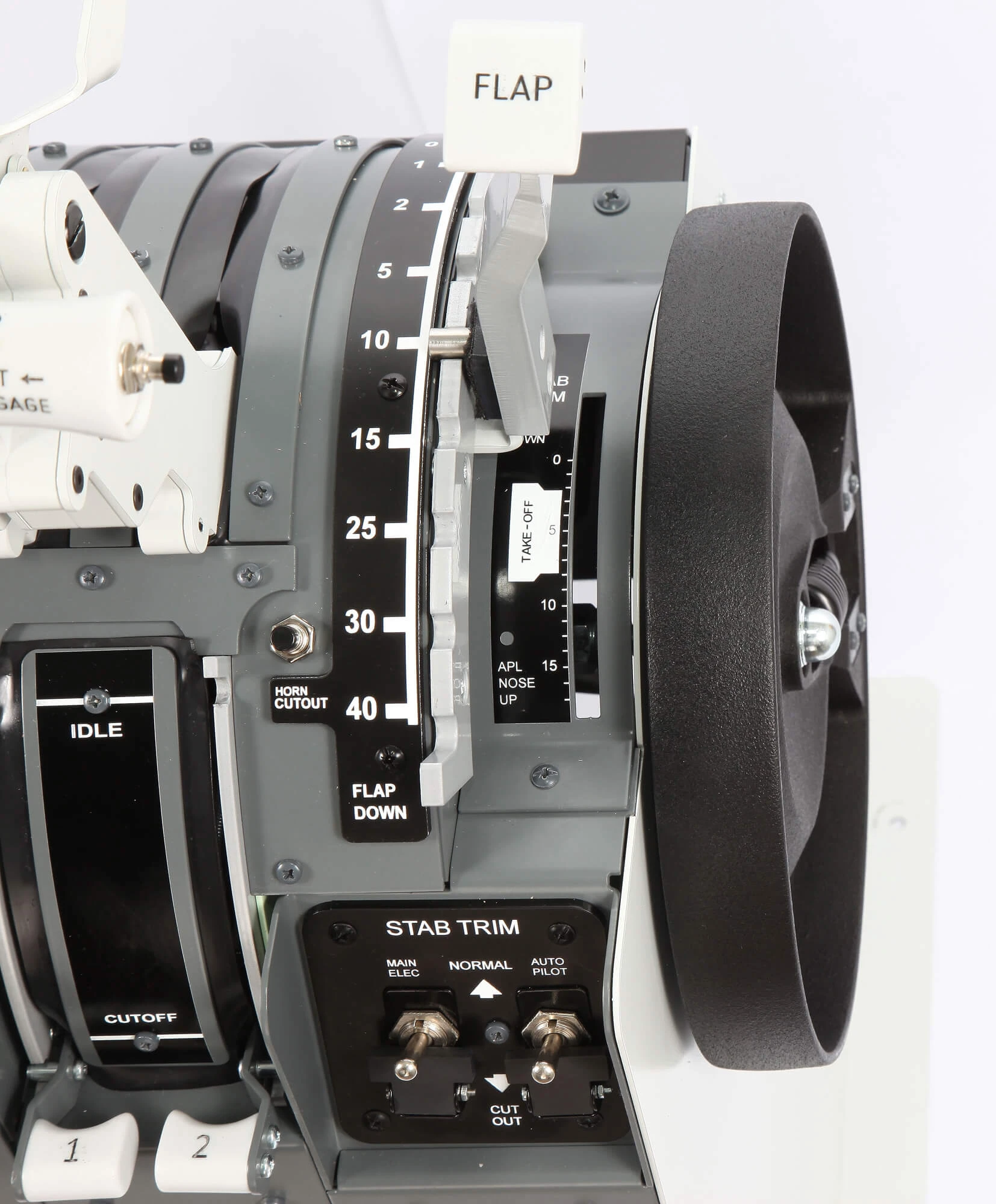
Stab Trim indicators

Trim elevator indicators not working

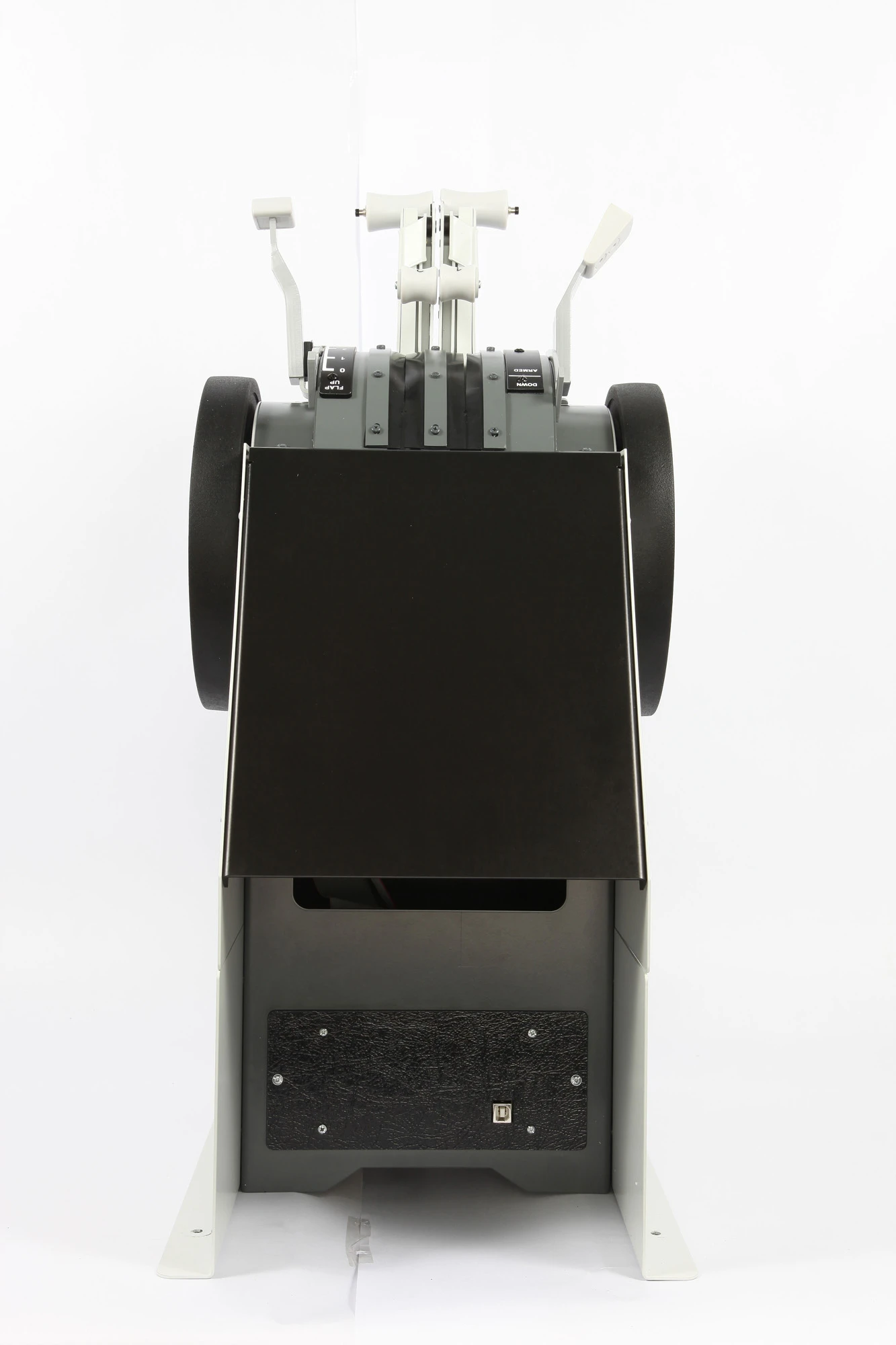
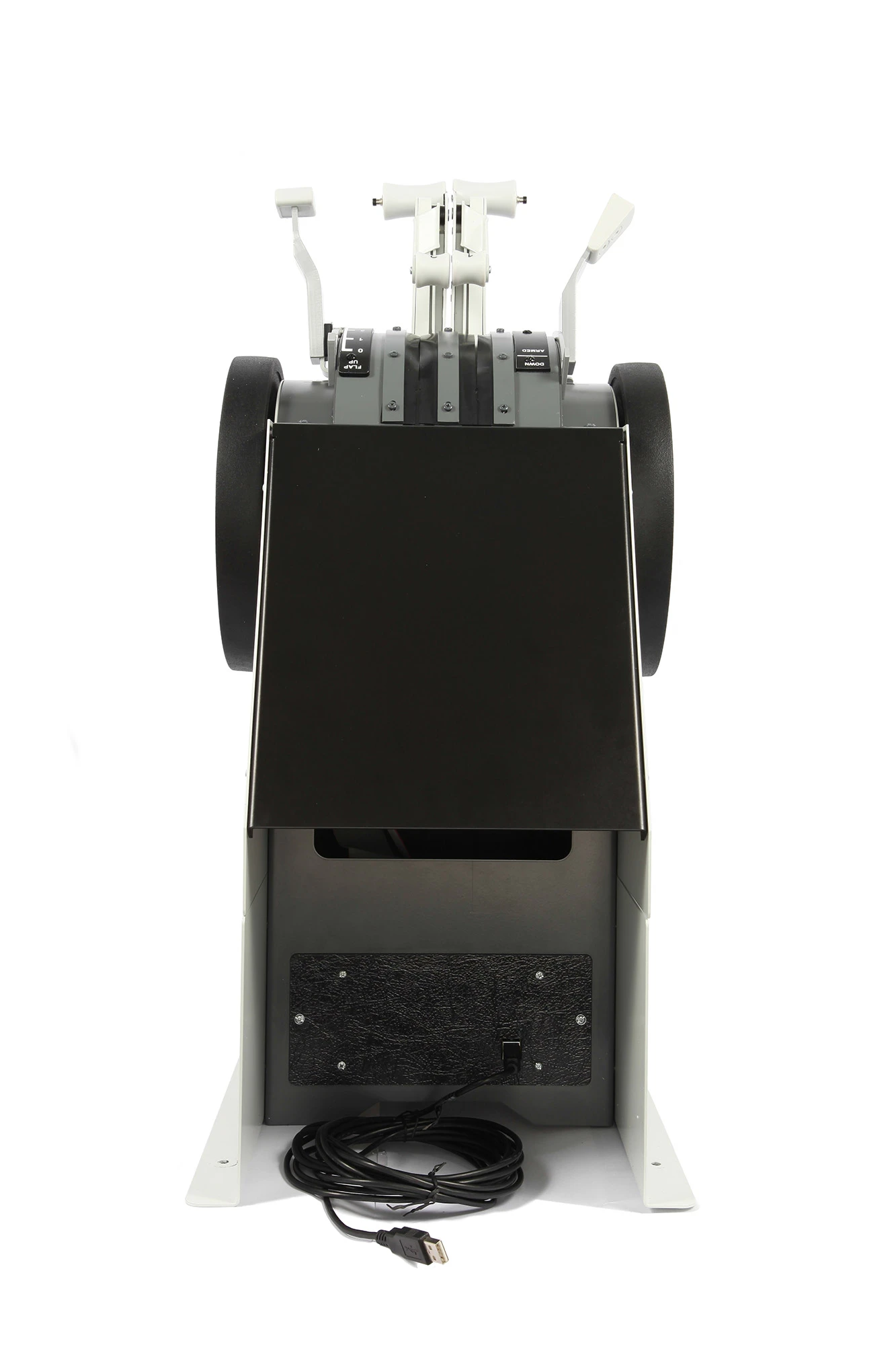
USB Connection

All USB types are supported

Boeing style gray painted

RAL 7011, Professional anti-corrosion coating

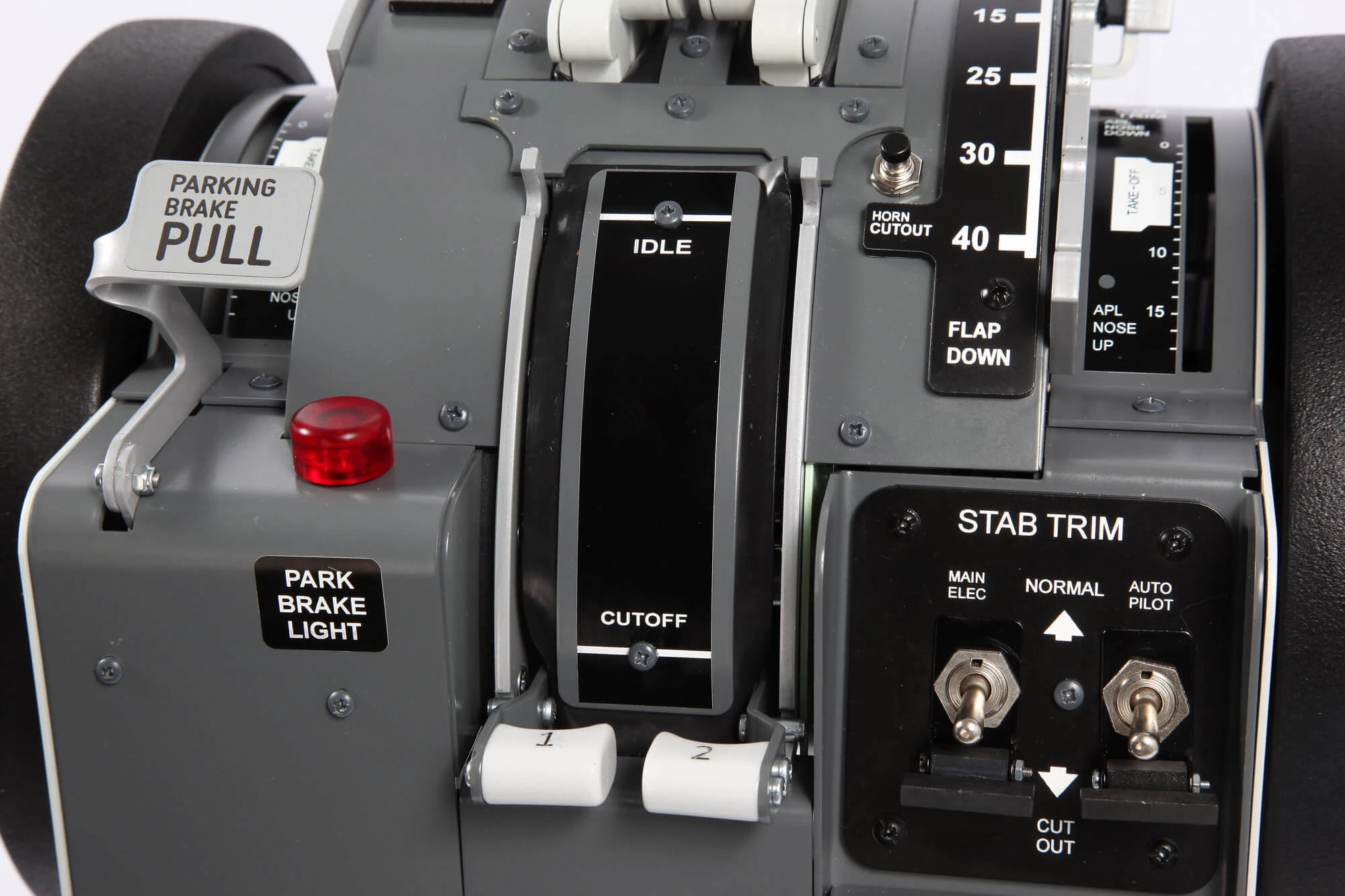
Park brake lever included

With feedback red light

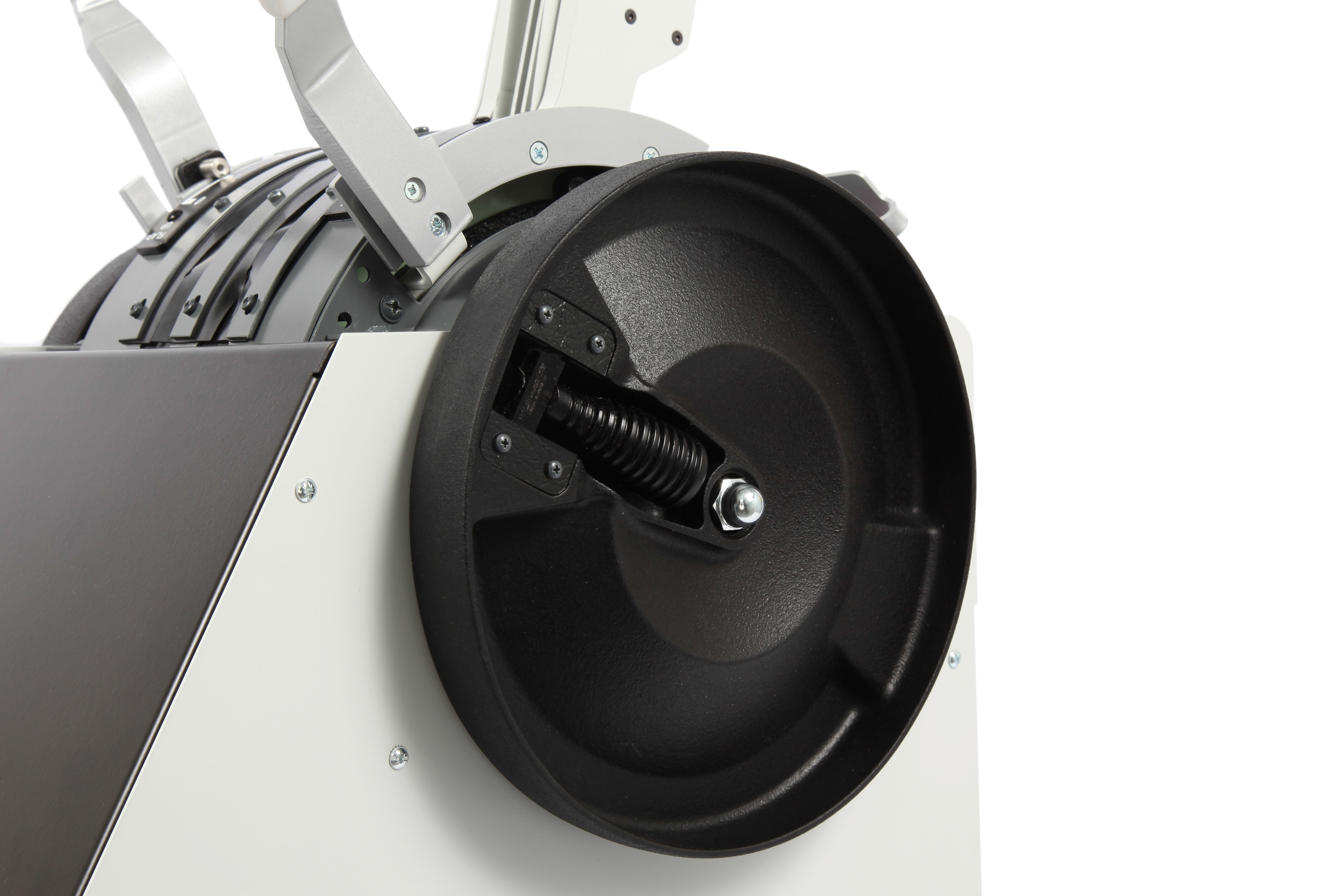
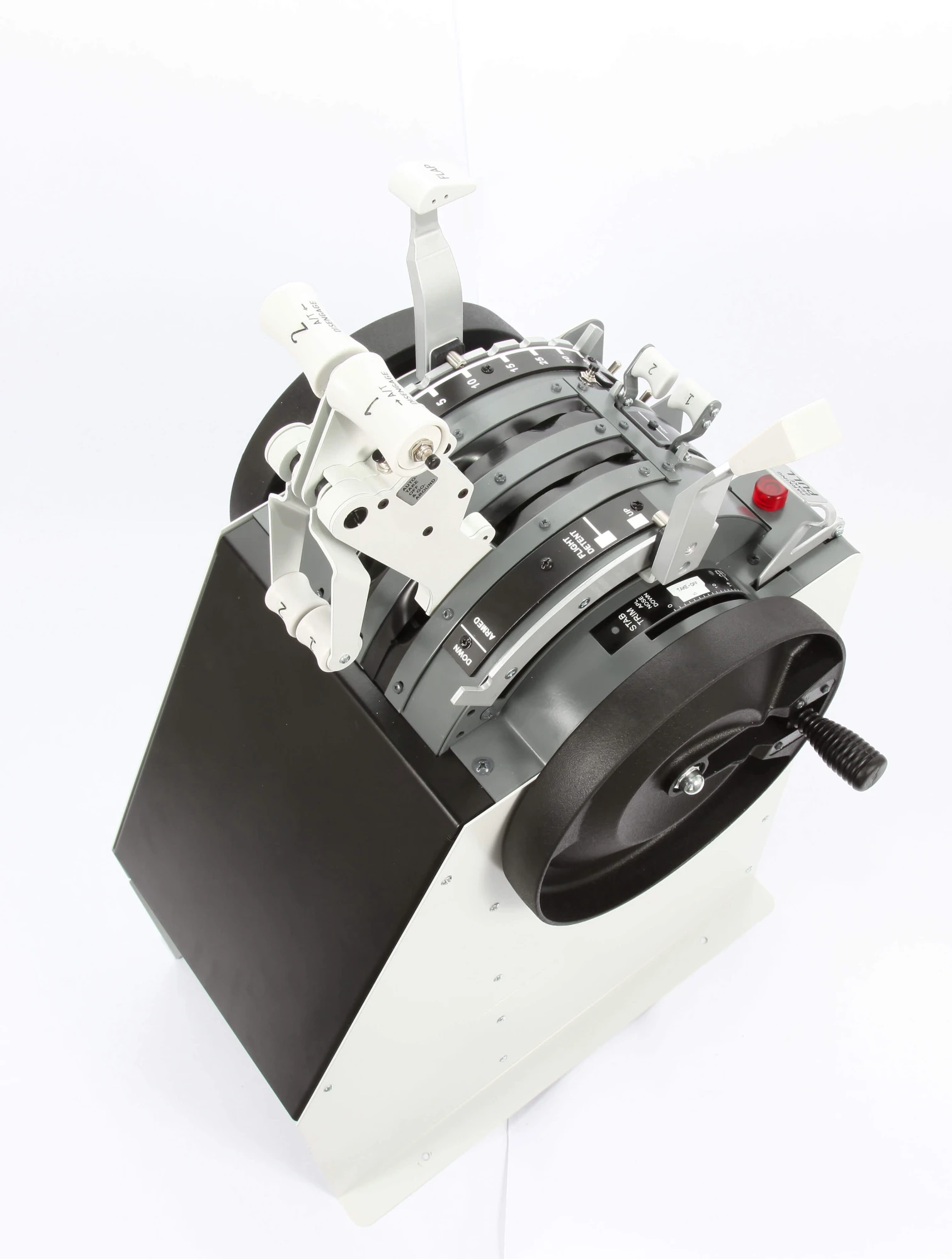
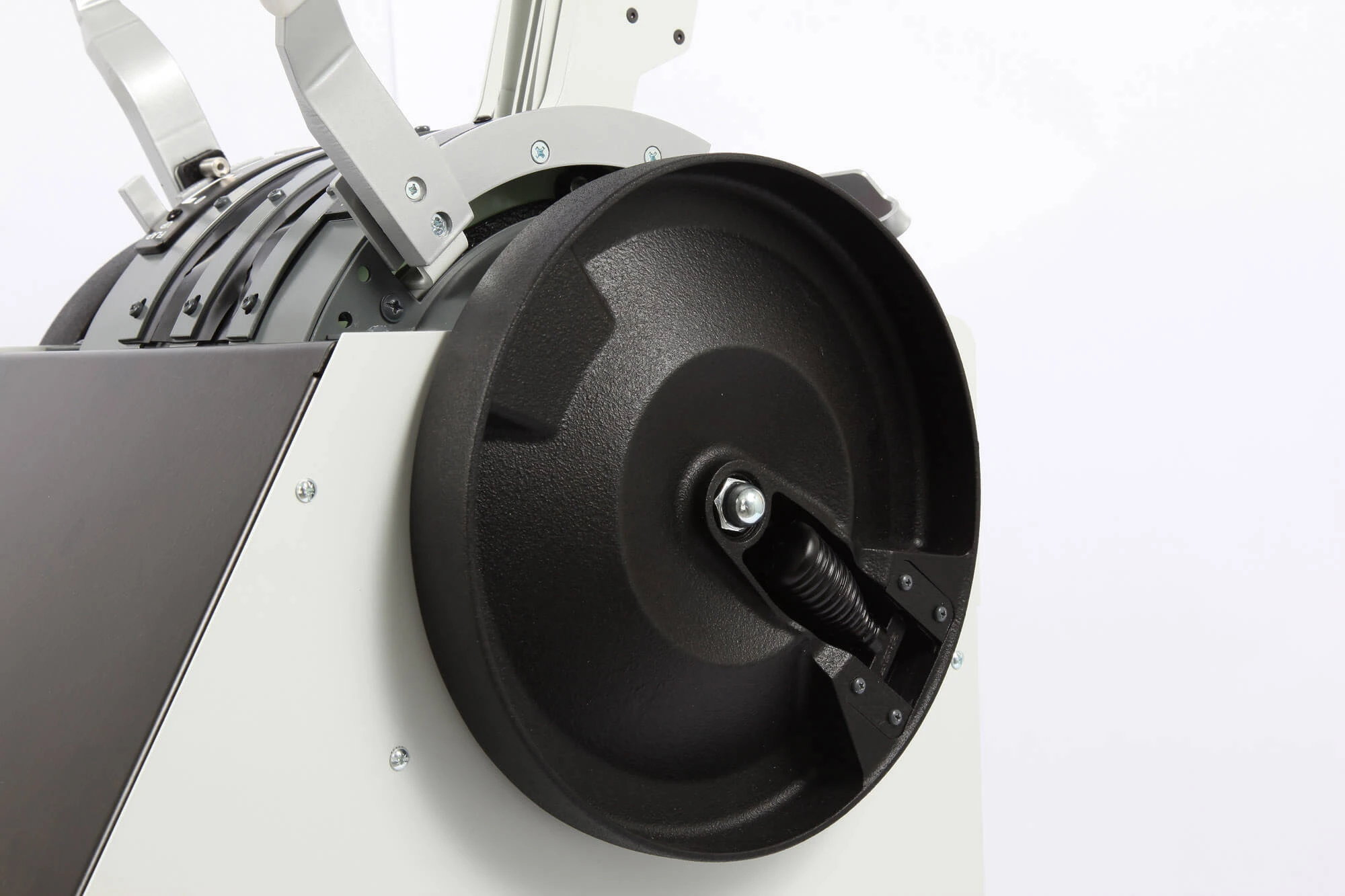
The wheels are not motorized

Free to rotate trim wheels with folding handles

Flap lever with lock passage

at 1° and 15 °

Plug&Play

Each unit is individually calibrated and ready to use

Horn Cutout pushbutton

Included and working

Additional features
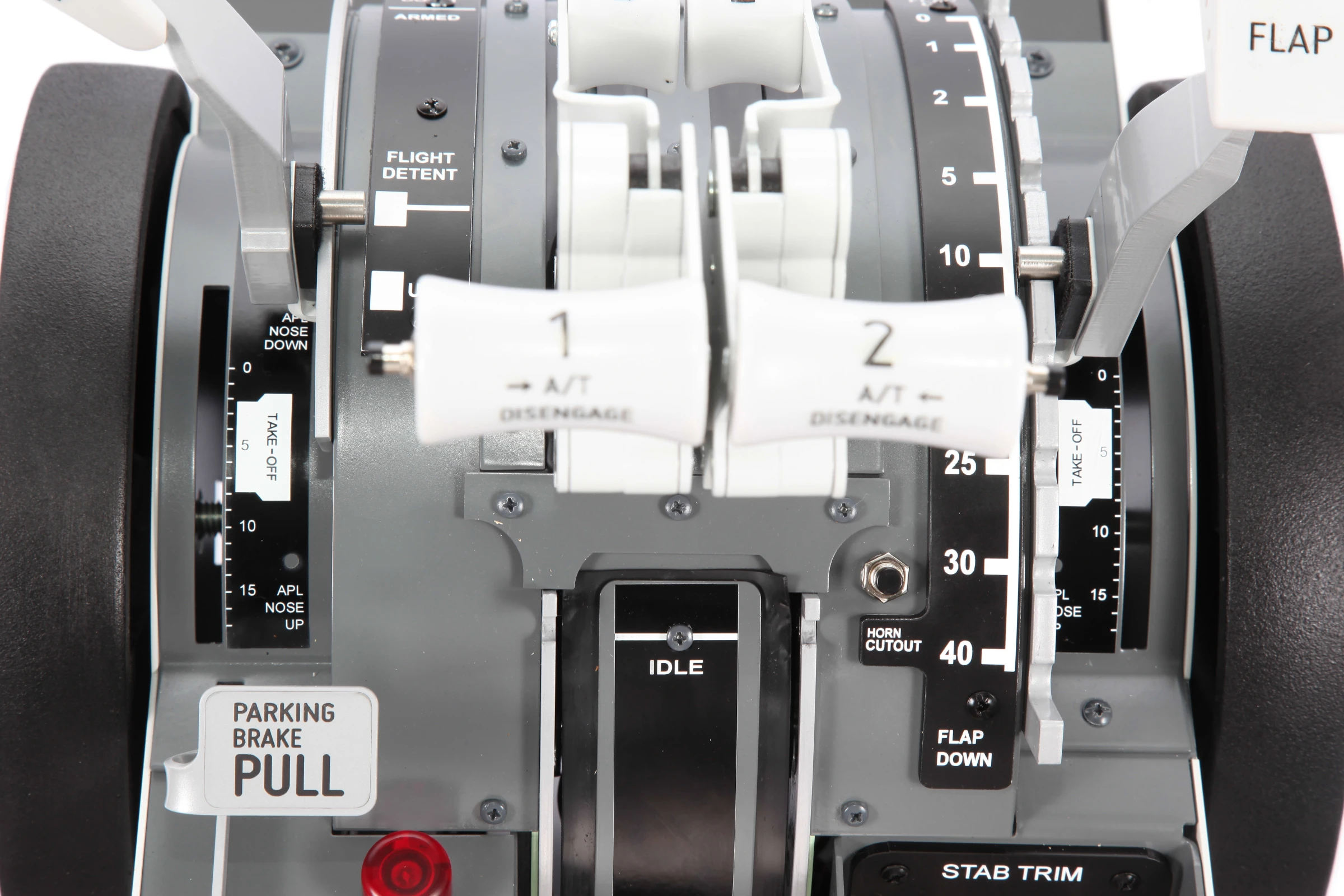
  1. Independent Engine levers (ENG1 - ENG2)
  2. Independent reverse
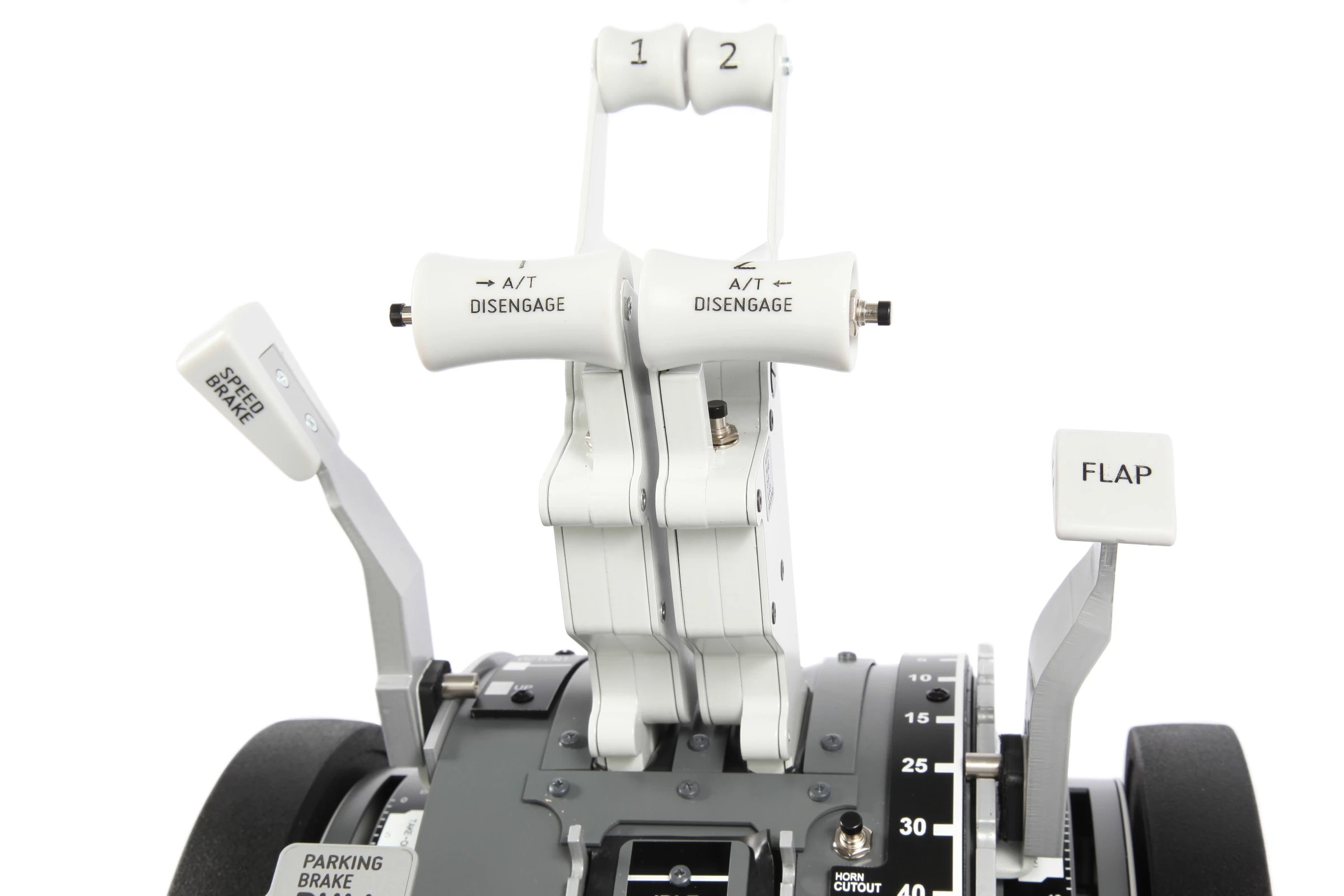
  3. Speed brake lever with ARM position
  4. Flaps lever with 9 positions
  5. A/T disengage buttons
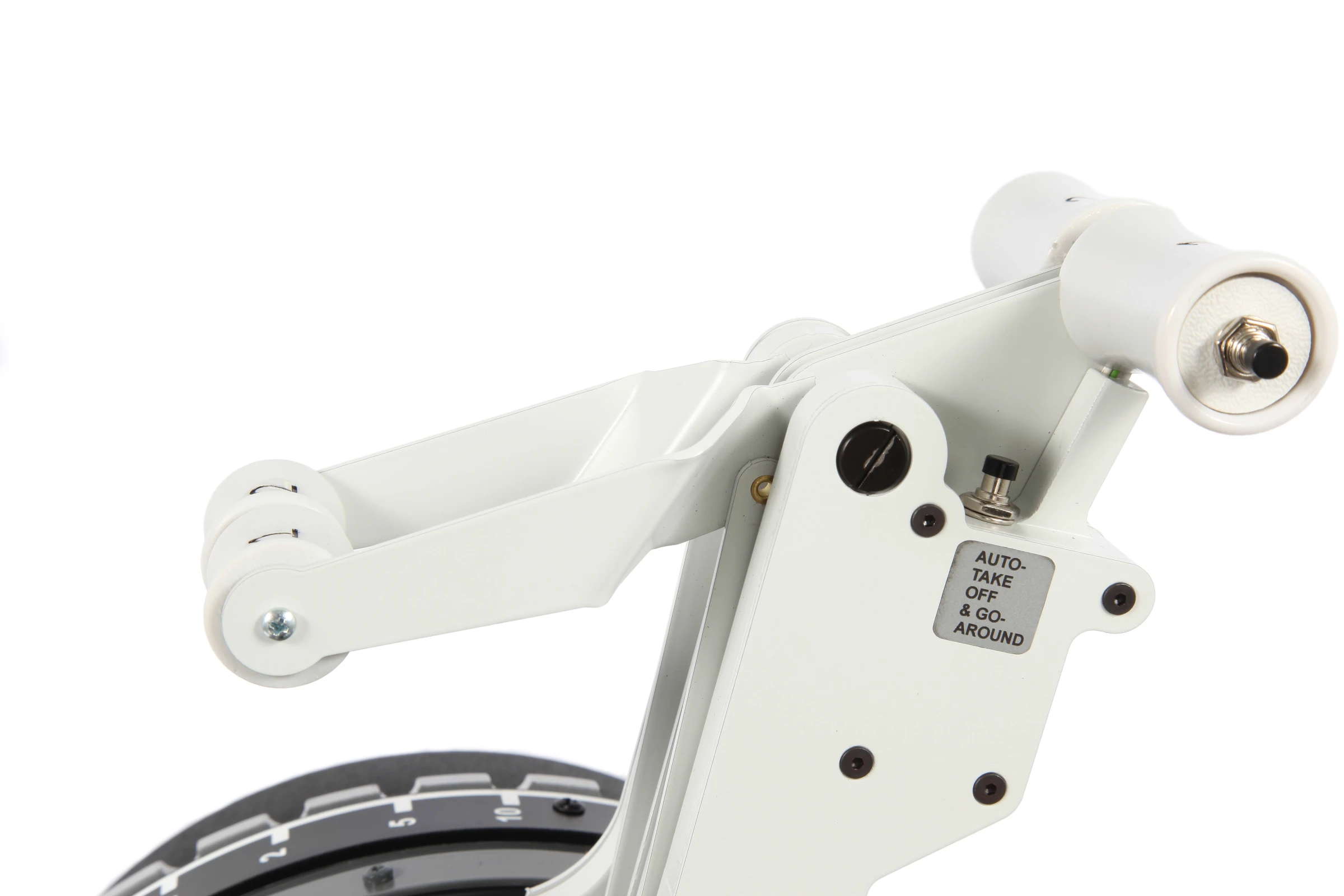
  6. TOGA buttons
Flap Lever
Trim Indicator
Auto thrust disconnect pushbutton
Reverse Levers
Material
STAB TRIM cutout switches
Trim Wheels
Fuel Levers
Spoiler Lever

Overview

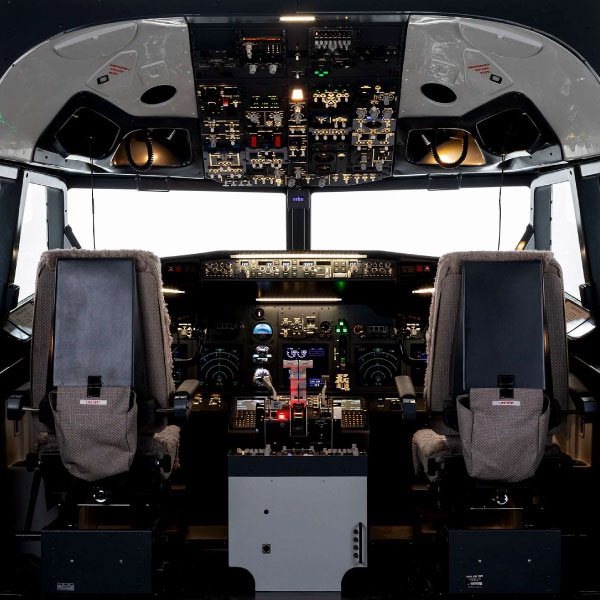
The B737NG TQ series are designed to be accurate fully functioning replicas of the original part and provide the same reliability to intensive use.

Developed in close collaboration with Project Magenta and Prosim, our TQ are also tested by professional airline pilots to grant the high quality realism we are known for.

Connect, Calibrate, Take Off

Our Throttle Quadrants are real Plug & Play devices—only a single USB connection is required for full functionality. Each unit is delivered with a dedicated, pre-configured calibration file to ensure a smooth and effortless installation process. No complex setup procedures are needed, allowing users to get up and running within minutes. The system automatically recognizes the hardware, providing precise input response right out of the box.

Built with robust electronics and high-resolution sensors, our Throttle Quadrants offer exceptional accuracy, long-term reliability, and a smooth, realistic control feel. Whether used for home simulation, flight training, or professional cockpit environments, each unit is engineered to deliver a dependable, maintenance-free user experience. The combination of true Plug & Play capability and device-specific calibration guarantees that users can focus entirely on the flying—while our hardware takes care of the rest.

FAQ

What sort of packaging do you use?

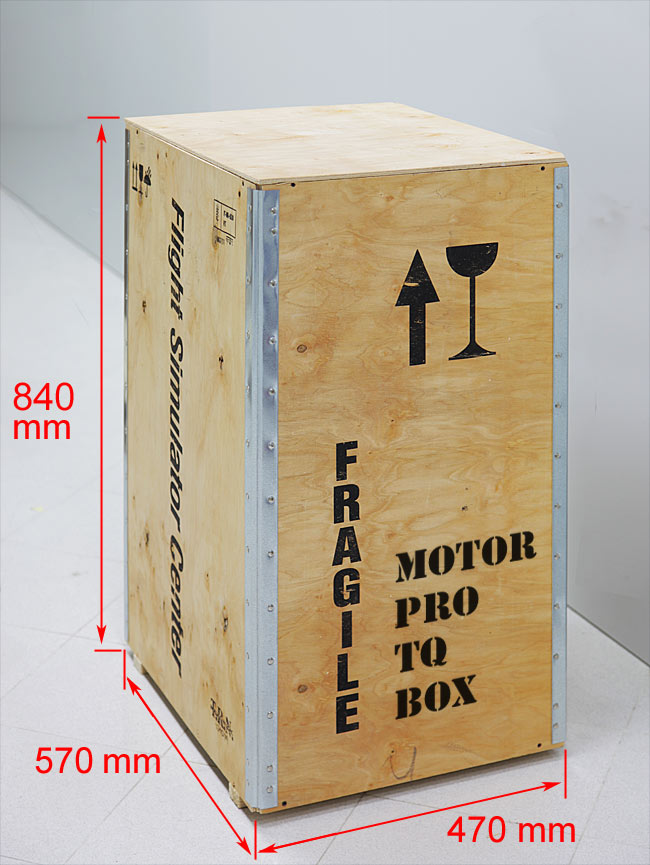
We prepare our products for dispatch with care, to ensure they reach our customers in exactly the same condition as when they leave our premises.

We avoid generic packaging and work with specialist partners who create bespoke solutions for us for each product, using extremely robust, high-quality packaging materials.

Where necessary, we provide additional protection for individual components using heat-sealed, multi-layer internal barriers to ensure complete protection against moisture, temperature fluctuations and any extreme weather conditions.


I've read on various forums that the USB connection for peripherals is old and unstable. Why are some of your peripherals still connected via USB?

A USB connection can serve various purposes: in fact, USB is the acronym for "Universal Serial Bus."

Some of these connections are used to create virtual COM ports to allow serial communication.

The disadvantage of this solution is related to the fact that there are two connections on the PC: one to the peripheral and one to the operating system.

In fact, in Device Manager, you can see both the USB device and its corresponding COM port.
If software is using the COM port and the USB connection is lost, communication is interrupted, but the software continues to occupy the port.
When communication resumes, because the original port is still occupied, the driver will assign a new port with a different number, effectively preventing reconnection.

A solution could be a LAN TCP/IP connection.

Not all of our peripherals have dual ports (USB and LAN), but where they are solely USB, it is a design choice to simplify circuitry or for reasons strictly related to speed (such as the Control Loading system).

For HID peripherals (joysticks), these problems do not occur because the peripheral is always recognized even if it was previously disconnected.

You might also like

Product added to compare.
group_work Cookie consent