Flight Information Service Operator Simulator

F.I.S.O. - Training turnkey simulator for educational applications.
Flight Information Service Operator Simulator
Made in Italy

Made in Italy is synonymous with care and mastery in creating quality products.

Rapidity

Speed ​​of production thanks to highly specialized staff

Materials

We offer metal products and high-quality materials, designed to ensure maximum durability and performance over time.

Customization

Possibility of customization according to specific needs

Certifications

Possibility of having certifications for training

Flight controllers

Designed and tested in collaboration with flight controllers and instructors

Soft skill

The usage activity also aims to improve soft skills such as: Communication skills, Teamwork, Time management, Adaptability, and Leadership.

Training & assistance

Training for assembly/start-up and prompt after-sales support
Pilot and Air Traffic Safety Service Simulator

The acronym FISO indicates a specific professional figure in the field of air traffic management. Students who acquire this License are able to operate on certified Air Traffic Services Areas in Italy and abroad, where the license is recognized, providing the Flight Information Service (FIS) and manage the VFR / IFR traffic inside of air spaces classified “G”.

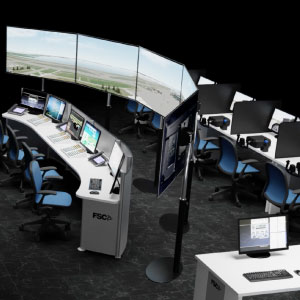
The concept behind the FIS simulator is to create a simulation area for the air traffic safety service, integrated with aircraft piloting stations reproducing all the movements present above the airfield, approach, and ground movements in the airport. This will allow students to acquire the skills necessary for the management of all aircraft operating in the maneuvering area of an uncontrolled airport, and to better prepare in order to obtain the FISO license, which is also valid abroad, allowing participation in selection for Flight Controllers.

Key Elements

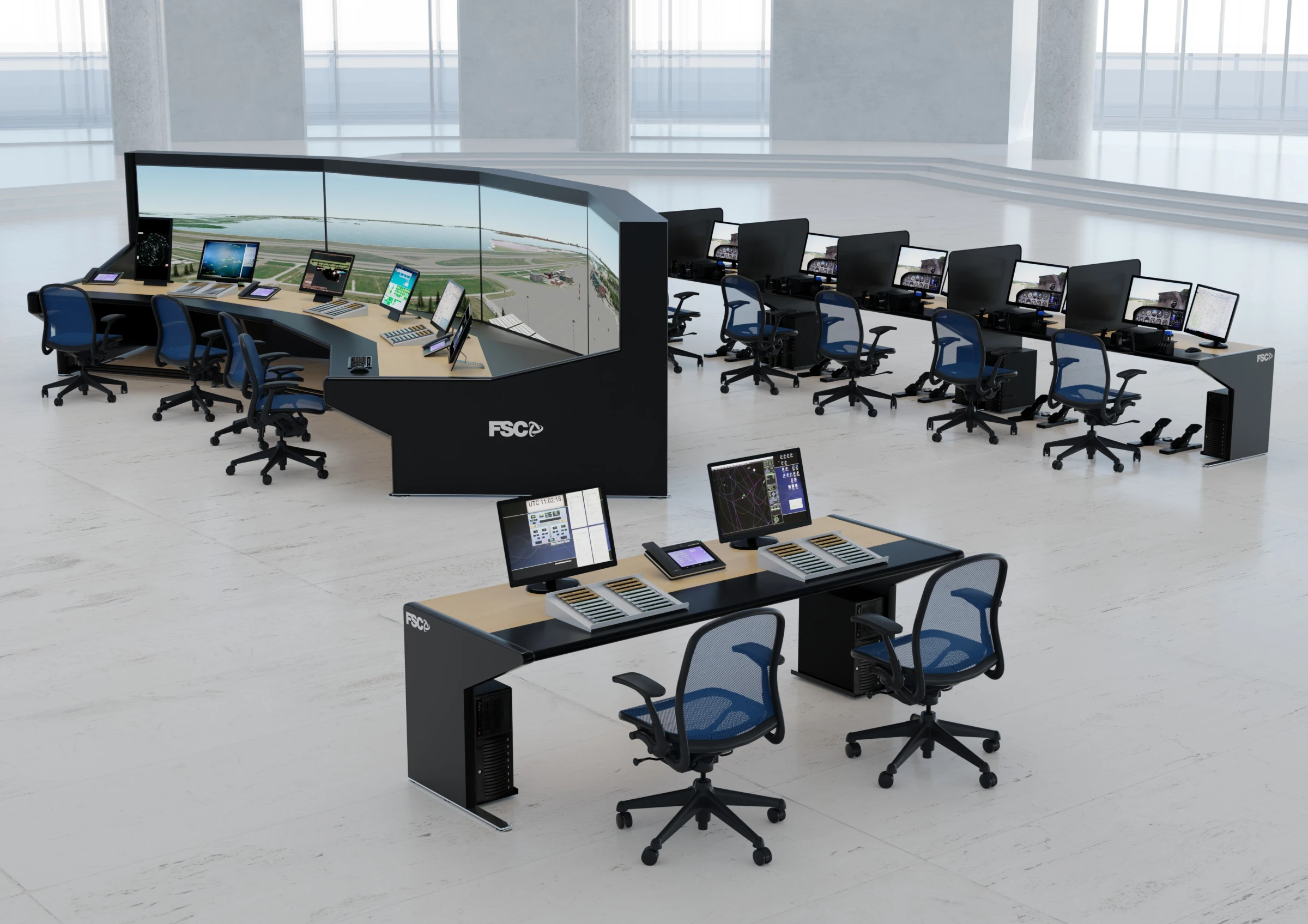
The modular FIS educational simulation system is composed of several customizable modules, integrated with each other.

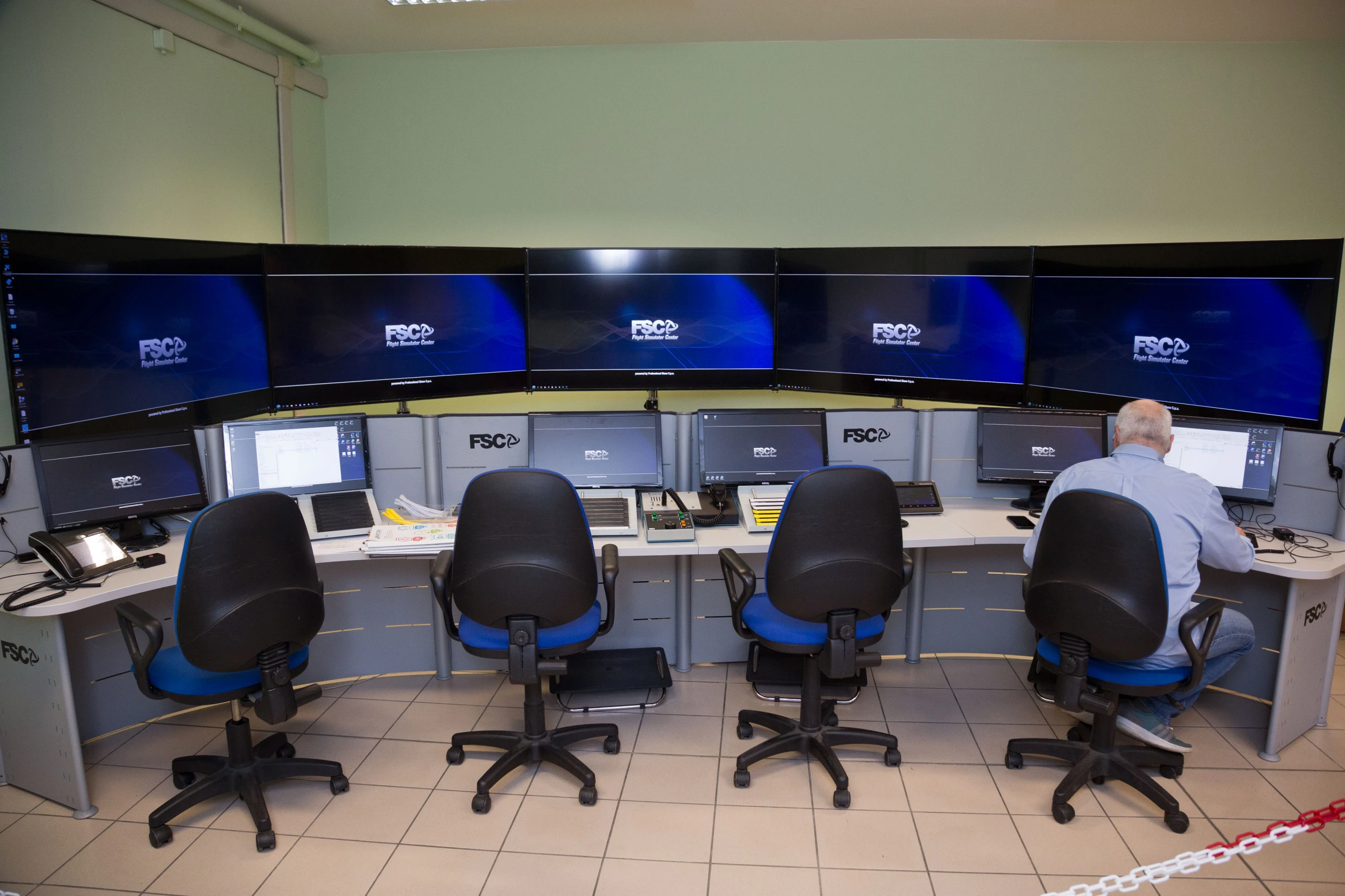
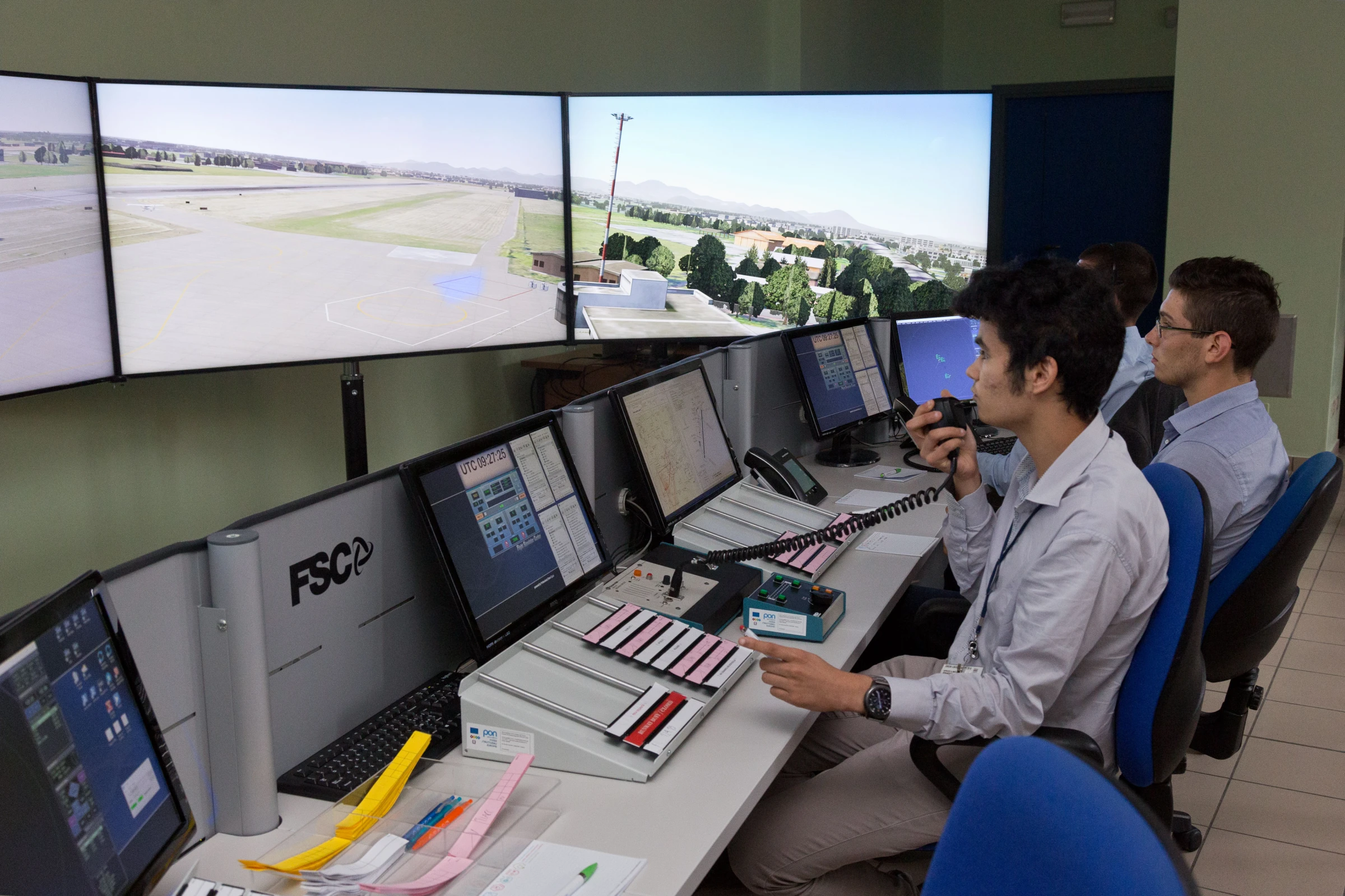
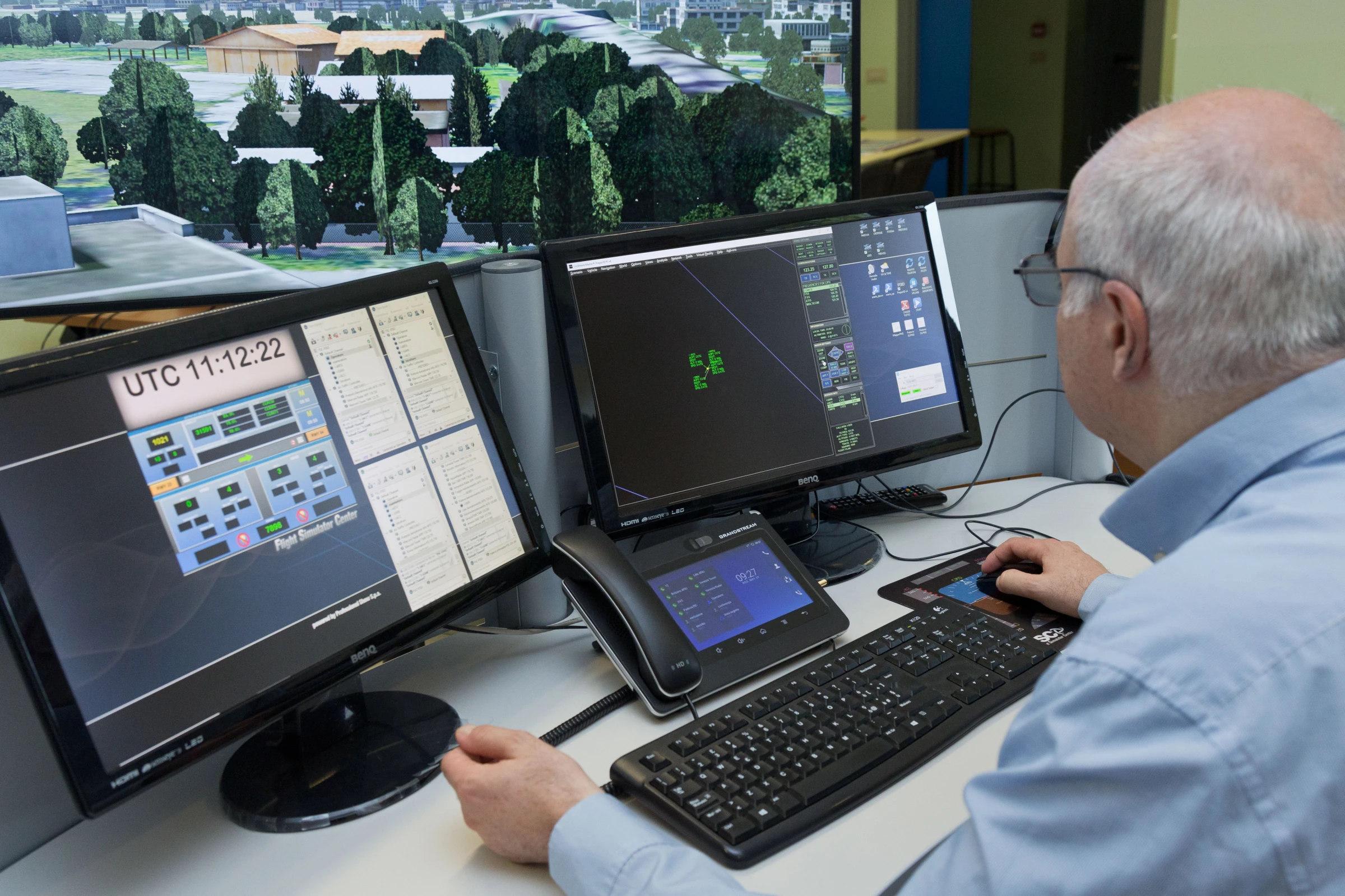
The main station allows the operator simulate the air traffic safety management in an uncontrolled airport.

At its sides there are the instructor station and the examiner station. In a separate decentralized position is located the remote station to simulate coordination with neighbouring entities such as the ACC, the Approach, the Flight Information Center, the fire brigade and the ground service.

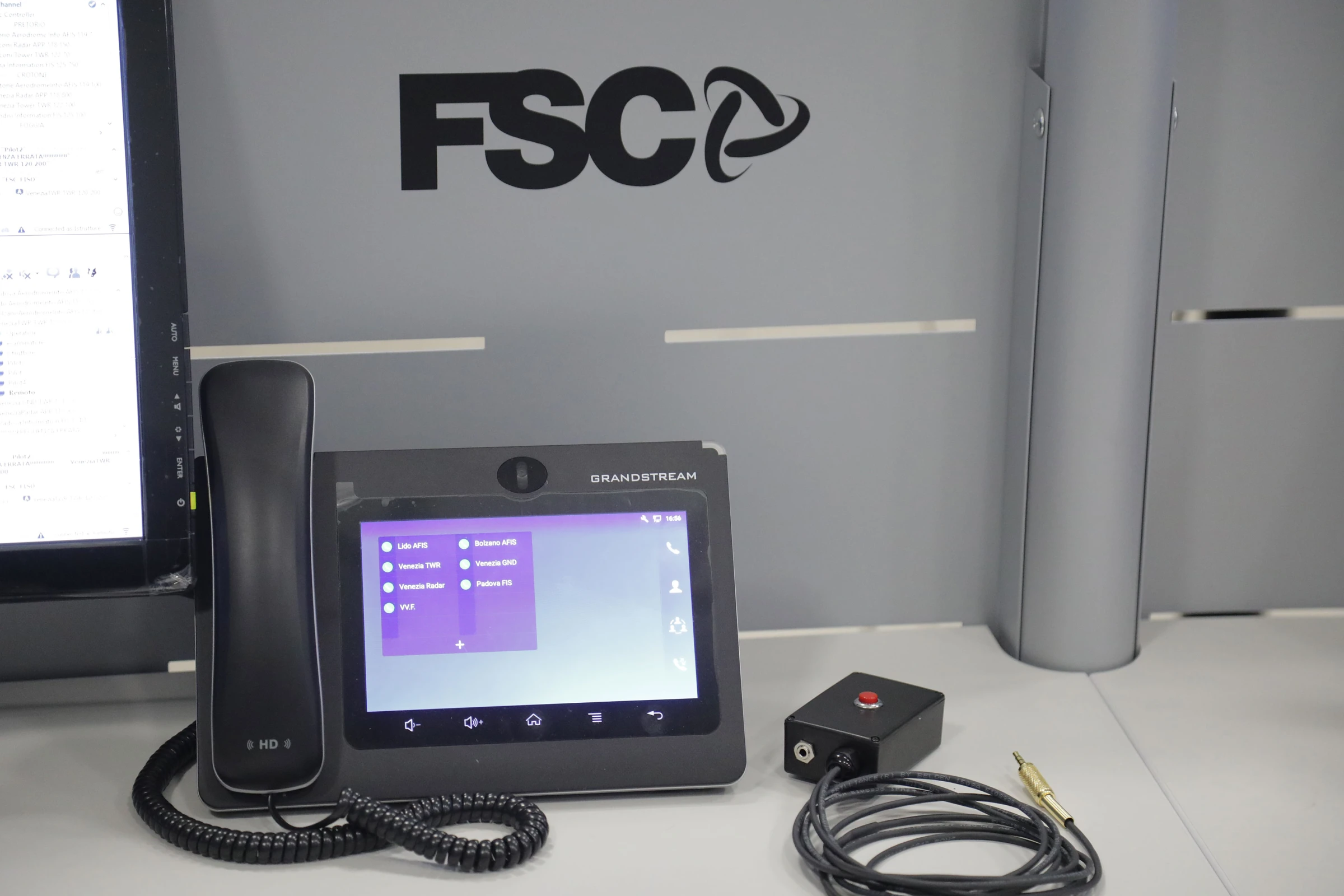
Stations communicate via VoIP phones while pilots use a simplex communication system that simulates frequency transmission.

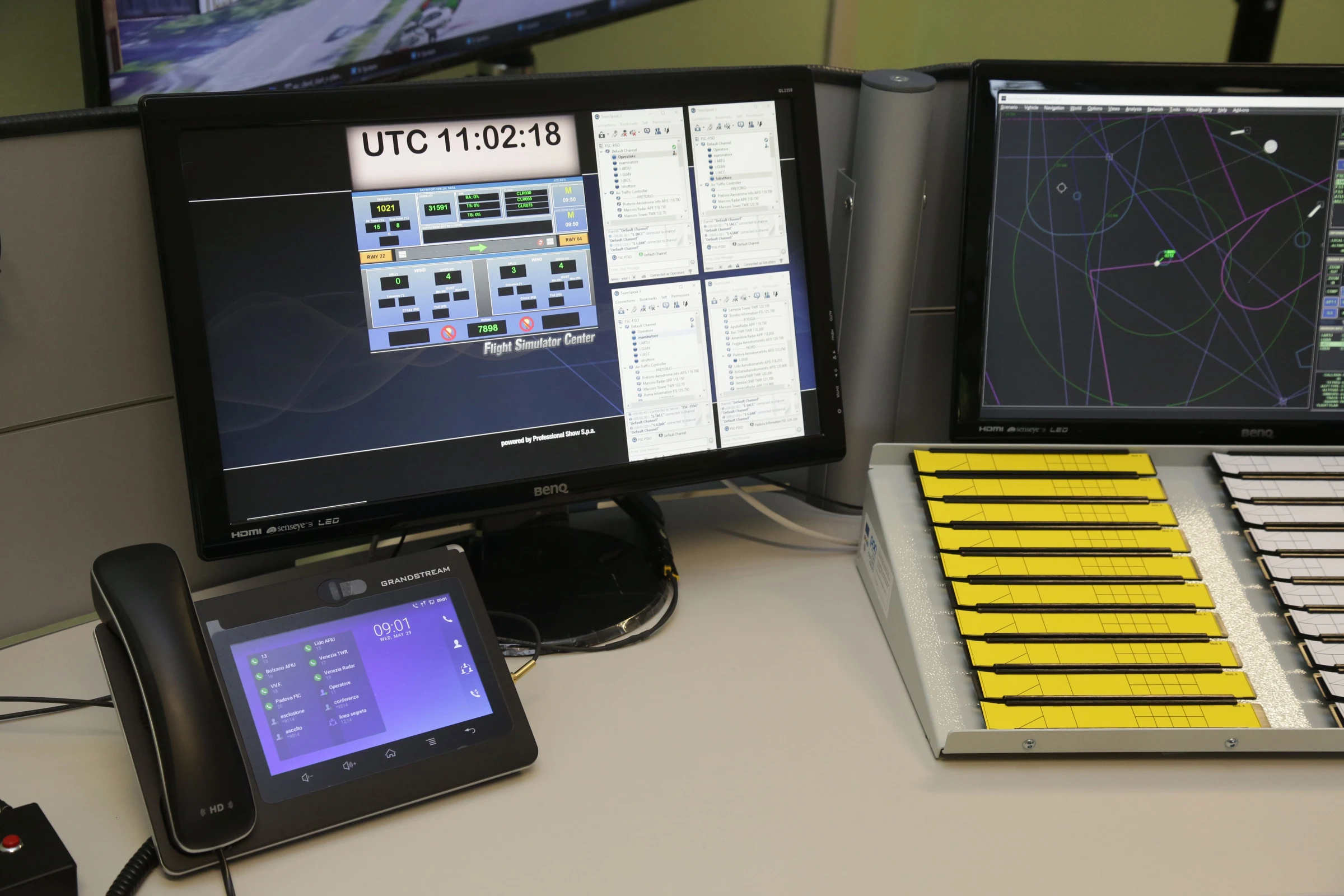
All stations have synchronized weather and time, while a Metar Generator allows the Instructor to generate specific training sessions.

Simulation Arena

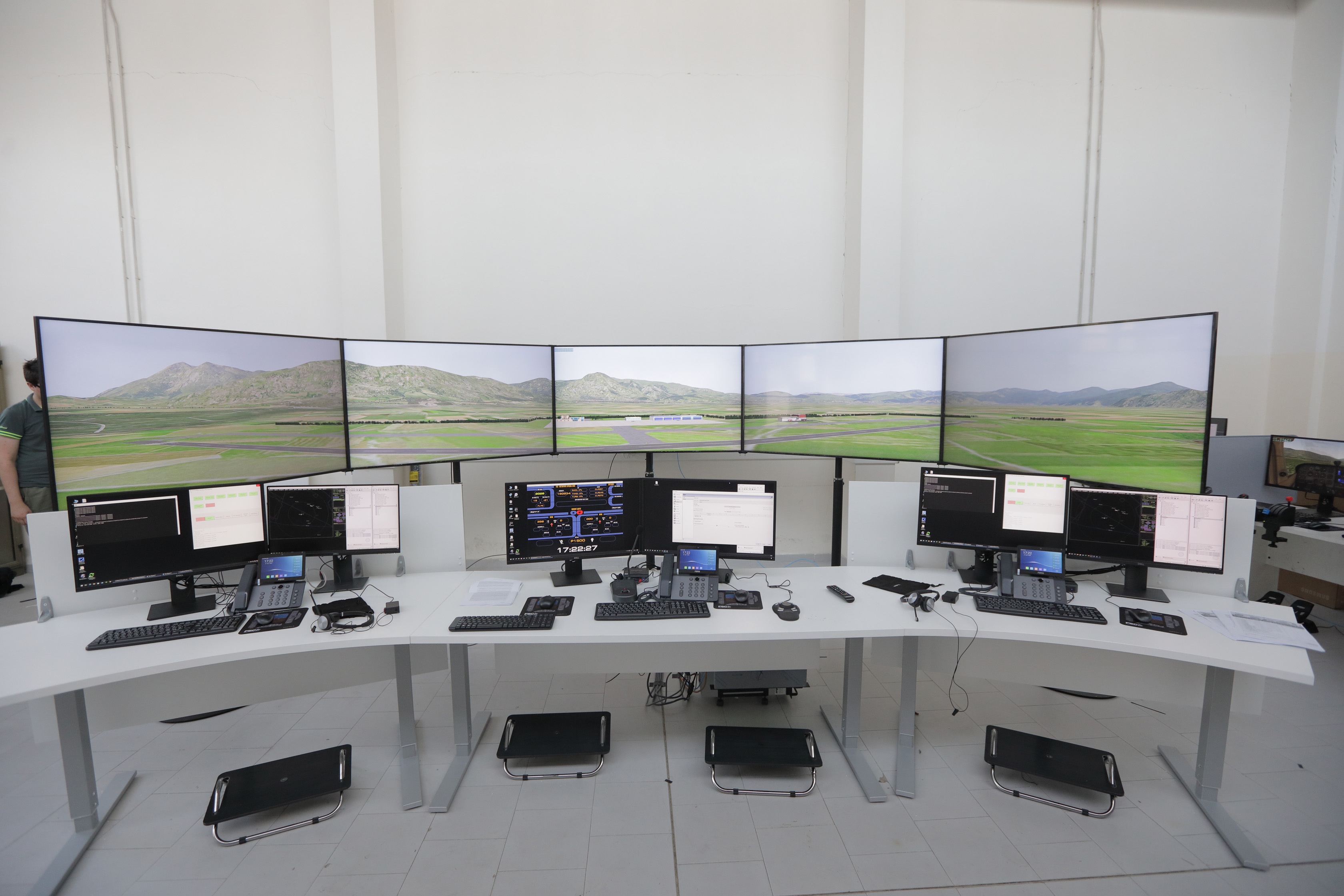
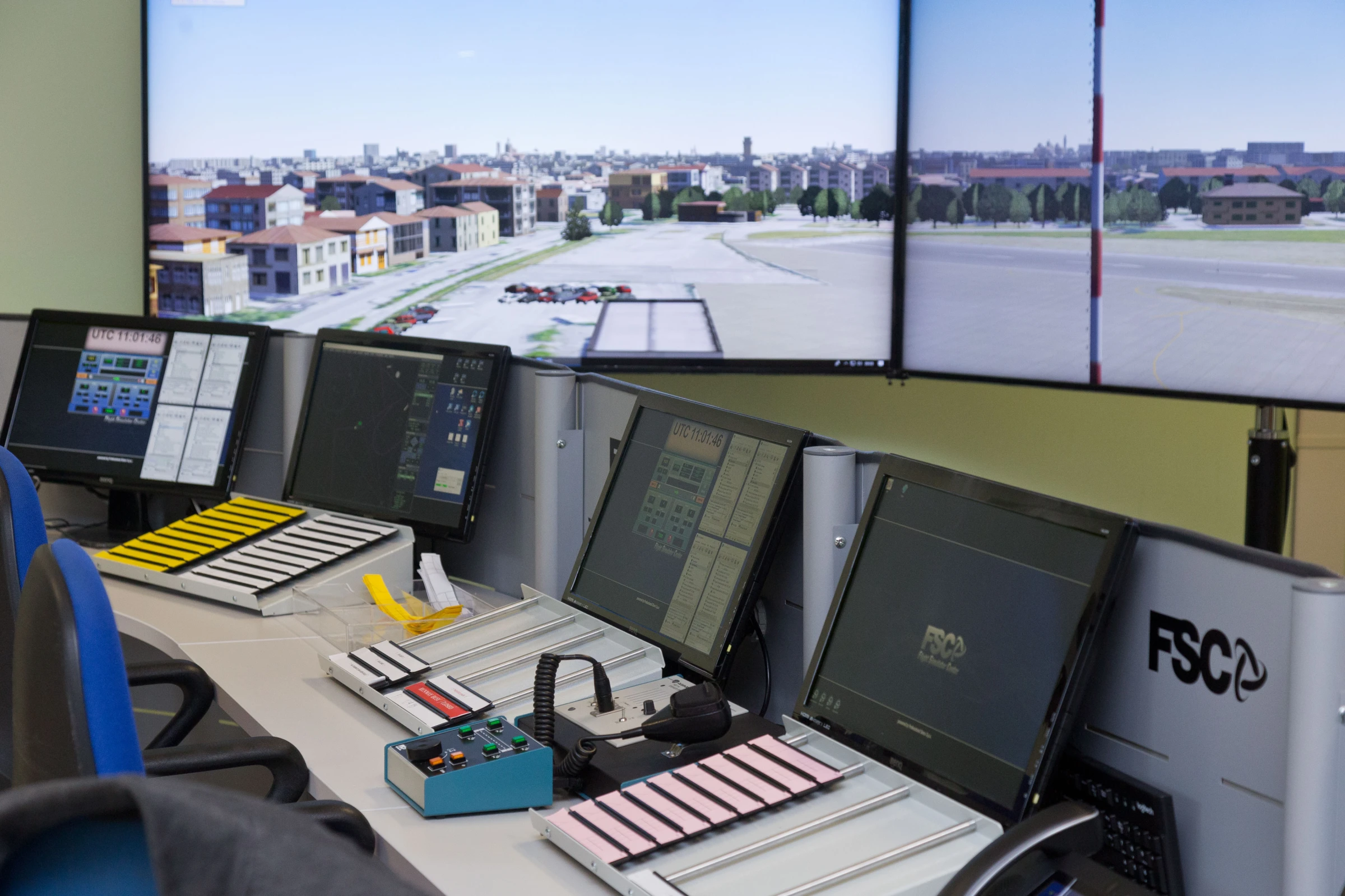
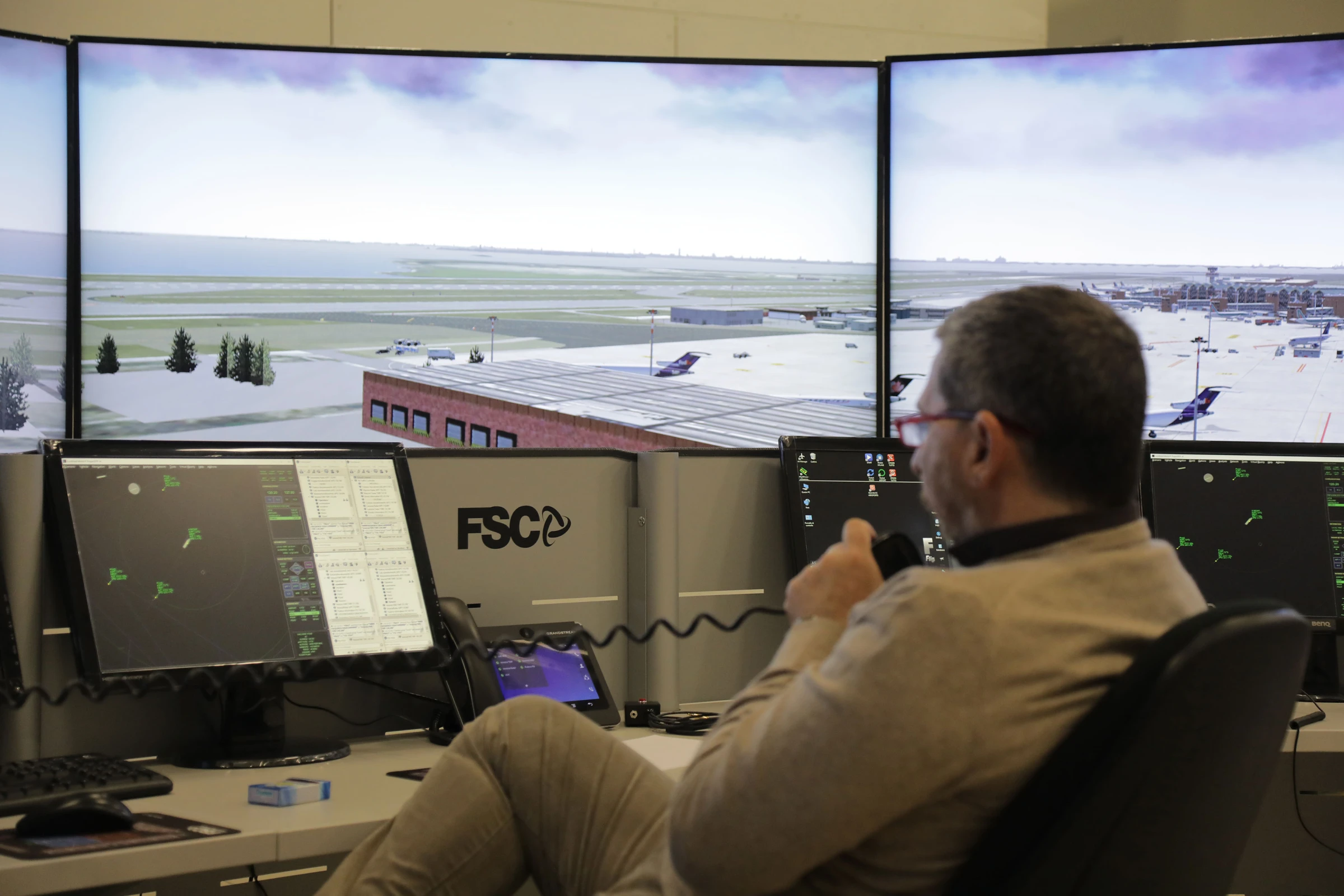
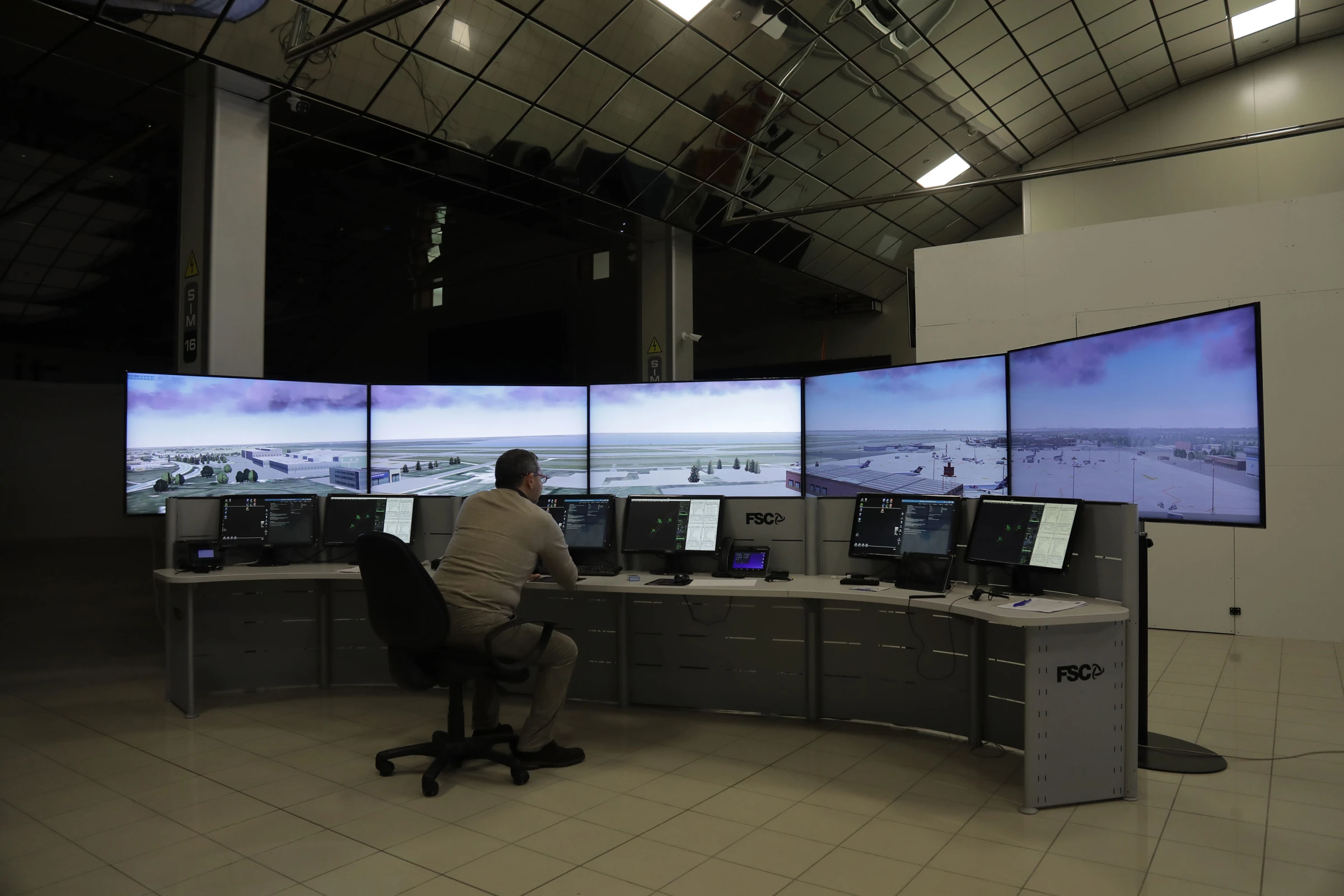
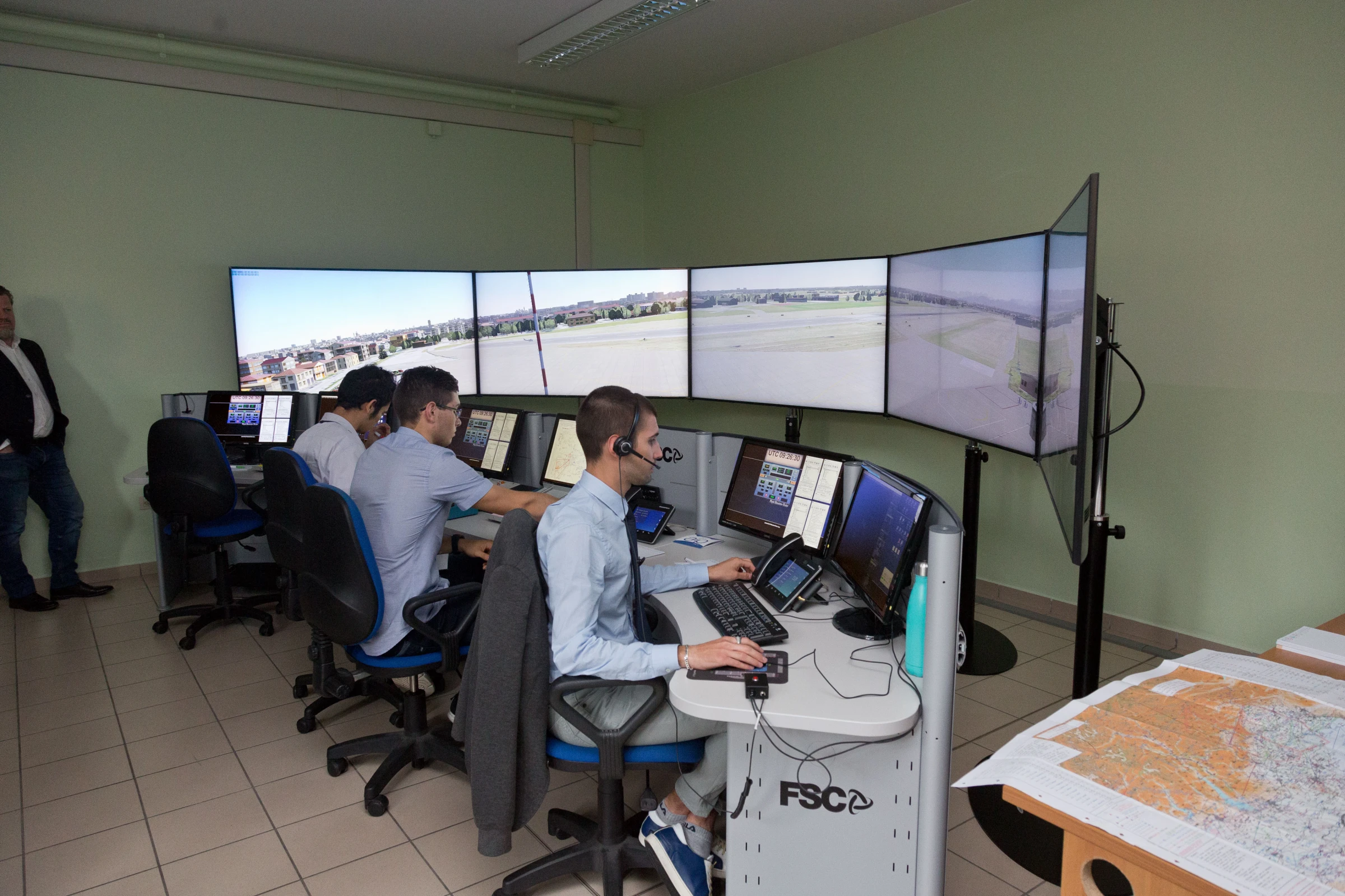
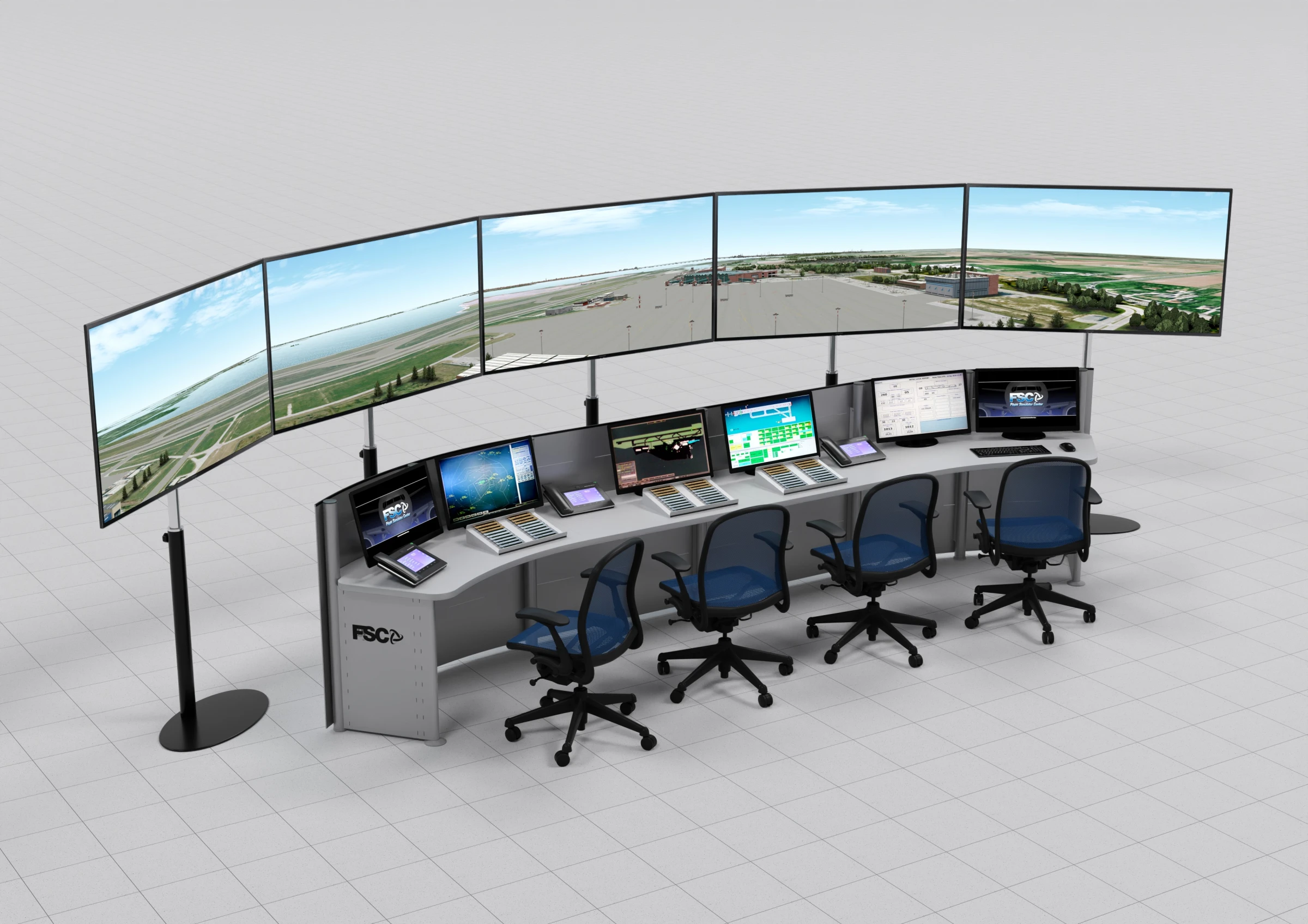
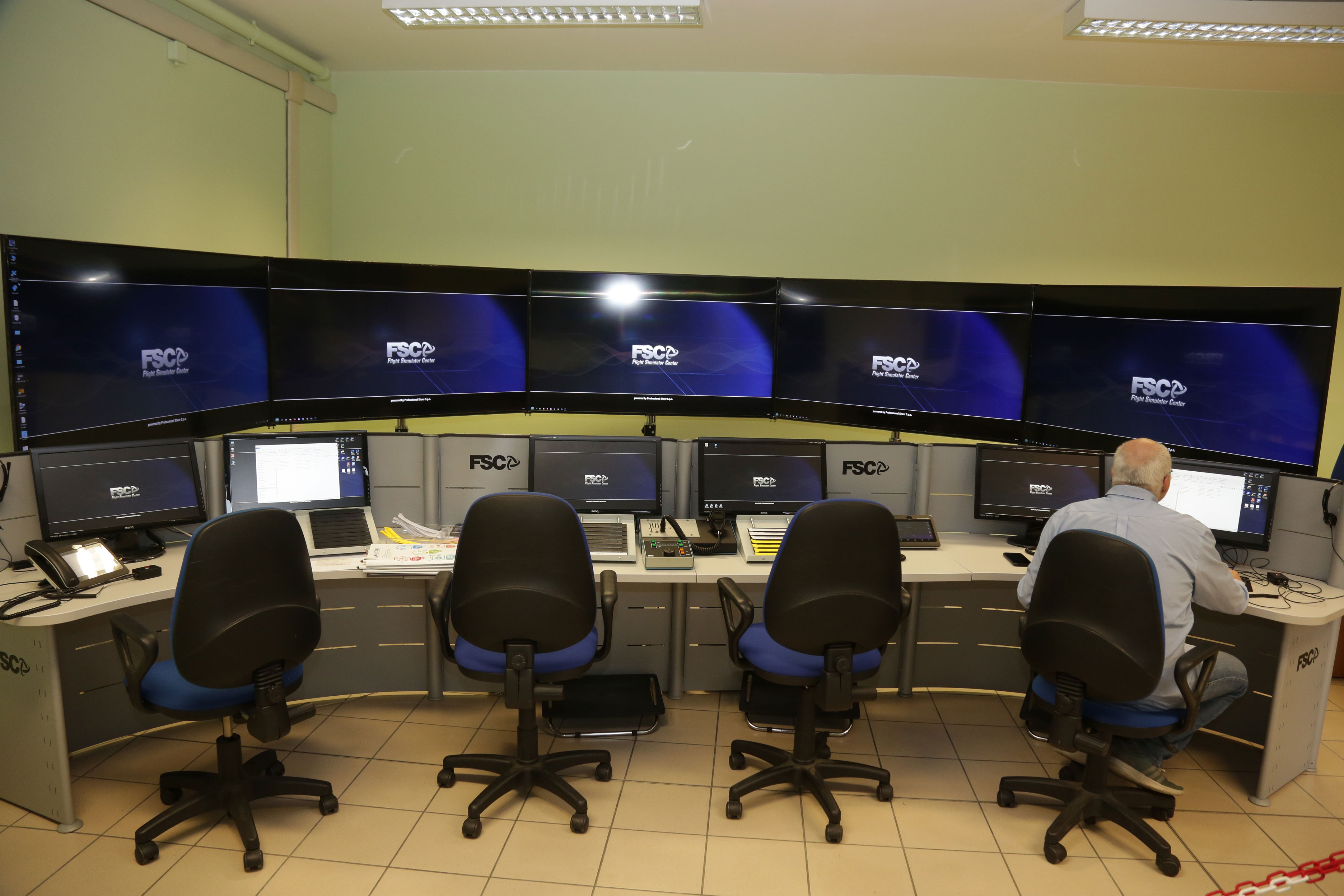
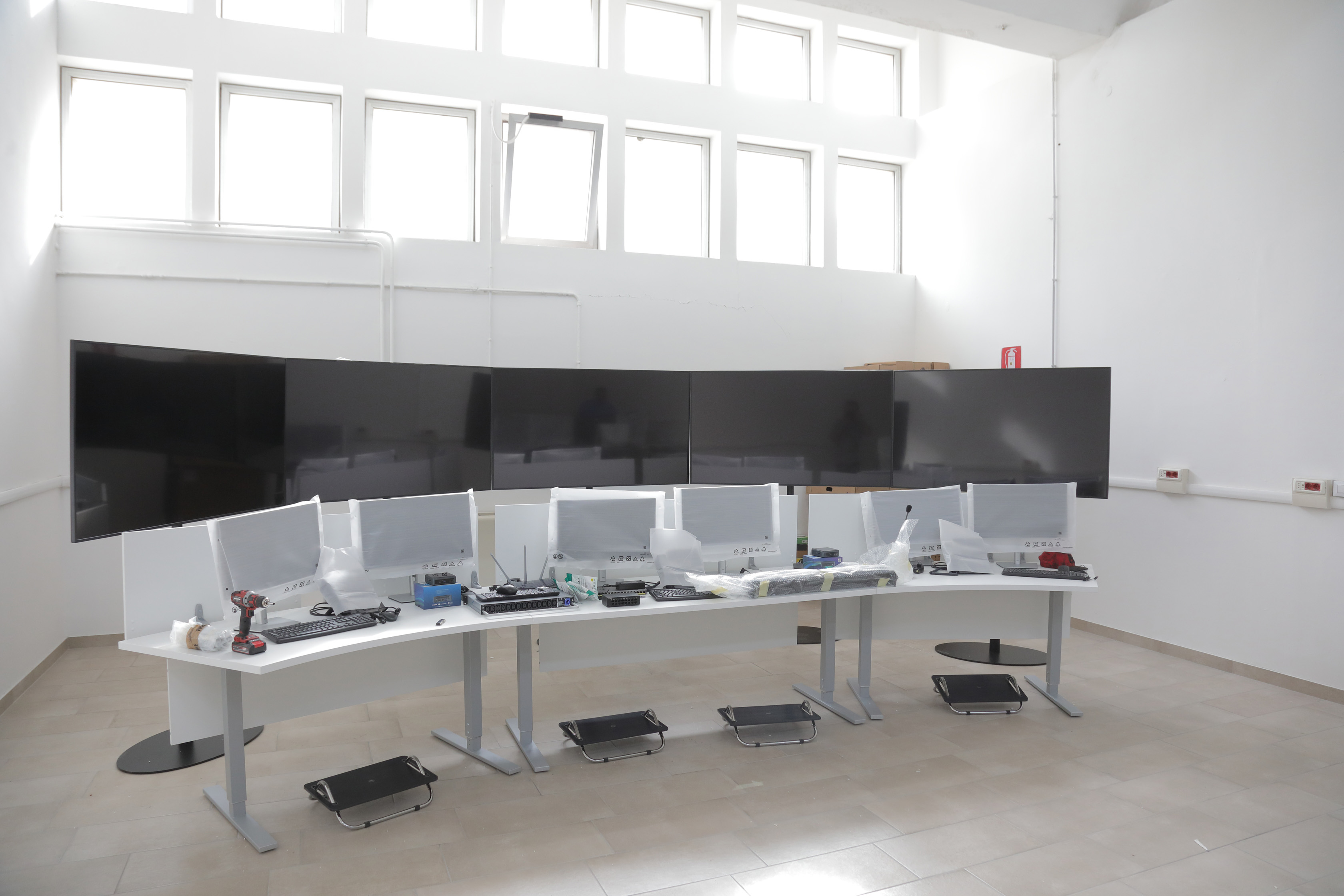
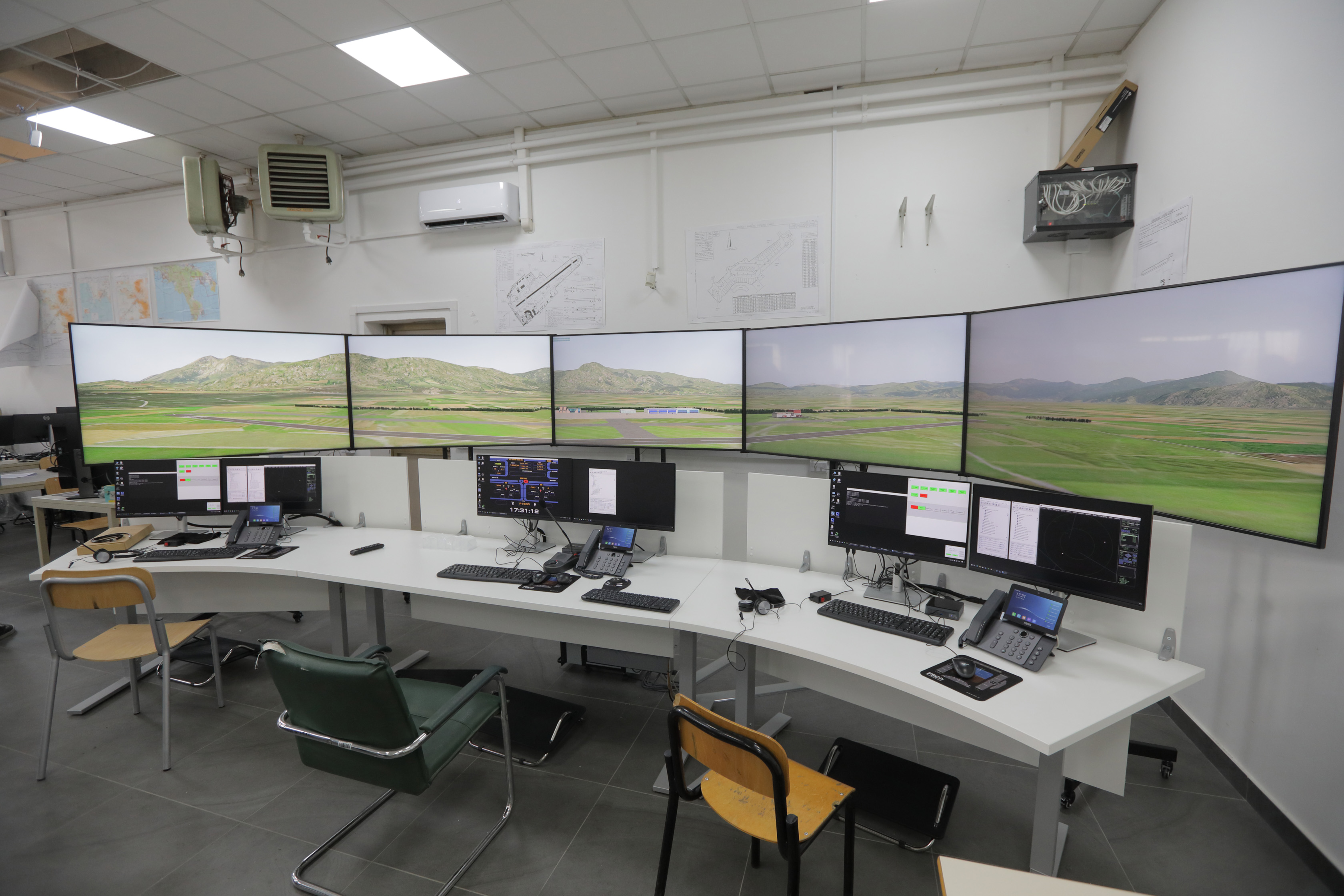
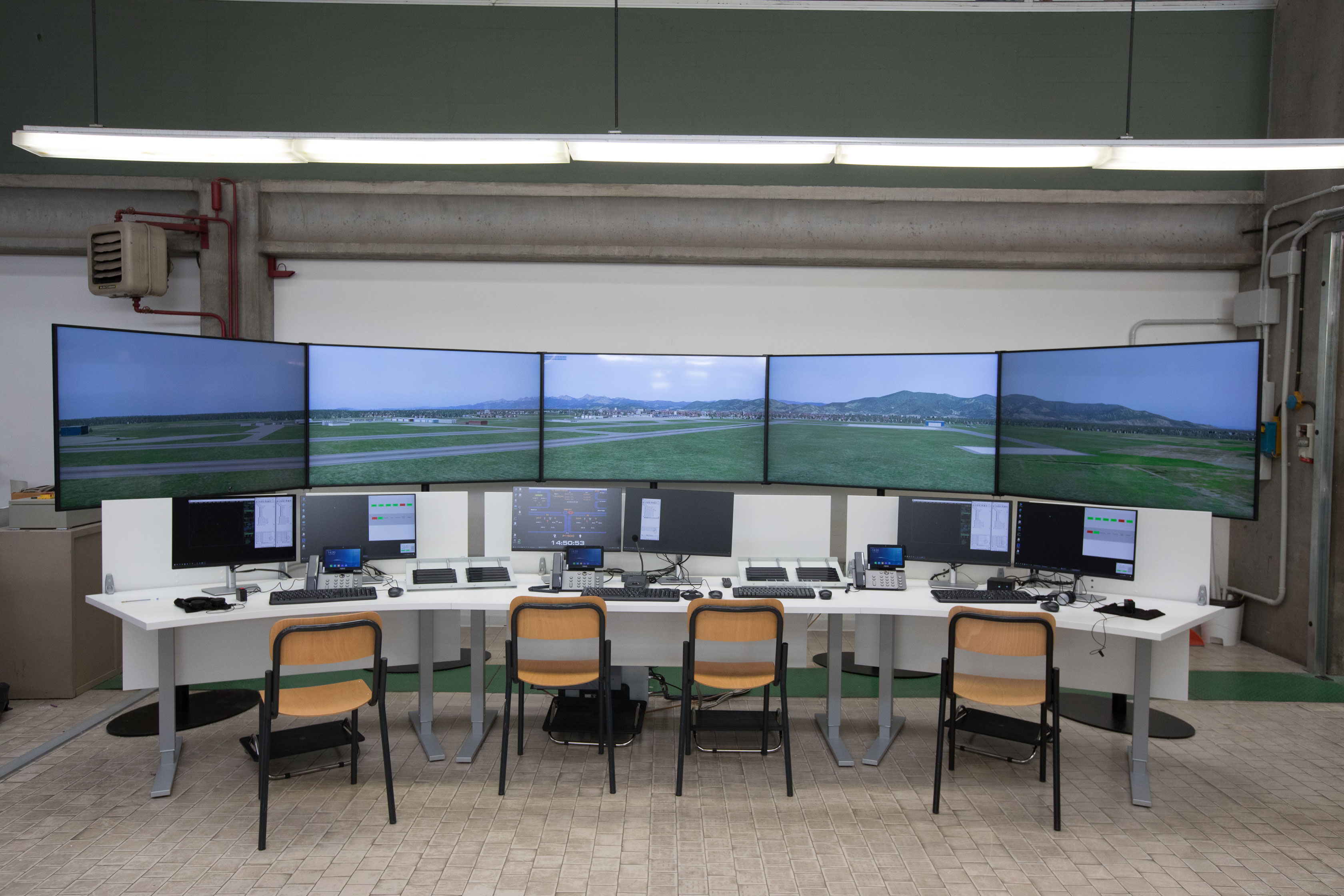
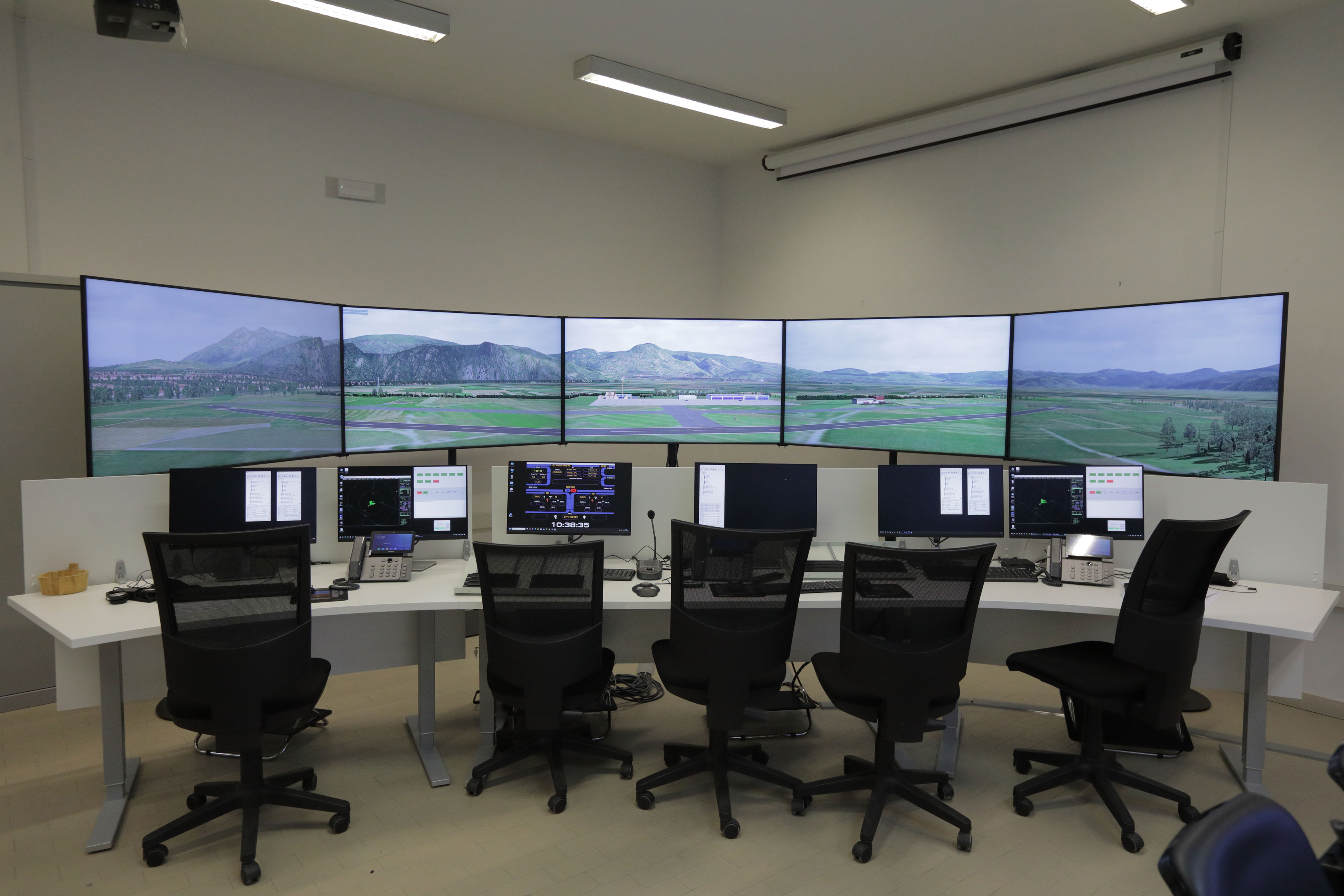
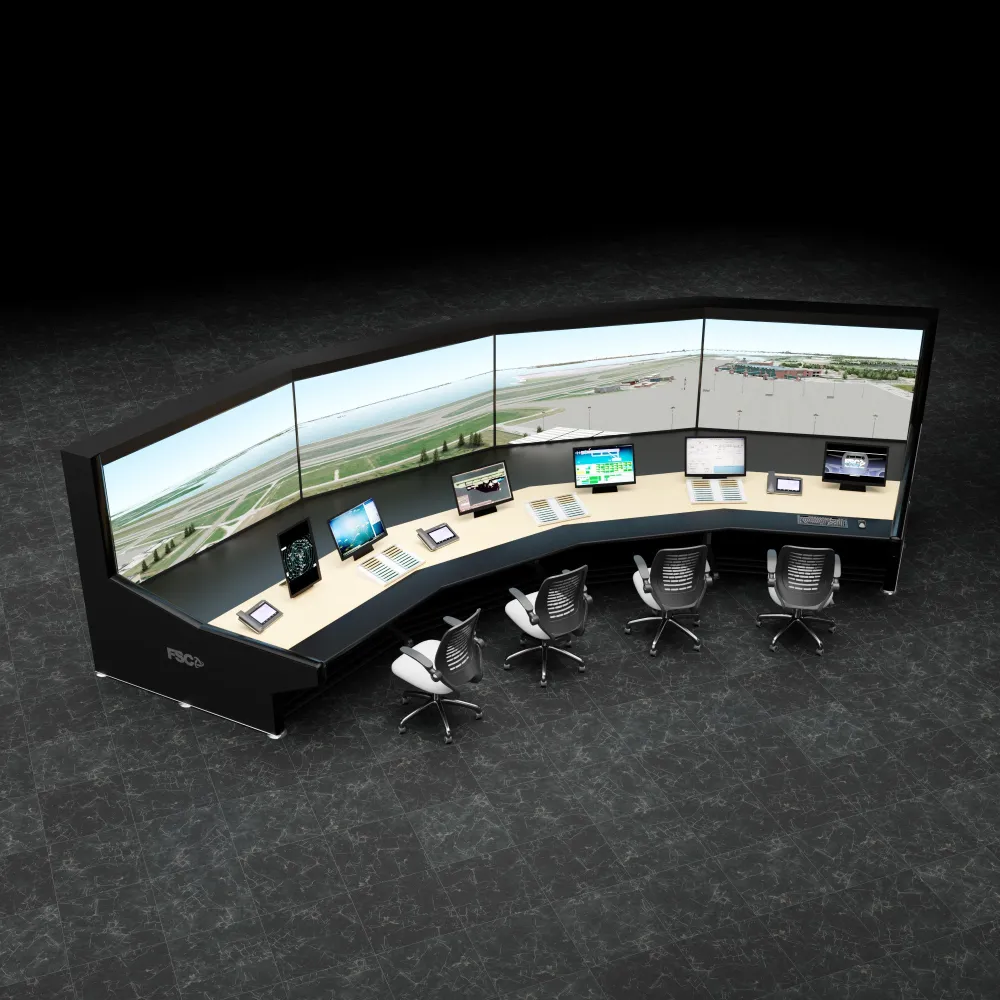
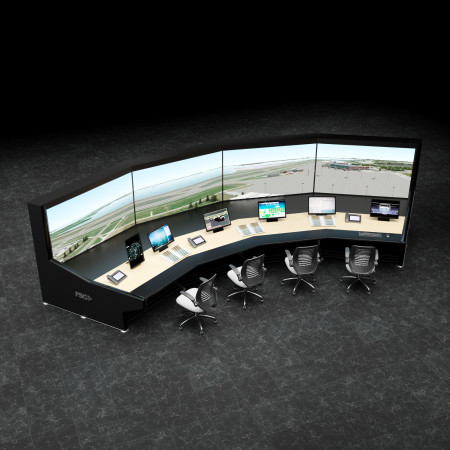
The FISO simulation arena is composed of a semi-circular workstation and a visual system of 5 contiguous 65” screens with 4K resolution offering a 180° field of view from the selected Tower. The view can be managed by the operator to reach 360° by rotating the view through the dedicated selector.

The simulator is organized into four working positions:

• a double central position for the FISO operator, which can be managed by both left and right handed users

• a right side position for the instructor

• a left side position for the examiner

• a remote coordinating position

Piloting Stations and Software & Scenarios

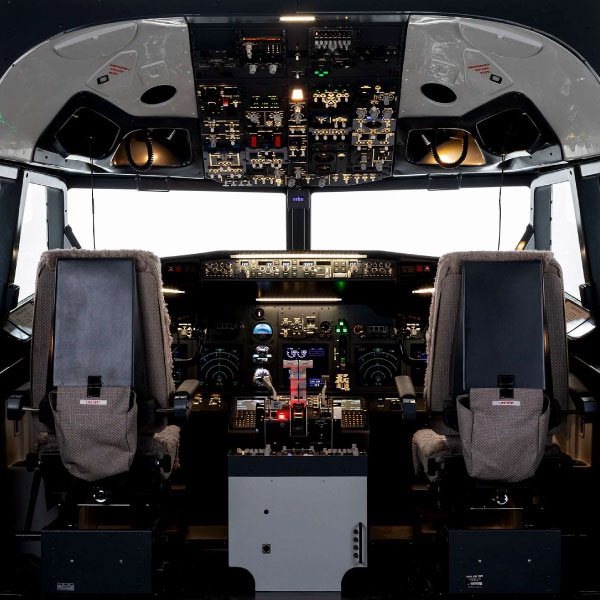
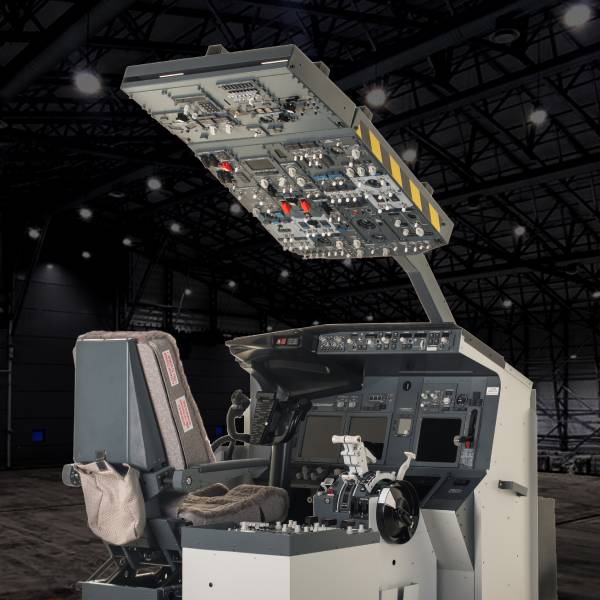
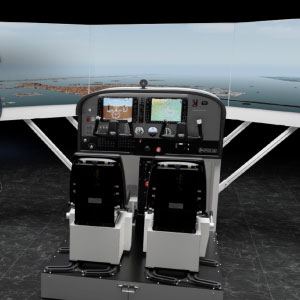
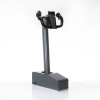
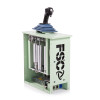
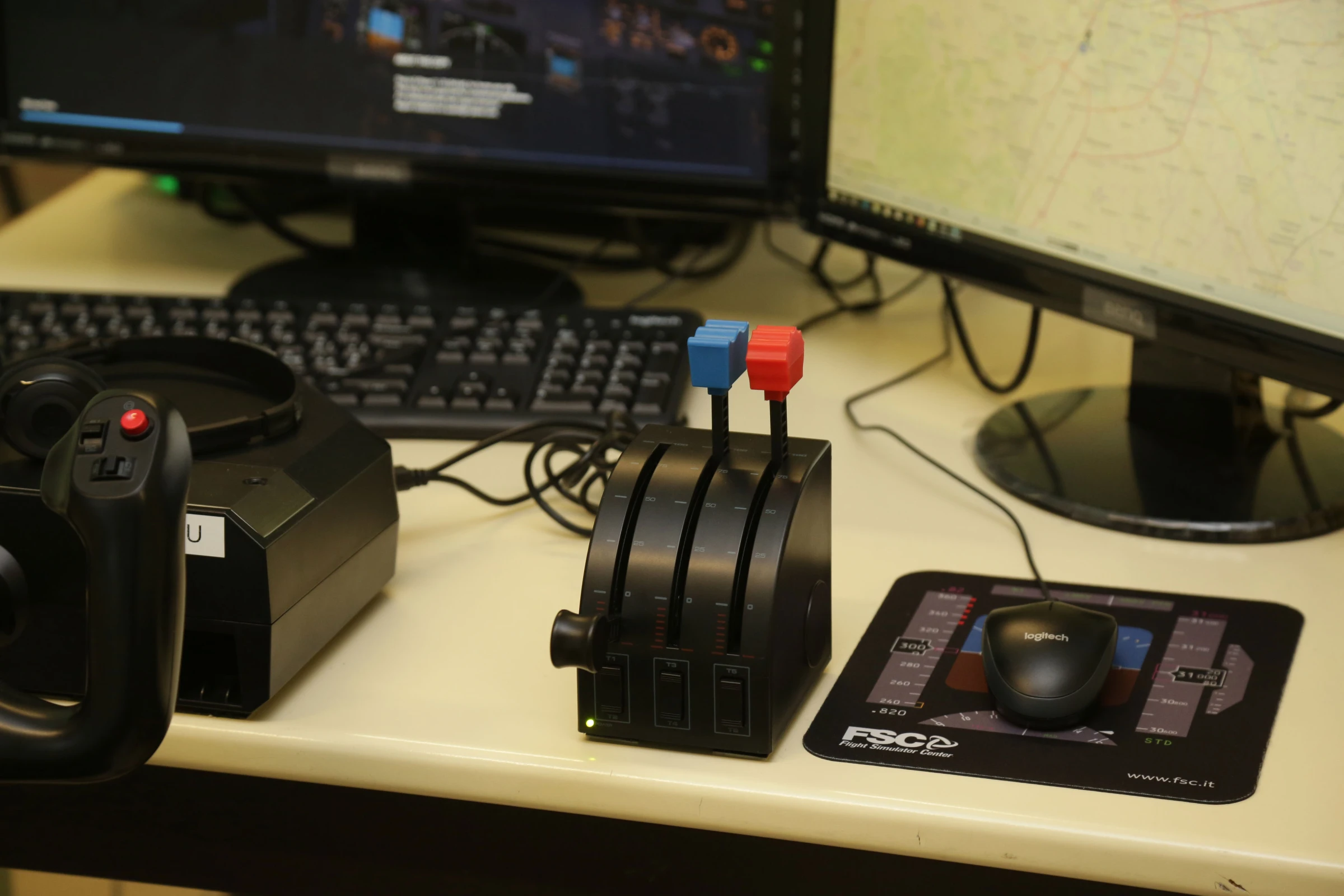
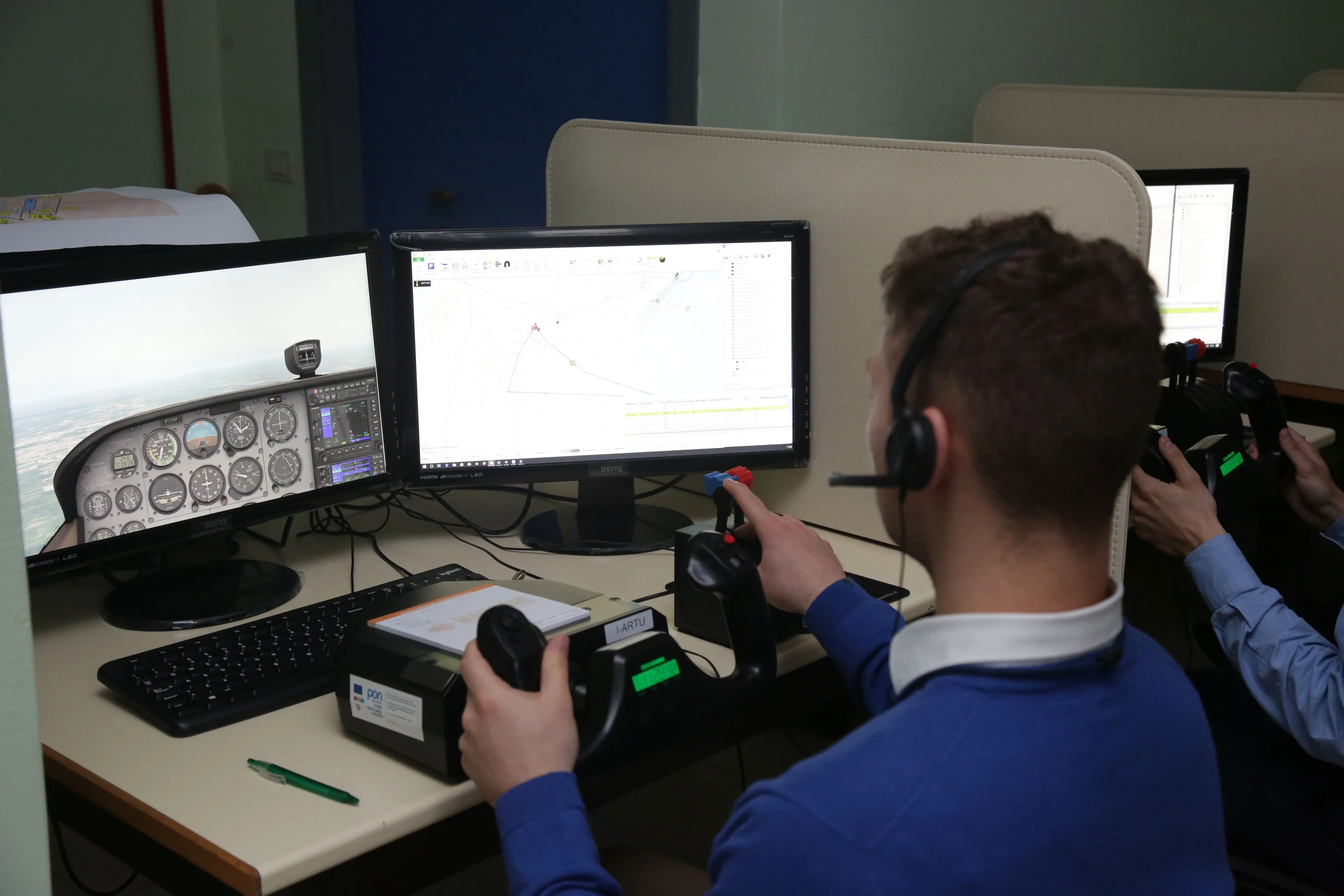
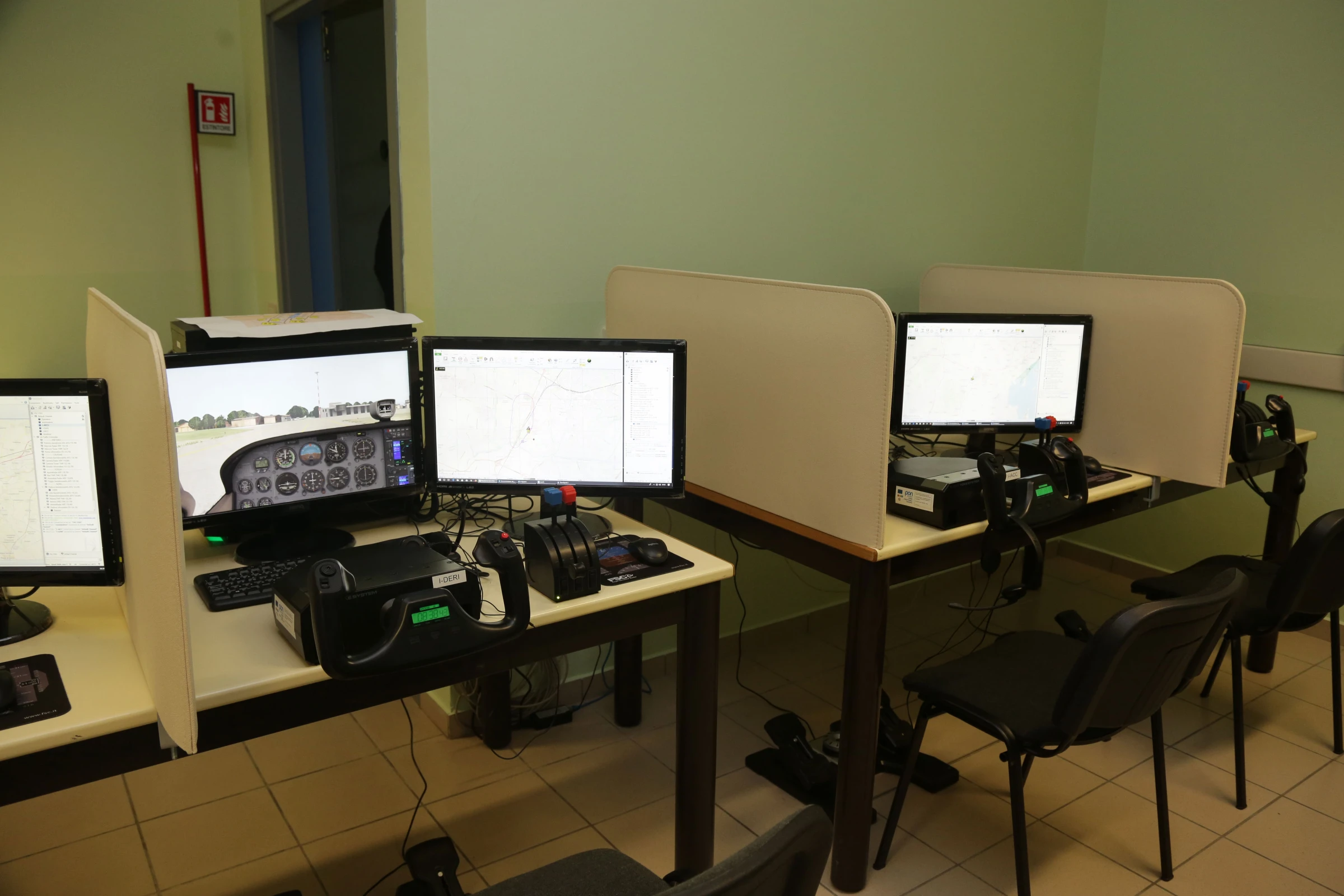
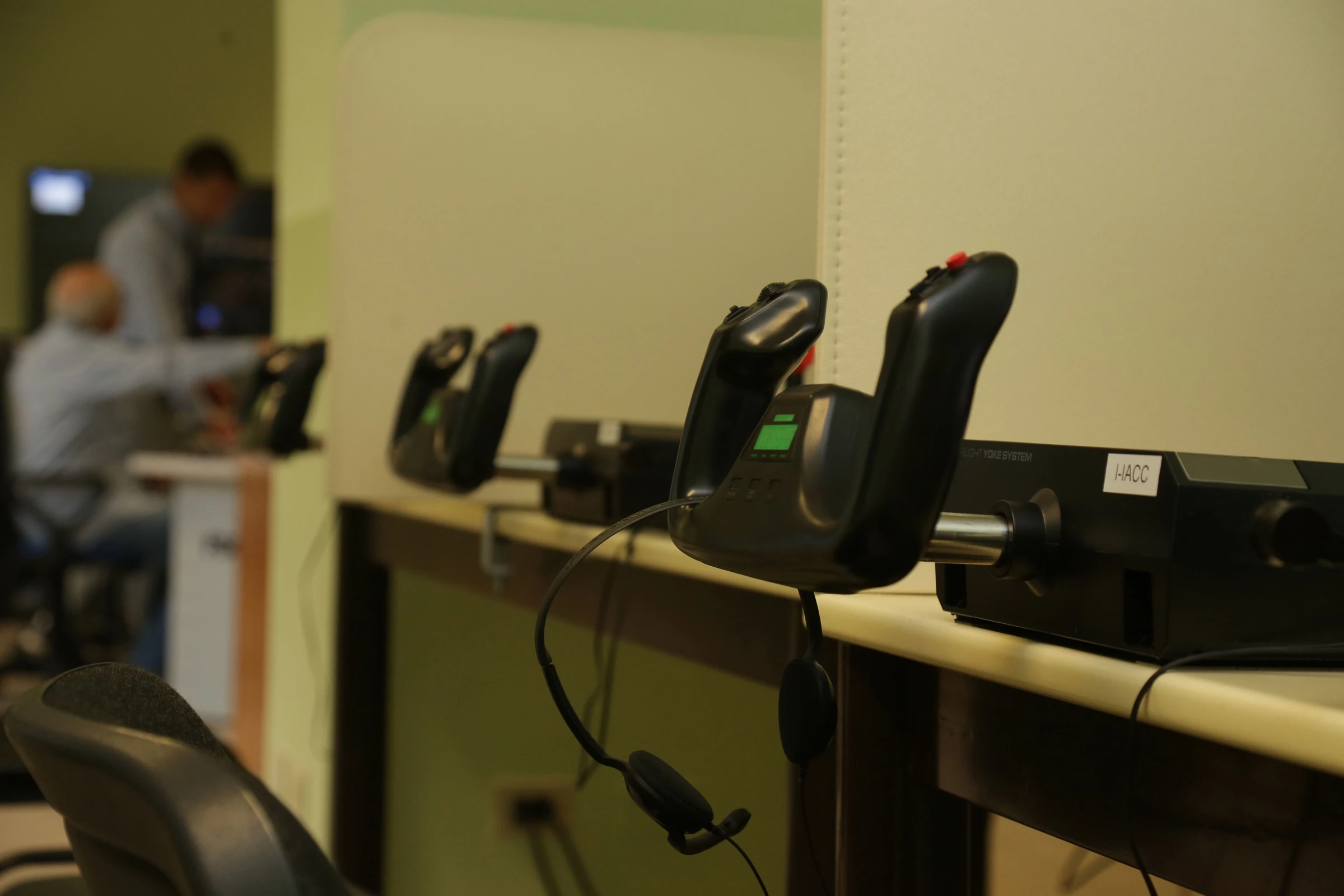
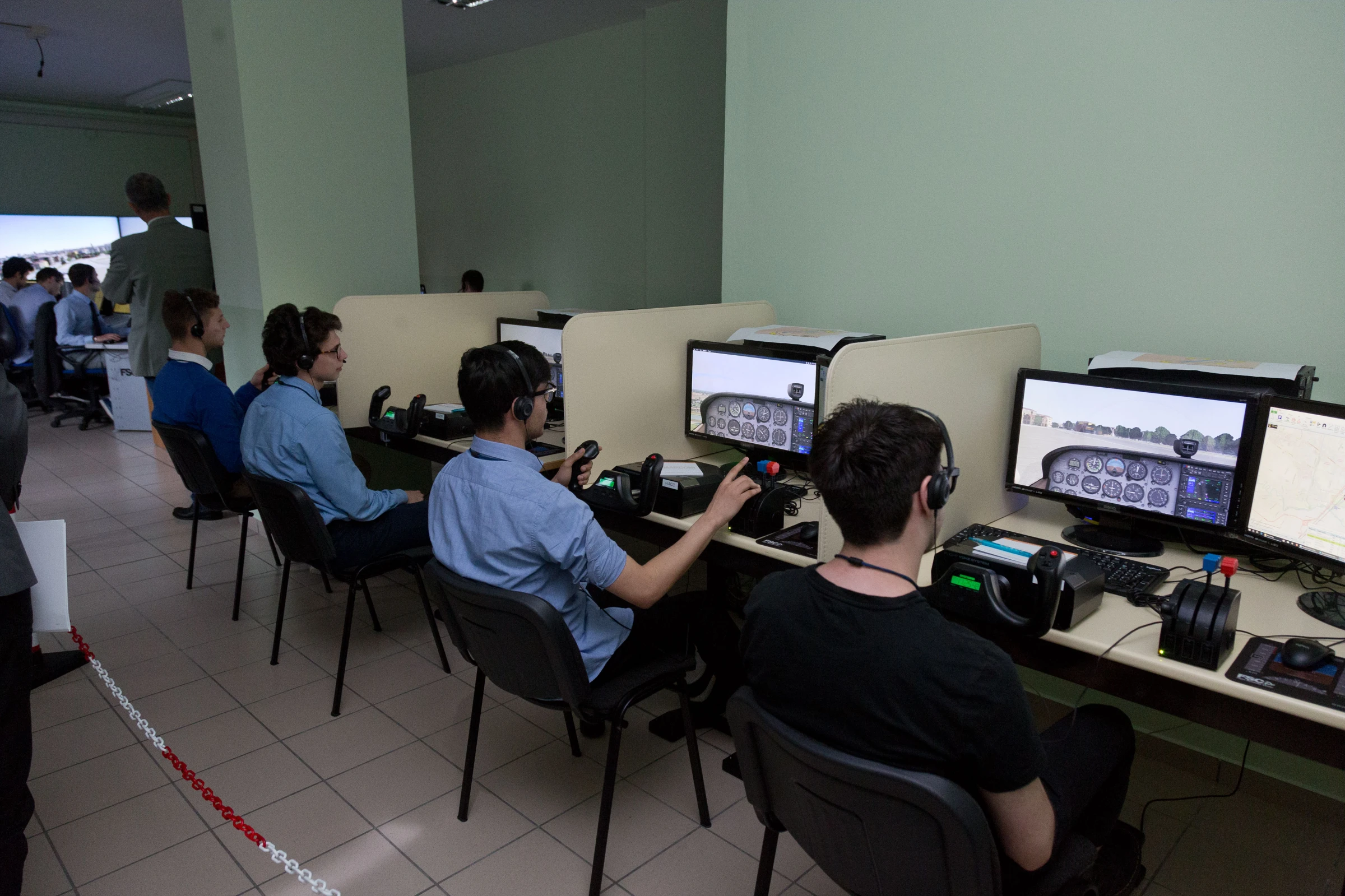
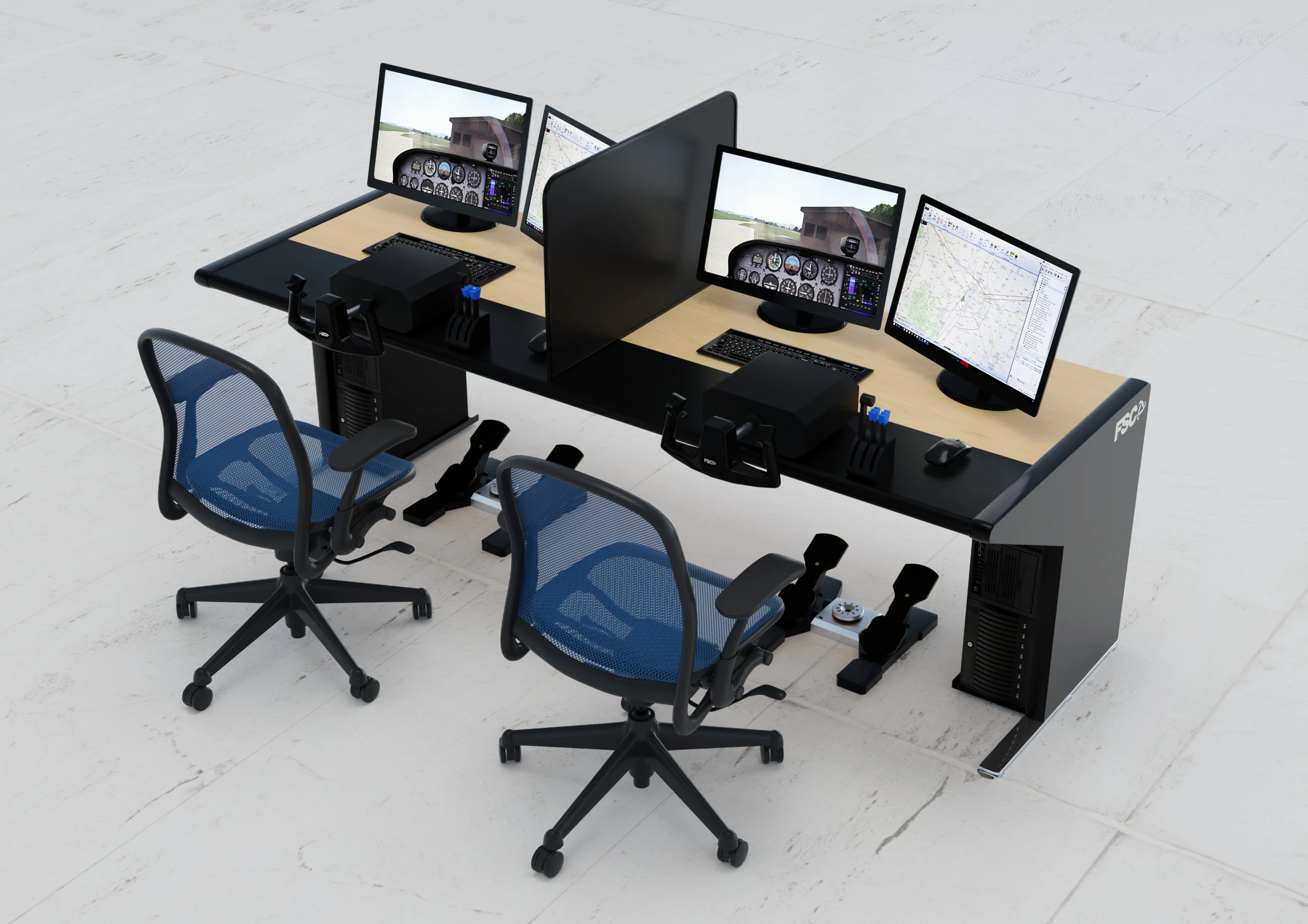
Piloting station are equipped with Throttle Quadrant, Yoke and pedals, while the simulated views are reproduced on a dual screen layout. Each station is connected to the main FISO simulation station (flight phases, operating / emergency / alternate frequency).

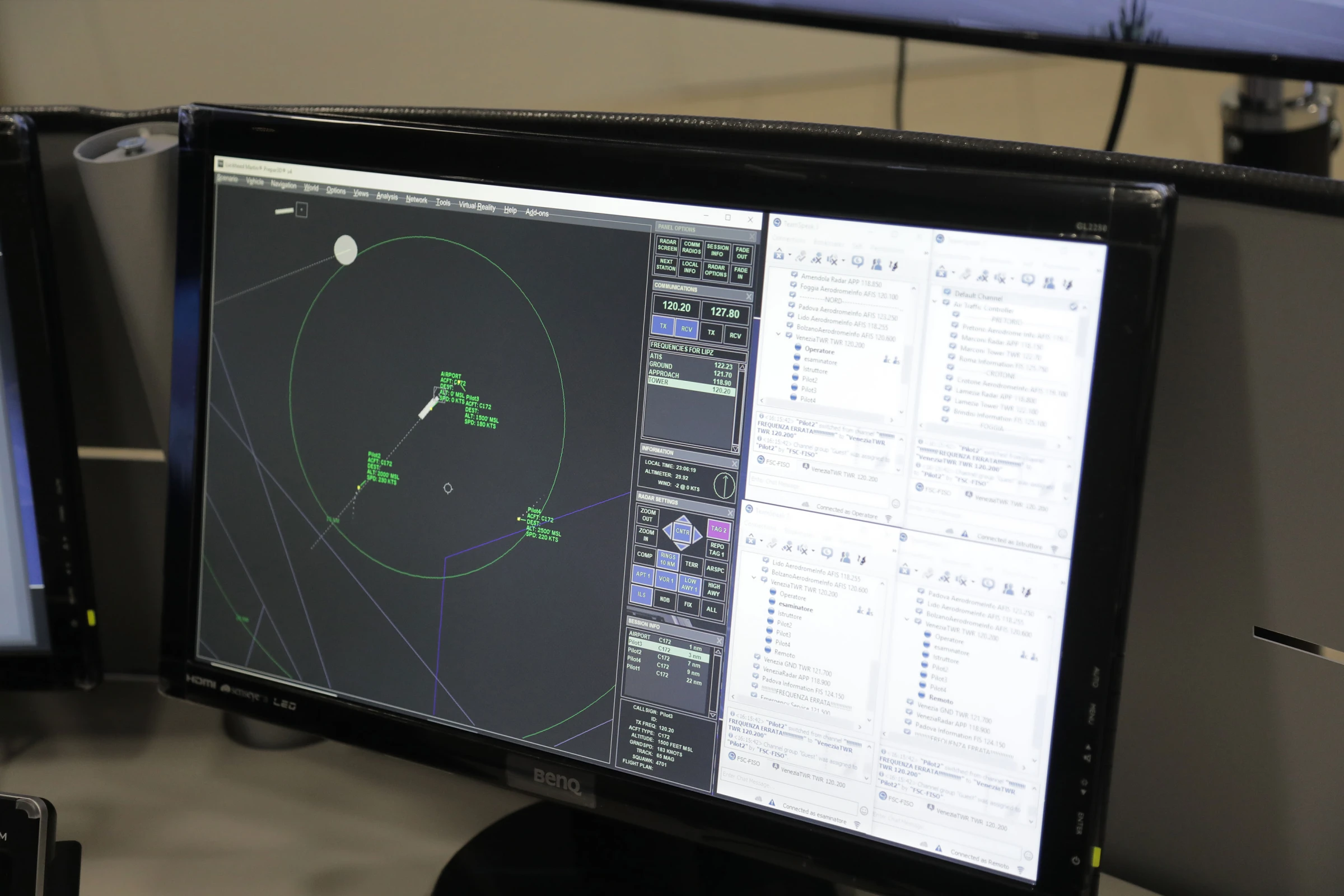
A dedicated software has been designed to reproduces the FISO simulation area (called “PRETORIO”) provided by ENAC and other fictional sceneries provided by national aeronautical safety boards. The system reproduces photorealistic high resolution scenarios of airports and cities made by FSC’s 3D designers. A Metar generator generates the weather and syncing it in the entire network. A control program allows instructor to select specific conditions.

Integration System

The “integration system” allows the connection and interchange of both flight data and phonic data between the piloting stations and the simulation station. There is a “secret” communication line between Instructor, examiner and remote station. The multiplayer is based on a peer-to-peer communication system, allowing the Tower PC (hosting the session) to disconnect anytime, leaving the other clients connected, while reconnecting as a different airport (for example for a transfer flight from an aerodrome to another). The protocol can connect different simulators, for example P3D and X-plane, and the all movement are precise, smooth, and synchronized. A remote “freeze” command is sent via UDP protocol to pause the entire session avoiding the students to pause each station manually. A VPN is used to allow external simulators to join the session if authorized, keeping the network safe from random external access. The scenery can be changed from an Aerodrome to another, just by clicking an icon.

Many Students involved at the same time

During a two hours lessons, 3 groups of 8 students can be involved for a productive and high level training. The high realism of the FIS simulator allows all students, even those simply attending the lesson, to be deeply involved in an ideal learning environment. The lessons are held in Local language and English, depending on the level reached by the students and the type of lesson that the professor intends to carry out.

4 students on the piloting stations (with possibility of adding up to 14 more) without using the pseudo-pilot and therefore, thanks to this configuration, they learn the optimal management of multiple functions (voice, navigation, etc.). It is also possible to assign a transfer between one airport and another, moving the management of the tower simulator from the departure airport to the destination airport.

Interconnected Remote Station

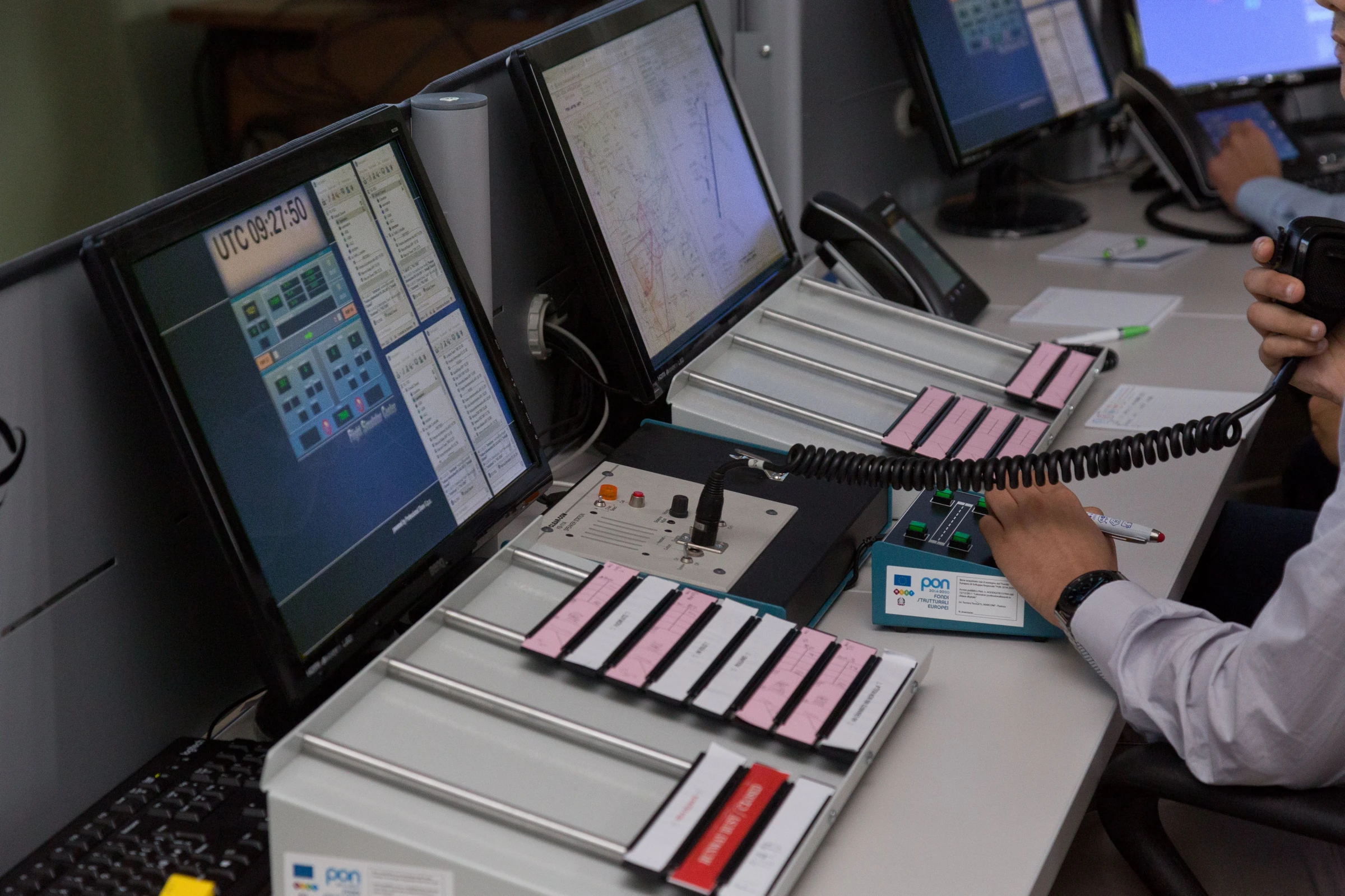
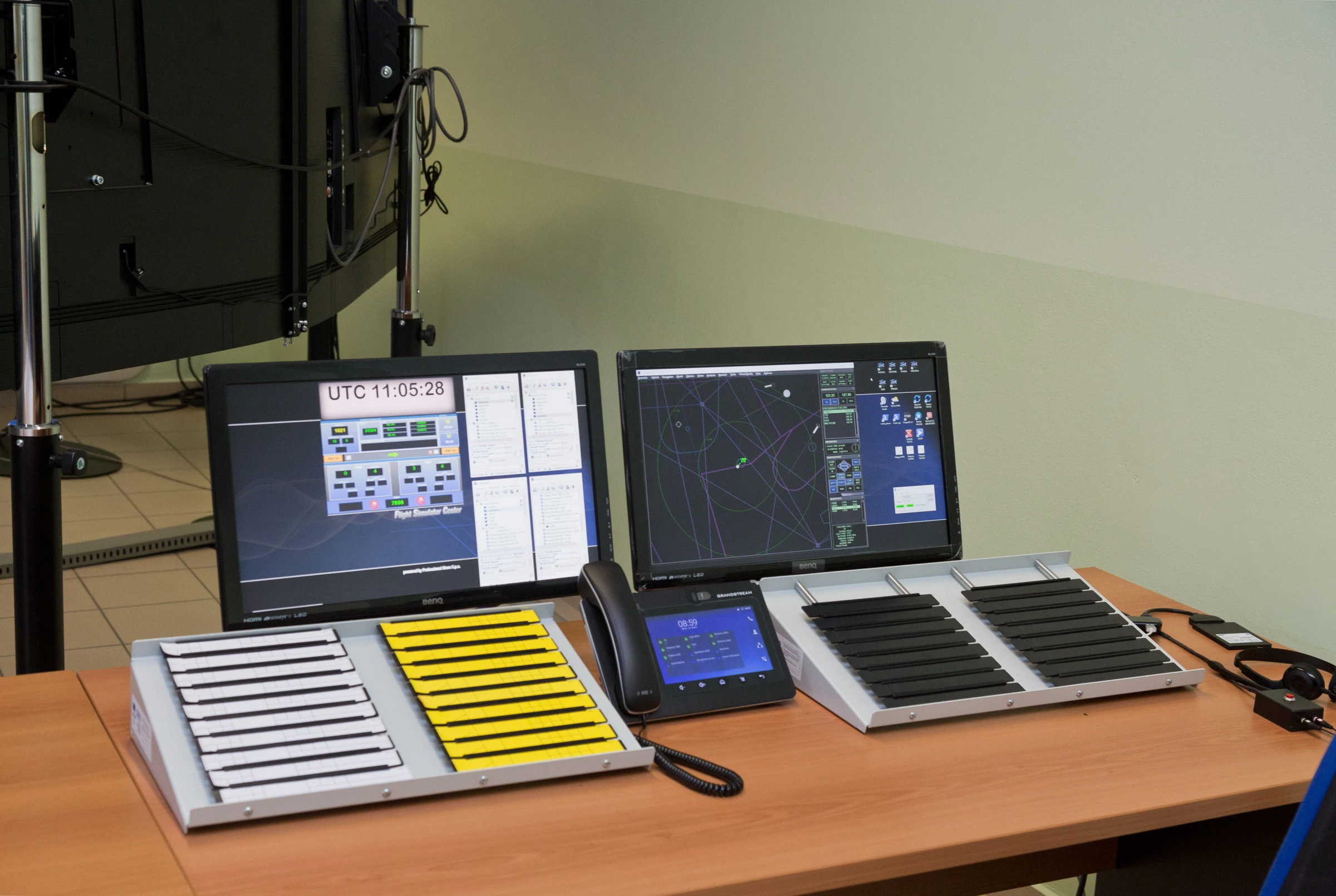
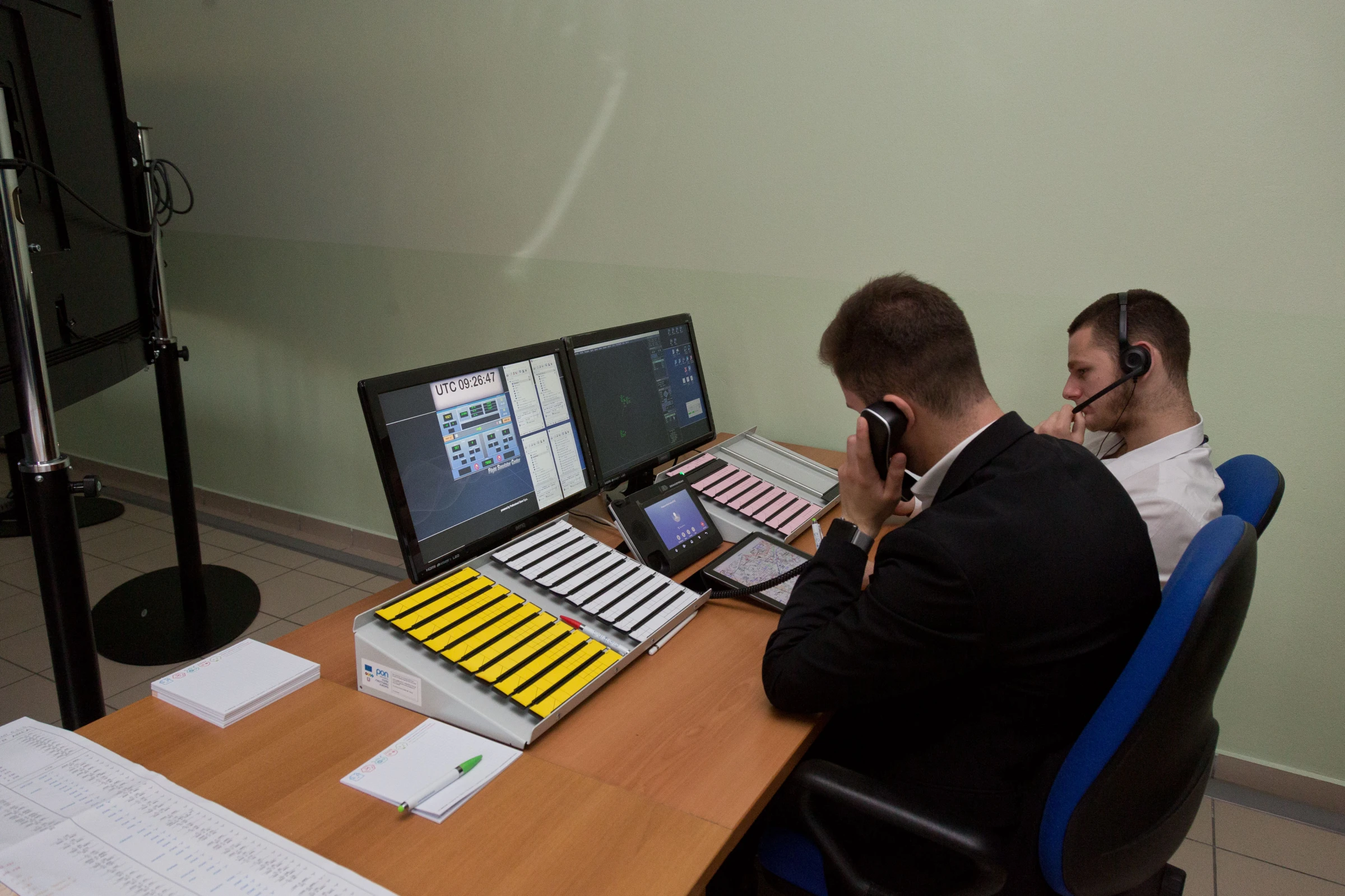
2 students on the remote station: one that manages the radio communication and one the telephone communication. In the remote station are simulated multiple roles, based on the choices of the FIS operator and this allows to diversify training. Each operator is equipped with a strip-holder rack to record and organize the traffic being managed.

2 students for the FISO station, generally one engaged in frequency operations to manage the traffic, and one that deals with the coordination with other stations (FIC, APPROACH, CTR TOWER, Fire Brigade), both have a strip-holder rack to note and manage the traffic.

A high level of customization for the F.I.S. simulator

Flight Simulator Center has a long experience in the customization of its products. The FIS simulator is no exception: there are countless design and technical variants in order to adapt and meet the needs of any customers. For example the choice of the size and resolution of the visual system, the number and type of control stations, the positioning of the servers that power the simulator, the communication technologies used, the creation of photorealistic scenarios and custom 3D reconstructions and the design and arrangement of the furniture structures.

1 PC for Tower visual

2 videocard, output to 5x 65” 4K monitors, running X-Plane 11

1 Control Box

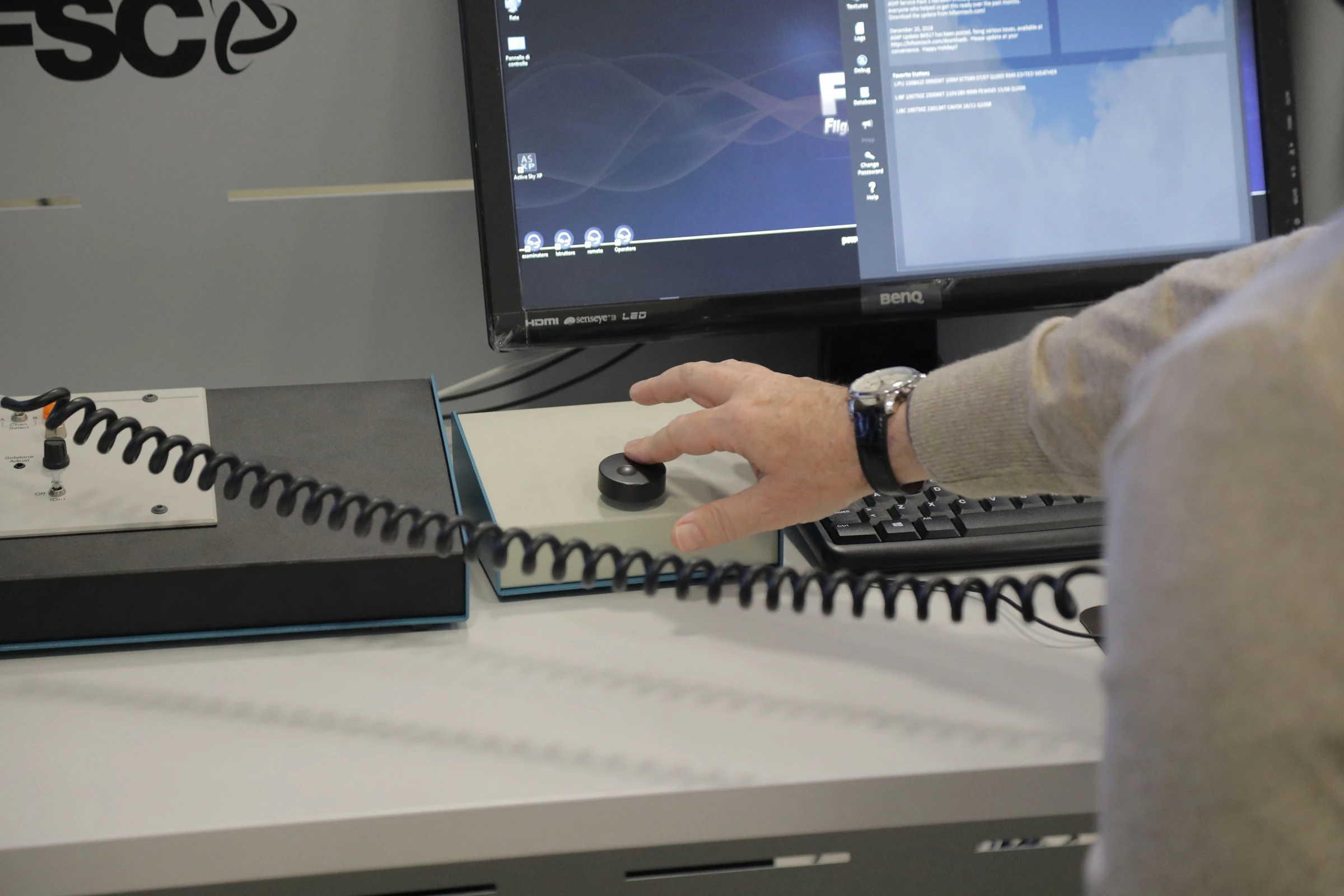
With Rotating Dial , UP/DWN pushbuttons and 4 preset camera pushbuttons

1 VOIP PBX

For telephone communication, private line, conference calls

4 VOIP touch screen phones

With reconfigurable Labels to call services and coordination

Visual system

180° field of view with 5 monitors 65" with 4K resolution

8 students involved at the same time

4 students in the pilot station, 2 students in the remote station and 2 students in the FISO station

Managment Software

Developed and integrated by FSC

4 pilot stations

Equipped with gaming pc, yoke, throttle quadrant, rudder pedals, headphone with mic and 2 monitors 22"

Examinator station

* 1 handset with a telephone system parallel to the "operator position"

* "secret" audio connection with the Remote and/or instructor station, allowing private coordination without the operator's knowledge

* 1 monitor with a keyboard and mouse for radar presentation of flight tracks

* 2 fixed strip racks

* 1 microphone and speaker with pre-set frequencies, enabling listening and interaction with all communications


Instructor station

* 1 handset with a telephone system parallel to the "operator position"

* "secret" audio connection with the Remote station and the "Examiner" station

* 1 monitor for managing meteorological information

* 1 monitor with a keyboard and mouse for radar presentation of flight tracks

* 2 fixed strip racks

* 1 mini pc

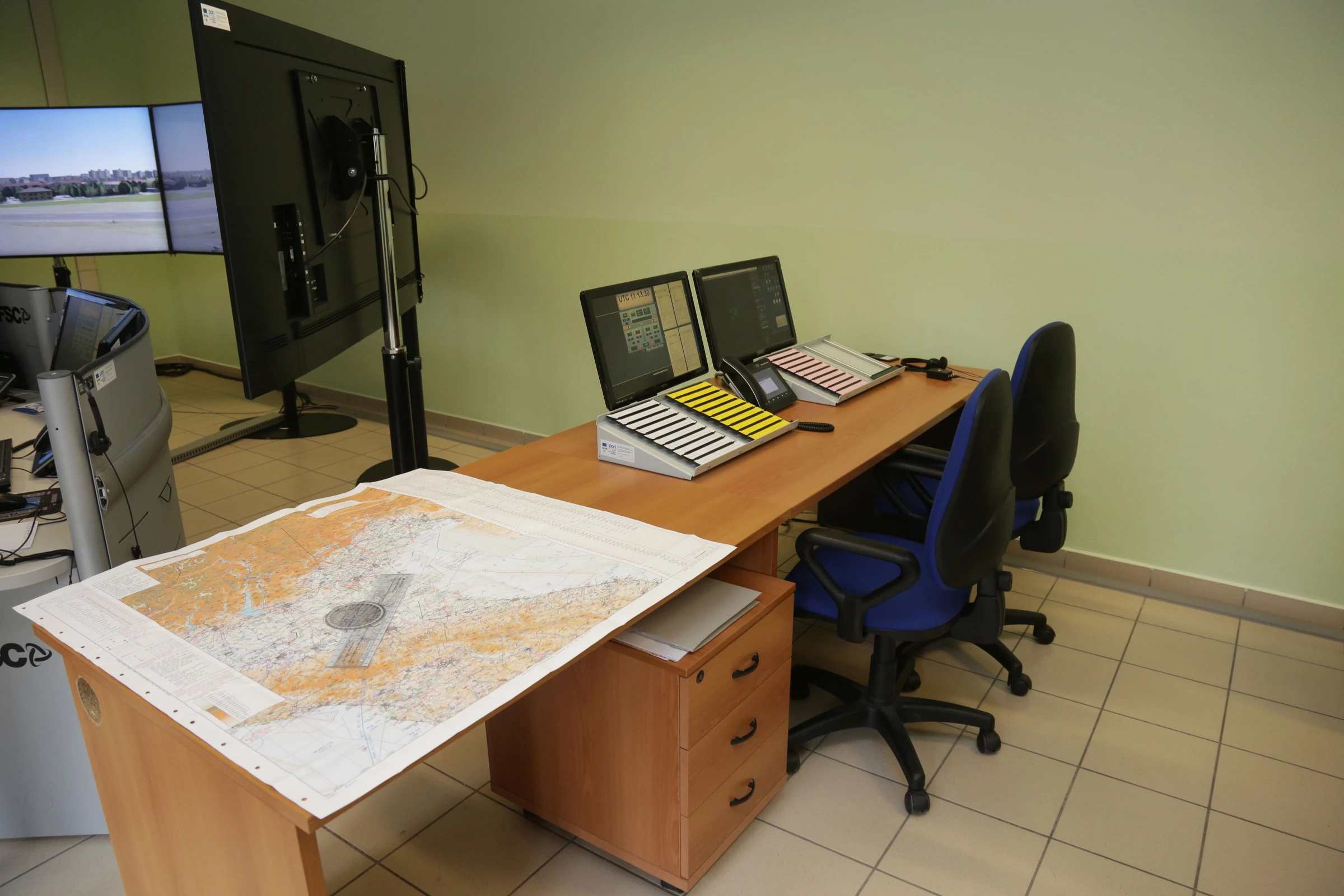
Remote station

* 1 handset with a telephone system for simulating coordination with all bodies participating in the simulations (1 ACC, 1 FIC, 2 APPs, 3 TWRs)

* "secret" audio connection with the Remote and/or instructor station

* 1 monitor with a keyboard and mouse for radar presentation of flight tracks aligned with their actual positions

* 2 fixed strip racks

* 1 microphone and speaker with pre-set frequencies, enabling listening and interaction with all communications

* 1 mini pc

Double FISO operator station

* 1 handset with a telephone system for simulating coordination with other entities at the "remote position"

* 1 microphone and speaker with pre-set frequencies, allowing communication with pilots on the operating and emergency frequencies

* 4 fixed strip racks

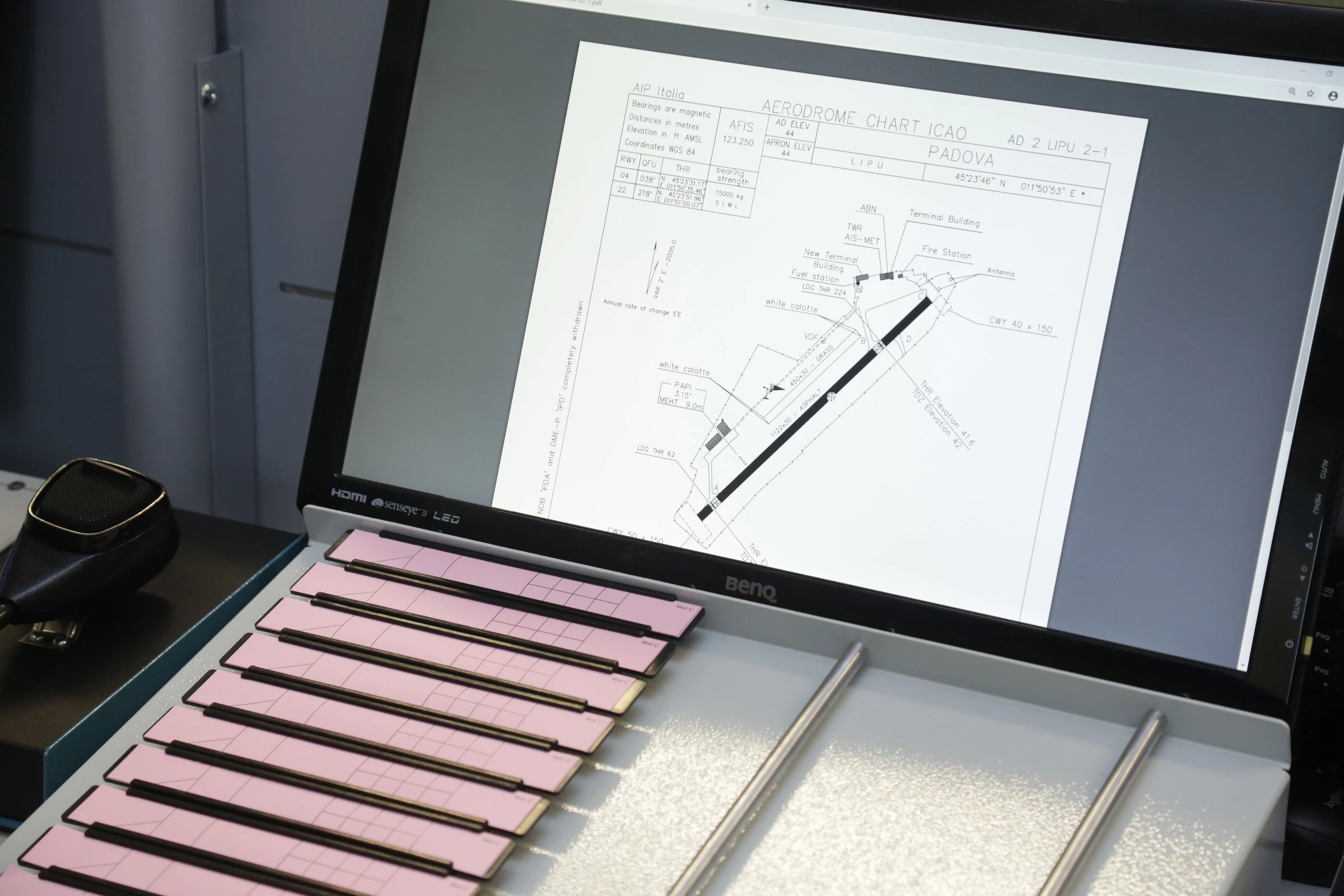
* 1 monitor for aeronautical information, NOTAM, AIP

* 1 monitor for meteorological information obtained from the simulation system


All uncontrolled airports can be added upon request

The airports of Padua, Crotone, Foggia, Venice-Lido, Treviso, Bolzano, Trento, Belluno and PRETORIO have been developed ad hoc

Reproduces any weather situation

It is possible to change it in real time on all machines, the time is perfectly synchronized and it is possible to pause everyone at the same time

FAQ

What sort of packaging do you use?

We prepare our products for dispatch with care, to ensure they reach our customers in exactly the same condition as when they leave our premises.

We avoid generic packaging and work with specialist partners who create bespoke solutions for us for each product, using extremely robust, high-quality packaging materials.

Where necessary, we provide additional protection for individual components using heat-sealed, multi-layer internal barriers to ensure complete protection against moisture, temperature fluctuations and any extreme weather conditions.


Product added to compare.
group_work Cookie consent