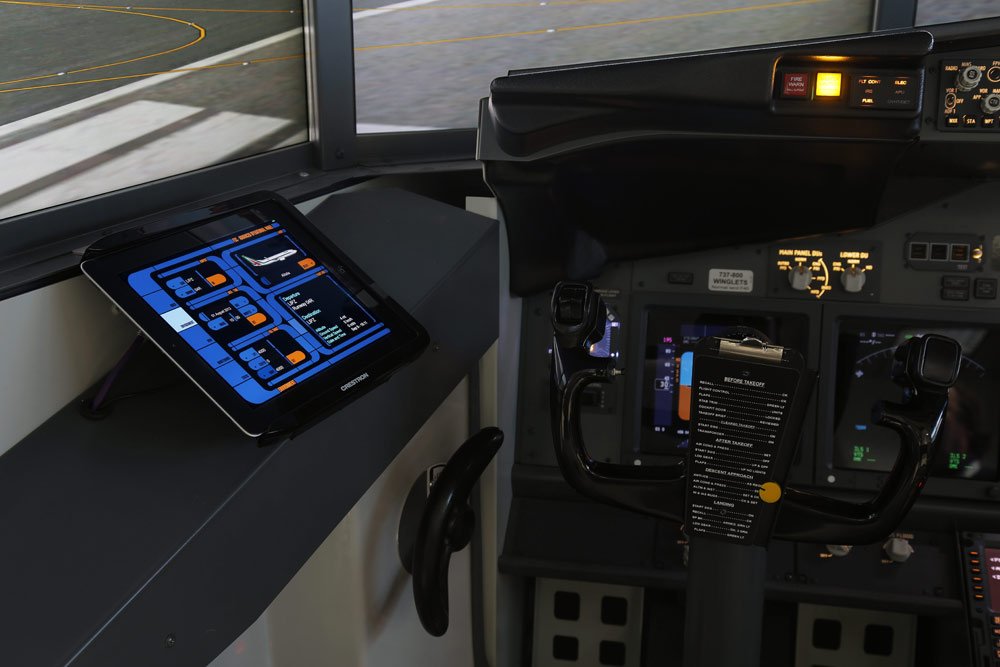
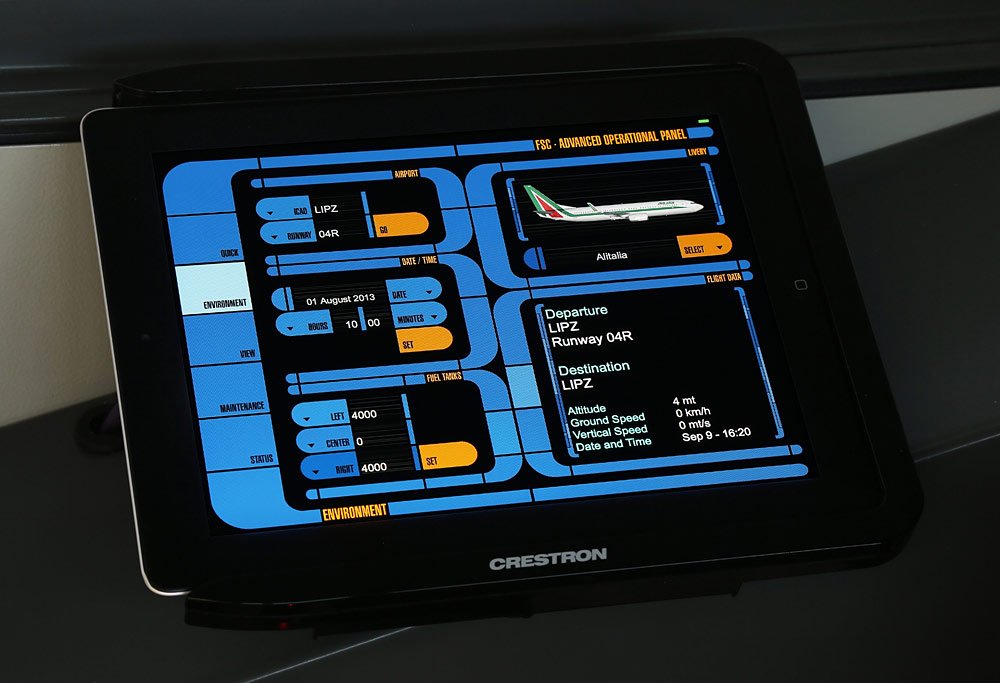
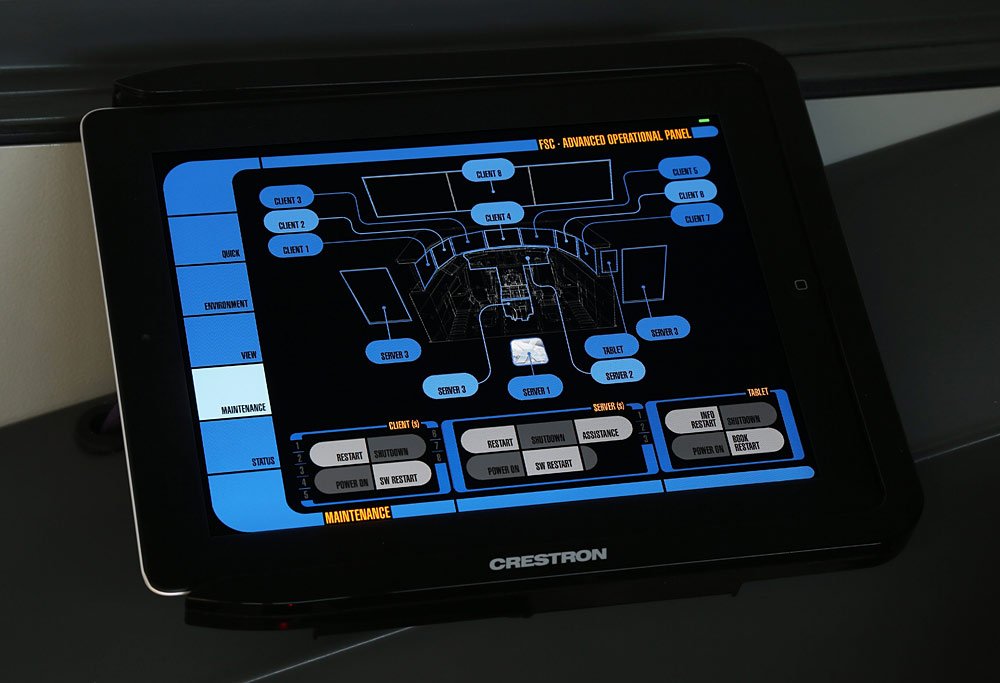
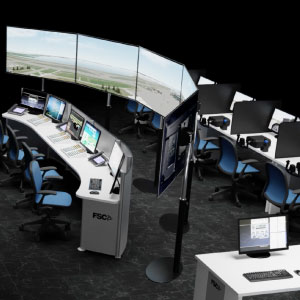
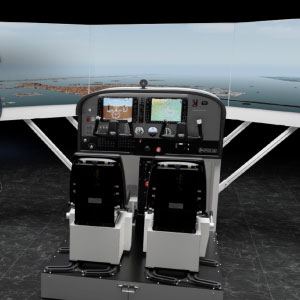
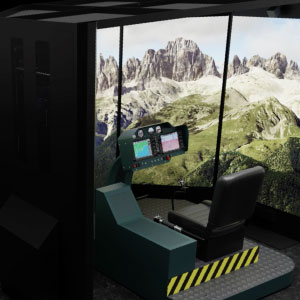
Our Turnkey simulators feature a convenient touch panel that provides information and allows immediate access to the main functions of the simulator itself.
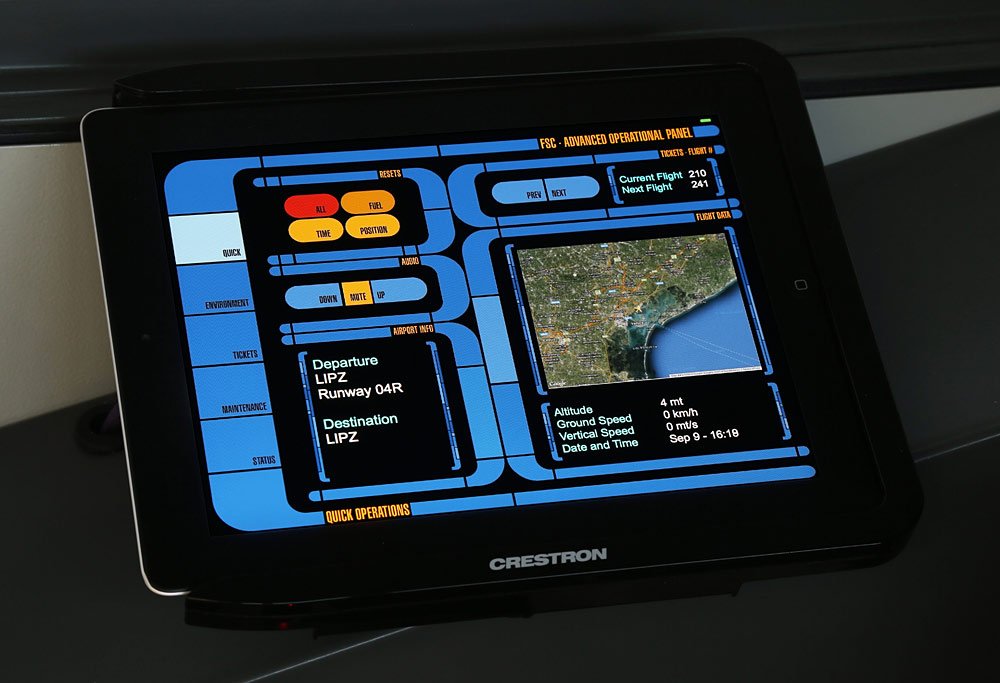
Running a proprietary software developed by FSC, it is located to the left of the operator and provides a simple and intuitive graphical interface, conveniently divided into sections.
Several functions are available, from the audio environment volume control, to the choice of livery and the instantaneous position on the map, the airports, and a comfortable maintenance section that allows you to restart the computer together or individually with extreme rapidity.